
画像
AI落書きジェネレーター:写真を落書きアートに変換
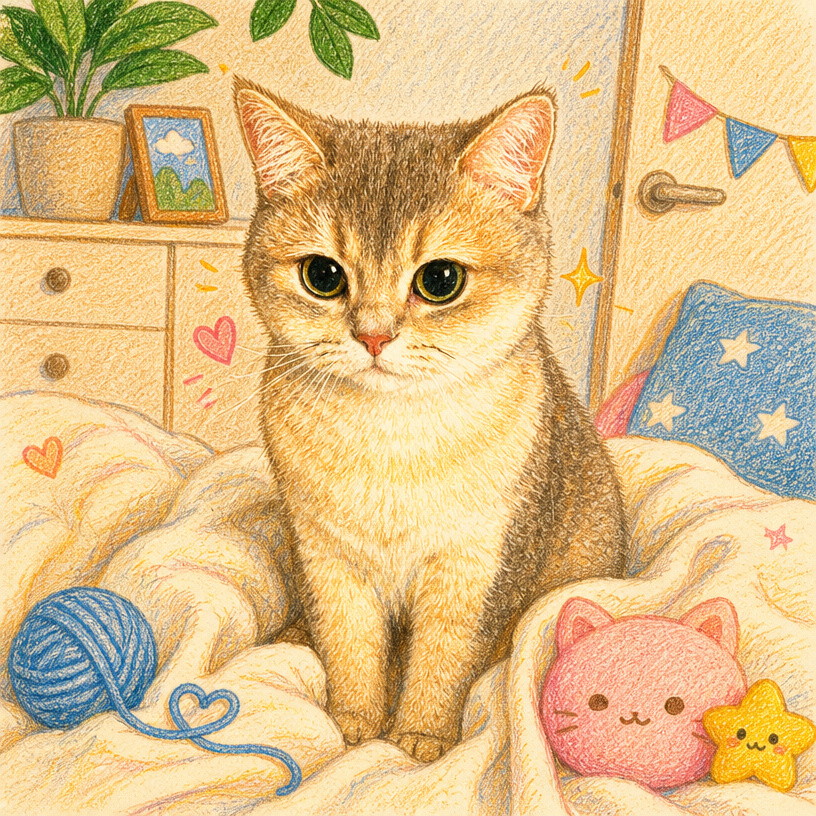
この画像落書き変換ツールで、写真に手描きのデコレーションを加えたり、被写体を落書き風ポートレートに描き直したり、シーン全体をイラストとして再構築したりできます。ミニマルライン、クレヨン、かわいい系、グラフィティ、ステッカーコラージュなど13種類のスタイルから選べます。
ハイライト
写真を落書きにする3つの方法
モード選びが仕上がりを決める
「落書きを追加」は写真をそのまま残し、周りに落書きを描き込みます。「落書きポートレート」は被写体をシンプルな背景の上に描き直します。「落書きワールド」はシーン全体をイラストとして再構築します。同じ写真から、まったく異なる3つの結果が得られます。
本当に手描きに見えるスタイル
ミニマルライン、ノートスケッチ、太マーカー、インクの走り描き、クレヨンは、写真にフィルターをかけたものではなく、人が描いた絵のように仕上がります。
小物選びはテーマにお任せ
誕生日、旅行、フード&カフェを選べば、シーンにぴったりの落書きが追加されるため、風船やパーティーハットを一つひとつ説明する必要はありません。
使い方
オンラインで写真を落書きに変える方法
- 1
参考写真をアップロード
ポートレート、ペット、集合写真、風景など、描いてほしいものなら何でも構いません。
- 2
どこまで残すかを選択
写真からどれだけ離れたいかに応じて、「落書きを追加」「落書きポートレート」「落書きワールド」から選びます。
- 3
スタイルとテーマを選択
13種類の画風と13種類のシーンから選べます。スタイルを自動のままにすれば、最適なものが選ばれます。
- 4
生成してダウンロード
カード、プロフィール画像、ステッカー、プリントなどに活用できます。
できること
現在得意としていること
よくある用途
写真から作れる落書きアート
Related workflow
More in Image Creation & Editing
Generate, edit, restore, and upscale images — the general-purpose image pipeline.
AI画像ジェネレーター
テキストプロンプトからAIで画像やアートを作成します。
AI画像エディター
Nano Banana搭載、シンプルなテキストプロンプトで写真を編集します。
AI画像合成
最大6枚の写真をシームレスな1枚のAI合成画像にまとめます。
AIスケッチメーカー
あらゆる写真を、鉛筆スケッチ、インク画、線画、木炭ポートレートなど13種類の手描きスタイルに変換します。
AI絵文字スタンプパック
1つの被写体から、表情、リアクション、イベント、コスチュームにわたる統一感のある絵文字スタンプセットを作成します。
AIキャラクターポーズパック
1枚のキャラクター写真から、同じ顔・同じ衣装のままポーズ違いのパックを丸ごと作成します。
よくある質問