
Turn a Photo Into Doodle Art Online
Upload a portrait, pet photo, travel shot, or everyday scene and redraw it as hand-made doodle art. Start with Colorful Crayon or switch among 13 styles, from minimal line and notebook sketch to graffiti and sticker collage.
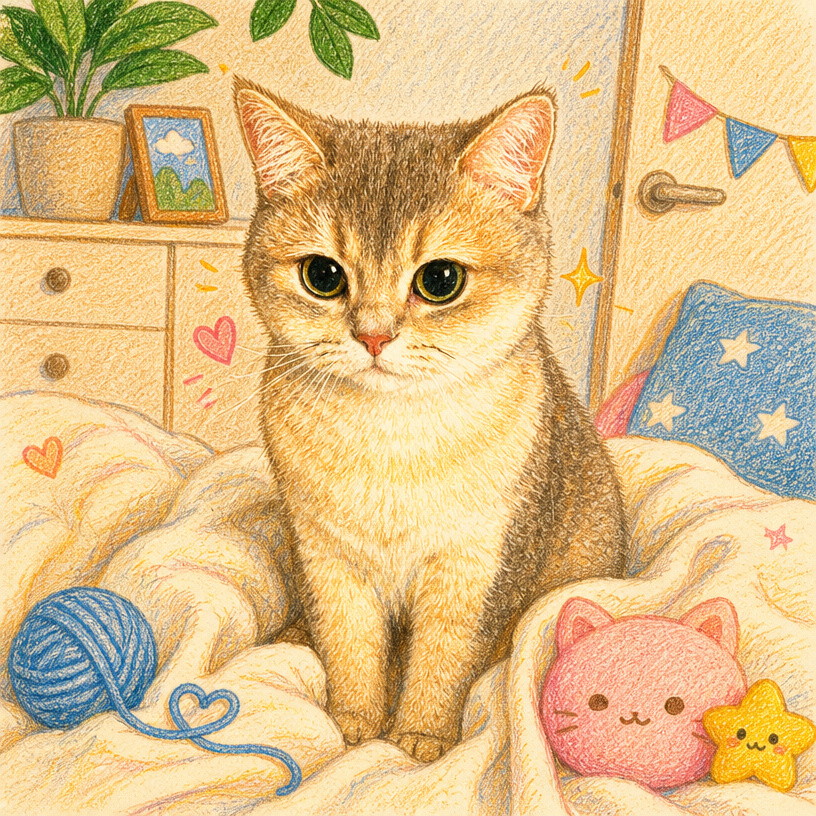
Choose how much of the photo becomes a drawing
Doodle World redraws the full scene, Doodle Portrait isolates and illustrates the subject, and Add Doodles keeps the photograph visible beneath hand-drawn details.
- Three image-to-doodle modes
- 13 drawing styles
- Framing for square, portrait, vertical, poster, and landscape output
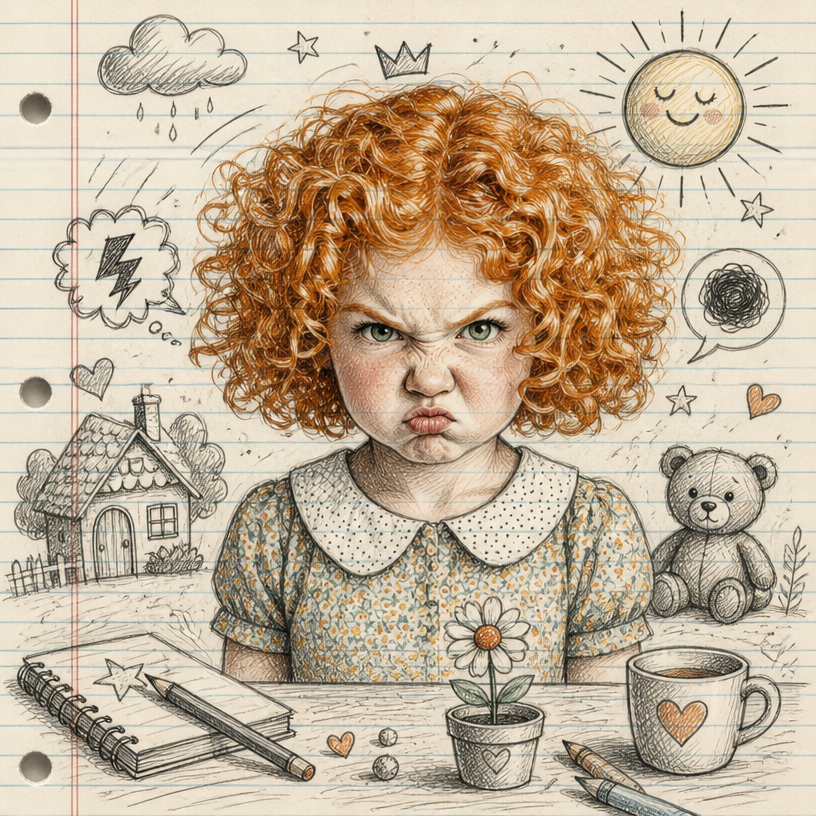
Make the result fit an occasion
Apply themes such as Birthday, Love, Travel, Music, Sports, Study, Nature, or Food & Café so the generated props support the story in your photo.
- 13 occasion themes
- Automatic style option
- No illustration software required
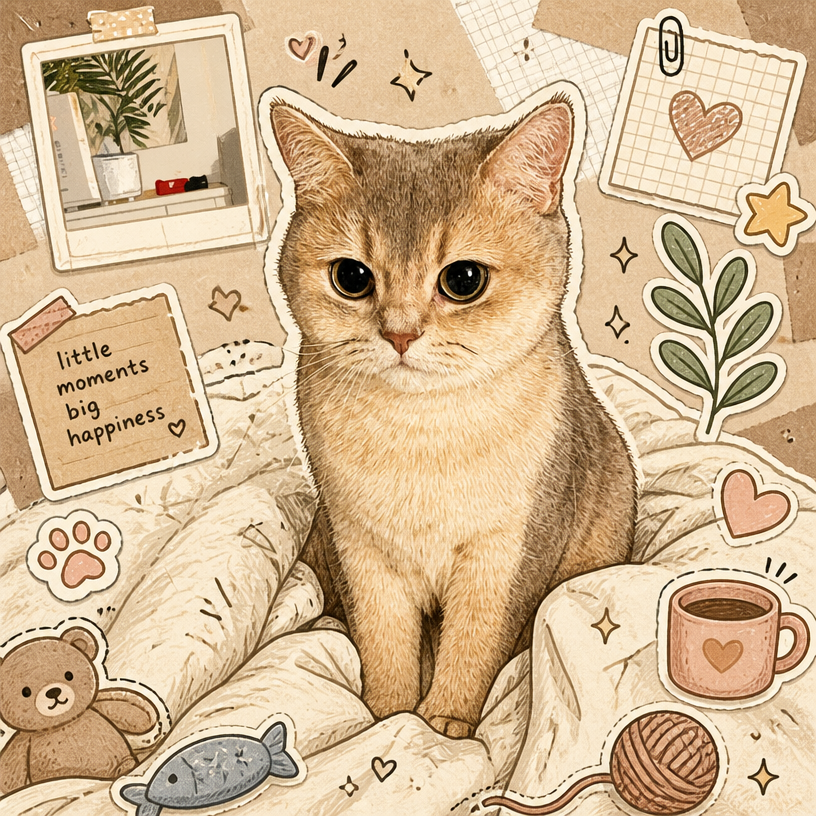
How It Works
Upload a clear photo
Choose an image with a visible main subject. Portraits, pets, places, and group photos all work.
Choose Doodle World and a style
Start with the preselected Colorful Crayon look or compare all 13 published style examples.
Generate and download
Create the illustrated version, review the result, and save it for social posts, cards, or prints.
Popular Uses
Frequently Asked Questions
Turn Photo Into Doodle
Turn Photo Into DoodleRelated workflow
More in Image Creation & Editing
Generate, edit, restore, and upscale images — the general-purpose image pipeline.
Générateur d'Images IA
Vos prompts textuels deviennent images et œuvres d'art grâce à l'IA.
Éditeur d'Images IA
Modifiez des photos avec de simples prompts textuels, propulsé par Nano Banana.
Fusion d'Images IA
Fusionnez jusqu'à 6 photos en une seule composition IA harmonieuse.
Créateur de Croquis IA
Transformez n'importe quelle photo en croquis au crayon, dessin à l'encre, line art, portrait au fusain ou dans l'un des 13 styles dessinés à la main.
Pack de Stickers Emoji IA
Transformez un sujet en un pack de stickers emoji cohérent : expressions, réactions, occasions et déguisements.
Pack de Poses de Personnage IA
Transformez une seule photo de personnage en un pack complet de poses : même visage, même tenue, nouveaux gestes.
- Group Photo CombineMerge separate portraits into one group photo.
- Memorial Photo CombineAdd a loved one back into a family photo.
- Doodle AvatarCreate a hand-drawn profile avatar from a portrait.
- Pet Doodle PortraitTurn a dog, cat, or other pet photo into doodle art.
- Birthday DoodleAdd hand-drawn birthday details to a favourite photo.
- AI Creative StudioRun the image tools together in one workspace.