How to Clean and Format AI Transcripts for Professional Use
Raw AI transcripts need polishing to become professional assets. This comprehensive guide provides step-by-step instructions, templates, and expert tips to transform automatic transcriptions into clean, formatted documents ready for publishing, research, or content repurposing. Whether you're editing an AI generated transcript for interviews, podcasts, or meetings, you'll learn the proper format and techniques to fix errors efficiently.
Quick Answer: How to Clean and Format AI Transcripts
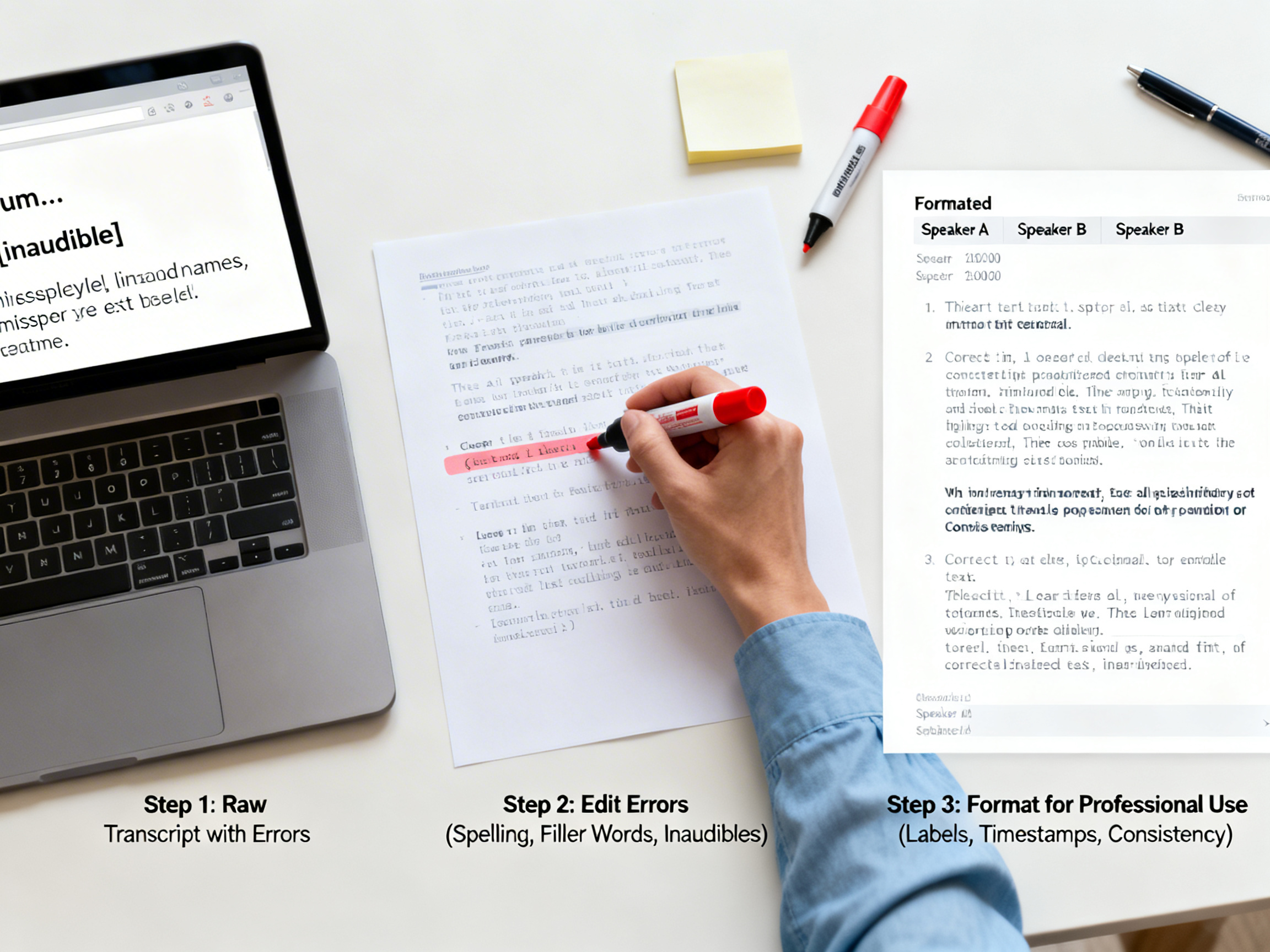
To clean and format an AI transcript professionally, follow this workflow: review the raw output, correct transcription errors, add proper speaker labels, format with consistent styling, and export in your required format. The process typically takes 15-30 minutes per hour of audio when using systematic editing techniques.
- Always start with the highest quality audio and accurate AI transcription
- Use standardized templates for different content types (interviews, meetings, podcasts)
- Implement consistent formatting rules for speaker labels, timestamps, and paragraph breaks
- Proofread for context and readability, not just word-for-word accuracy
Common Errors in Automatic Transcription and How to Fix Them
Understanding typical AI transcription errors helps you edit more efficiently. Most automatic transcription services struggle with similar challenges, regardless of their underlying technology. Knowing what to look for saves significant editing time.
The most frequent issues include homophone errors ("their" vs. "there"), proper noun mistakes, missing punctuation, run-on sentences, and incorrect speaker identification. Background noise, multiple speakers talking simultaneously, and strong accents also reduce accuracy. A good transcript formatting guide addresses these systematically rather than line-by-line.
| Error Type | Example | Correction Strategy |
|---|---|---|
| Homophones | "We need to right the report" | Context review, listen to audio segment |
| Proper Nouns | "John at Tesla" → "Jon at Tessa" | Research names/terms, create glossary |
| Punctuation | Run-on sentences without breaks | Add natural pauses, paragraph breaks |
| Speaker Labels | Multiple speakers labeled as "Speaker 1" | Identify voices, use consistent naming |
| Technical Terms | "Machine learning" → "machine learning" | Verify industry terminology |
Use 1bit AI Transcribe for Higher Accuracy Transcripts
Starting with a more accurate raw transcript reduces editing time significantly. 1bit AI Transcribe uses advanced models that handle background noise, multiple speakers, and technical vocabulary better than basic transcription tools. This means you spend less time fixing errors and more time on professional formatting.
Transcribe Audio And VideoStep-by-Step Guide: How to Edit an AI Generated Transcript
Follow this systematic approach to transform any raw AI transcript into a professional document. This process works for interviews, meetings, podcasts, and lectures. The key is working in passes rather than trying to fix everything at once.
The 5-Pass Editing Method
Initial Review Pass
Read through the entire transcript without making changes. Note recurring issues, speaker patterns, and sections that need special attention. This gives you context before starting detailed edits.
Speaker Identification & Labeling
Establish consistent speaker labeling in transcripts. Use actual names when known (Interviewer: Sarah, Guest: Dr. Chen) or descriptive labels (Host, Expert, Participant 1). Listen to voice differences if the AI misidentified speakers.
Error Correction Pass
Fix transcription errors while listening to the audio at 0.75x-1x speed. Focus on homophones, proper nouns, technical terms, and missing words. Use timestamps to mark difficult sections for later review.
Formatting & Structure
Apply your chosen template formatting. Add paragraph breaks at natural thought transitions. Include timestamps at regular intervals or scene changes. Format speaker labels consistently (bold, all caps, or colored).
Final Proofread & Export
Read the transcript without audio to check flow and readability. Verify formatting consistency. Export in required formats (DOCX, PDF, SRT, VTT). Consider creating both a clean version and a timecoded version.
Professional Transcript Templates for Different Use Cases
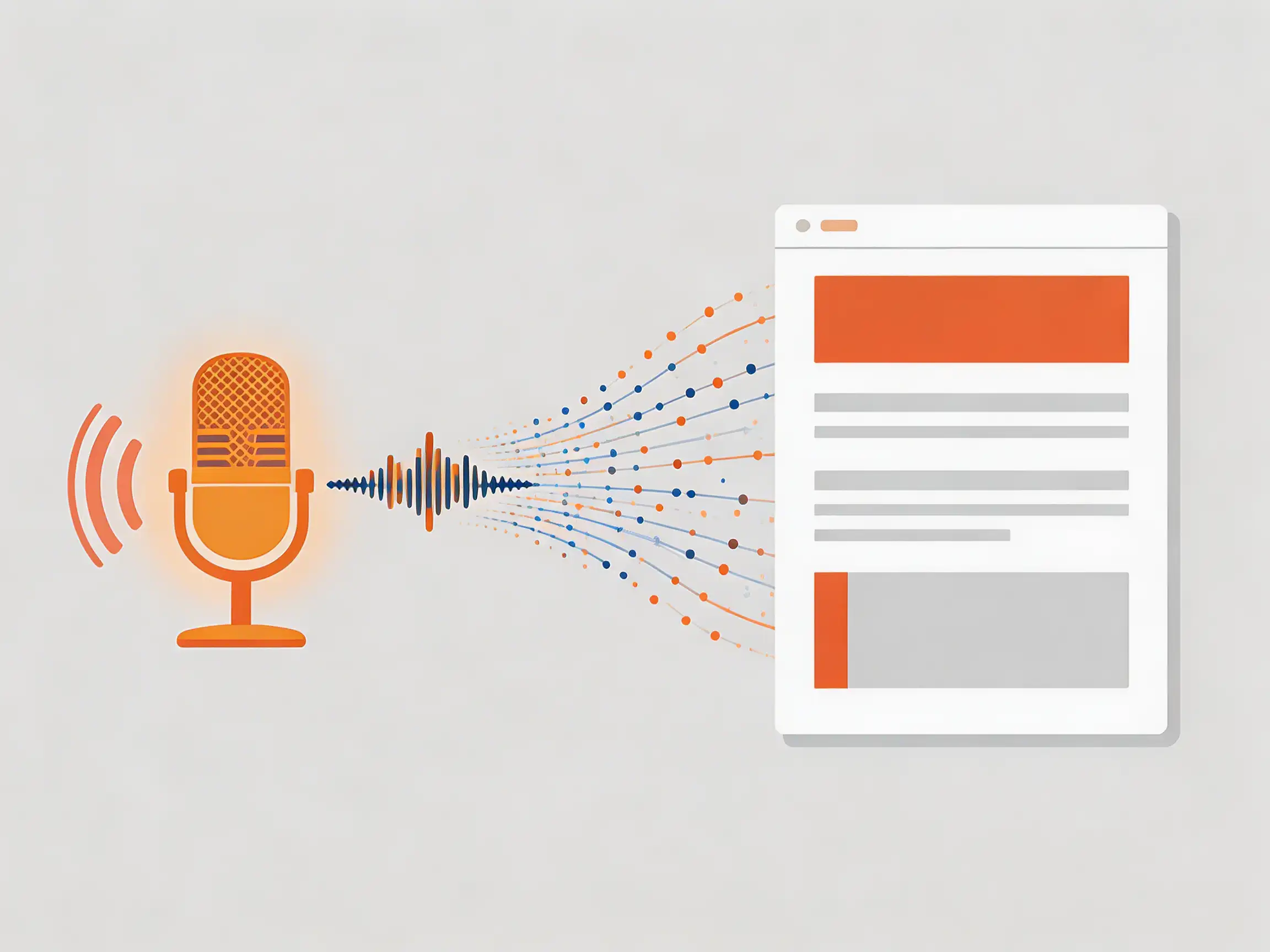
Different content types require different formatting approaches. A proper format for an interview transcript differs from a meeting minutes transcript or podcast show notes. These templates save time and ensure consistency across your projects.
Interview Transcript Template
Ideal for journalistic interviews, research interviews, or podcast guest conversations.
[INTERVIEW TITLE]
Date: [Date] | Location: [Location/Virtual] | Participants: [Names]
INTERVIEWER: Opening question or introduction...
GUEST: Response text here. Paragraph breaks at natural thought transitions.
INTERVIEWER: Follow-up question or comment.
[Timestamp: 15:30] Topic change or section break
Business Meeting Transcript Template
Formal structure for team meetings, client calls, or board meetings with action items.
MEETING MINUTES
Meeting: [Topic] | Date: [Date] | Attendees: [List]
1. OPENING (10:00)
Facilitator: Called meeting to order, reviewed agenda.
2. DISCUSSION TOPIC (10:15)
Team Member A: Presented quarterly results...
Team Member B: Asked clarifying question...
ACTION ITEMS:
• [Name]: Complete report by [date]
Ready to Try Professional Transcription?
New users get free credits to try 1bit AI Transcribe. Upload your first audio or video file and receive a transcription that's already optimized with proper speaker identification and punctuation—reducing your editing time by up to 60%.
Transcribe Audio And VideoAdvanced Formatting Tips for Specific Use Cases
For Accessibility & Compliance
- Include descriptive audio elements in brackets: [music swells], [laughter]
- Add speaker identification for every change
- Use proper heading structure for screen readers
- Include timestamps every 2-5 minutes for navigation
For Content Repurposing
- Highlight quotable sections with callout formatting
- Add SEO keywords naturally during editing
- Mark sections for social media snippets
- Create both clean and timecoded versions
Frequently Asked Questions
How long does it take to clean and format an AI transcript?
With practice, expect 15-30 minutes per audio hour for professional formatting. Complex audio with multiple speakers, technical terms, or poor recording quality may take longer. Using accurate AI transcription like 1bit AI Transcribe as your starting point significantly reduces editing time.
What's the proper format for an interview transcript?
Professional interview transcripts include consistent speaker labels (bold or all caps), paragraph breaks at thought transitions, minimal timestamps at topic changes, and contextual notes in brackets. Always include metadata: date, participants, and interview context at the top.
How do I fix errors in automatic transcription efficiently?
Work systematically: first identify error patterns, then edit in passes (speakers, errors, formatting). Use playback at 0.75x speed for difficult sections. Create a glossary of proper nouns and technical terms before starting. Consider starting with higher-accuracy AI transcription to minimize errors.
Should I include every "um" and "ah" in the final transcript?
For most professional uses, remove filler words unless they convey meaningful hesitation or emotion. For legal, academic, or linguistic analysis, include all verbalizations. Always clarify the transcript's purpose with stakeholders before deciding on verbosity level.
Conclusion: Master Your Transcript Workflow
Learning how to clean and format AI transcripts professionally transforms raw automatic transcription into valuable assets. By following systematic editing processes, using appropriate templates, and understanding common error patterns, you can produce polished transcripts for any purpose. Remember that starting with higher-quality AI transcription significantly reduces your editing burden.
Whether you're creating interview transcripts for research, meeting minutes for documentation, or accessible content for wider audiences, these techniques ensure professional results. The key is consistency, attention to context, and choosing the right tools for your workflow.