AI Infographic Generator
Capture ideas from the web and turn them into infographic briefs faster.
Use the extension when your infographic workflow starts from an article, a highlighted passage, or a topic discovered while browsing.
Paste a link, upload a document, or input your text. Our AI will extract the core data and visualize it instantly.
Capture ideas from the web and turn them into infographic briefs faster.
Use the extension when your infographic workflow starts from an article, a highlighted passage, or a topic discovered while browsing.
Stop wasting hours on design. Paste a link, get a professional chart. The fastest way to create visual summaries for marketing and education.
Our AI automatically digests the core structure, data points, and relationships within your source content (links, documents, or concepts) and formats them into a clean, scannable infographic. Perfect for **blog posts to infographics**, **PDF summaries**, and **data visualization**.
Five distinct styles for every purpose: marketing, professional reports, social media, and academic summaries.
Professional, high-contrast style. Ideal for reports, business summaries, and blog feature images.
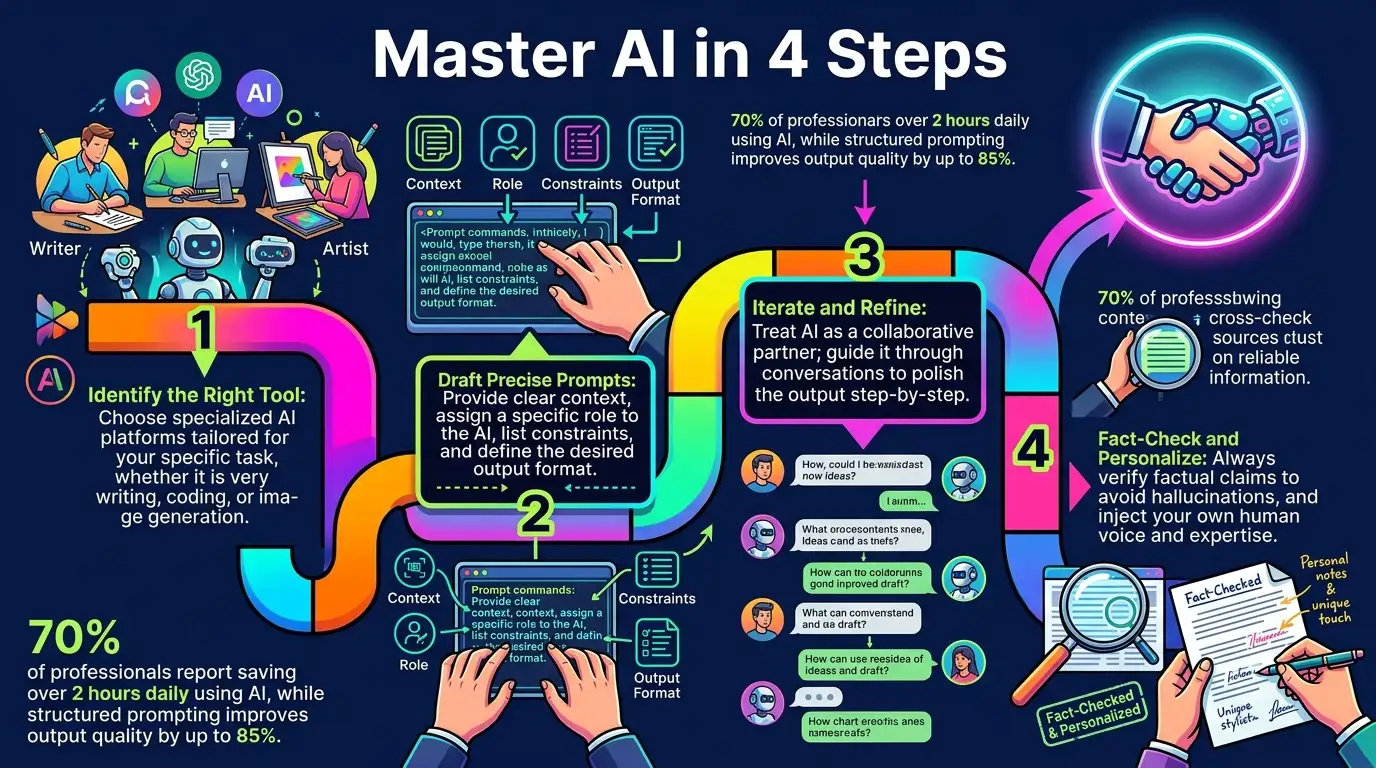
Sci-fi, glowing lines on a dark background. Perfect for modern tech articles and social media engagement.
A mature, magazine-like layout. Excellent for high-end content and print-ready educational materials.
Vibrant colors and friendly vector illustrations. Best for simplifying complex topics or sharing on fun social platforms.
Our process is designed for speed—no design skills needed.
Paste an article URL (to Convert Blog Post to Infographic), upload a PDF/Doc (to Summarize PDF to Infographic), or input your raw text (for Text to Infographic AI conversion).
Choose one of the 5 styles (e.g., Dark Tech) and pick your preferred aspect ratio (e.g., 9:16).
Click "Generate Infographic." The AI processes the content and delivers the high-quality image ready for use.
infographic
infographic
Transparency drives trust. Our multi-layered orchestration engine ensures your creative intent is translated into high-fidelity visual assets with industry-leading precision and security.
Our system intelligently routes prompts to specialized engines. Seedream 4.0 handles ultra-realism, while Nano Banana (Gemini-Powered) excels in complex logical reasoning.
Utilizing a dedicated LLM layer, we expand simple keywords into professional-grade descriptors, automatically optimizing lighting, camera angles, and texture parameters.
Your inputs are encrypted and never used for public training. You retain 100% commercial ownership of every image generated through our professional pipeline.
Input Orchestration
Your prompt is analyzed by our NLP layer to resolve ambiguities and assign the best visual model.
Engine Synthesis
High-performance GPU clusters execute 30-50 iterative denoising steps to forge pixels with extreme clarity.
Post-Processing Guardrails
Final assets are upscale-ready and checked against our safety filters before being delivered to you.
* Verified by 5,000+ internal benchmark tests
| Feature | Nano Banana Pro Best for Professional Use | Seedream 4.5 High Fidelity Visuals | Standard AI Models |
|---|---|---|---|
| Text Rendering in Images |
Excellent
95%+ accuracy, multilingual
|
Good | Basic Support |
| Presentation Optimization |
Advanced
Studio-grade layouts
|
Cinematic
Photorealistic focus
|
Standard |
| Infographic Generation |
Specialized
|
High Quality | Basic |
| Speed | Fast | Balanced | Varies |
| Chart & Diagram Support |
Excellent
Text + Data visualization
|
Visual Only | Limited |
Everything you need to know about AI Infographic Generator
Absolutely. Simply paste the full text of your blog post or any article into the text box, or provide a link. Our AI will automatically perform Text to Infographic conversion by summarizing the key points and visualizing them.
You can upload your PDF, DOCX, or Excel file directly. The AI will extract the data and key takeaways, then automatically generate a visual summary, acting as a powerful Summarize PDF to Infographic tool.
Yes, many users paste the text content of their resume or a career outline. The AI Infographic Generator can create a visually engaging, timeline-style infographic for a modern and eye-catching resume accessory.
You can use web links (URLs), PDF/DOCX documents, raw text, and simple topic concepts or data summaries.
The model is optimized for structural accuracy. We still recommend human review of the generated infographic, especially for complex numerical data.
Yes. As the creator of the content, you own the generated output and can use it for personal or commercial projects.
The AI Infographic Generator offers free usage credits for all new 1bit AI users to test all 5 styles.
No. We guarantee your uploaded documents and text are not used to train our AI models.
Complete 7 consecutive days to collect higher rewards. Missing a day resets the streak.
Day 1
Today
Day 2
Upcoming
Day 3
Upcoming
Day 4
Upcoming
Day 5
Upcoming
Day 6
Upcoming
Day 7
Upcoming