
design
Convert any content into a professional infographic
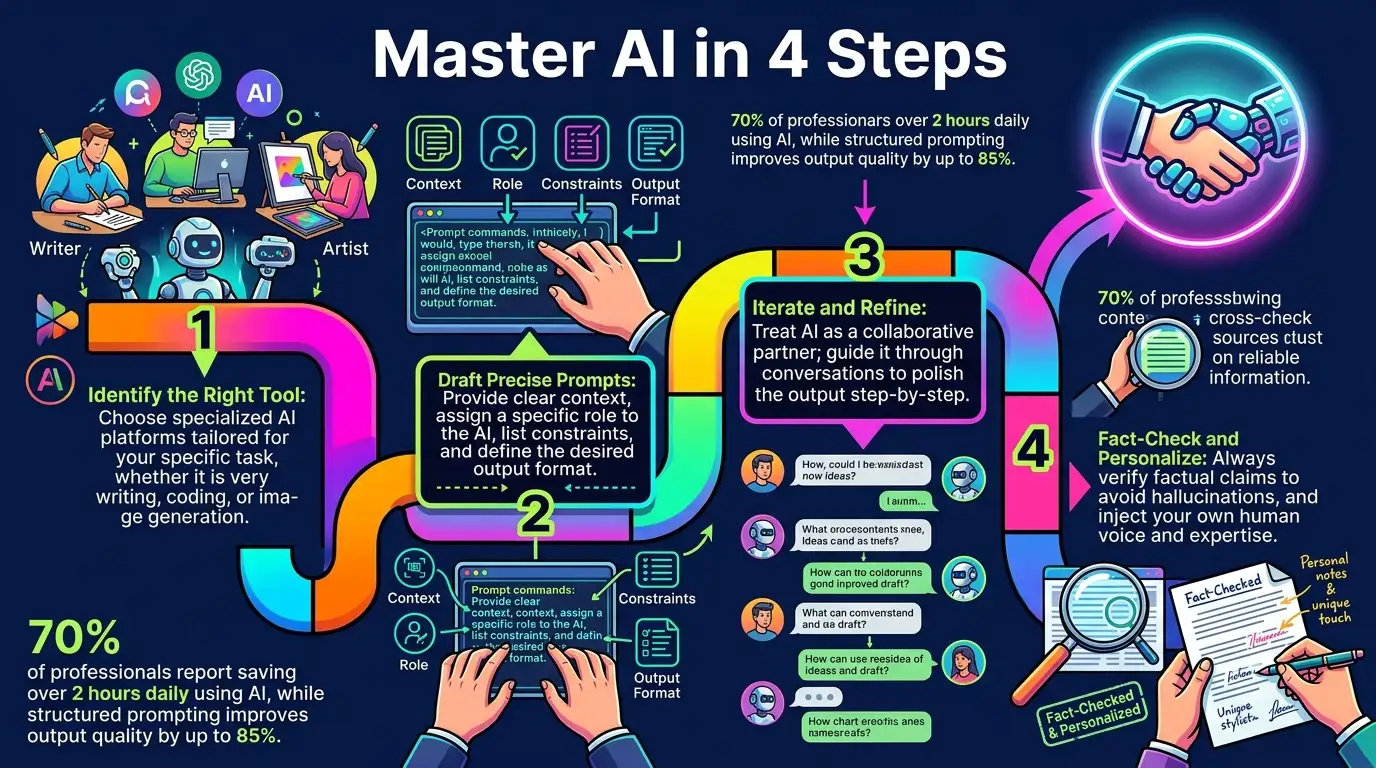
Paste a link, upload a document, or type your text and AI extracts the core data and visualises it. Choose a style, pick an aspect ratio, and get a clean, scannable infographic in one step. Perfect for turning blog posts, PDFs, and reports into visual summaries.
AI Infographic Generator
Turn links, text, and documents into professional infographics with AI.
Open full workspace20 credits per image.
Highlights
Built for AI Infographic Generator
No design skills required
AI digests your source and handles layout, typography, colour, and visual hierarchy.
Multiple input types
Works from web links, raw text, and PDF, DOCX, TXT, Excel, or CSV documents.
Distinct visual styles
Auto, Clean Minimalist, Dark Mode Tech, Modern Editorial, Fun Playful, and more for any audience.
How it works
How AI Infographic Generator works
Input your source content
Paste an article URL, upload a document, or type your raw text.
Select style and format
Choose a style such as Dark Mode Tech and pick your aspect ratio.
Generate and download
AI processes the content and delivers a high-resolution infographic ready to use.
Capabilities
What it handles well right now
Common jobs
What people use AI Infographic Generator for
Related workflow
More in Marketing & Ad Creative
Ads, social posts, carousels, thumbnails, and decks built from a brief or an existing asset.
AI Product Infographic
Turn product features into a shoppable infographic with callouts and labels.
AI Presentation Generator
Turn a topic into a complete slide deck you can edit, share, and export.
AI Ad Creative Generator
Create high-converting ad visuals for products, services, apps, and campaigns.
AI Social Post Generator
Generate on-brand social posts for any platform — Instagram, TikTok, LinkedIn, and more.
AI Carousel Generator
Turn a topic into a multi-slide carousel with consistent design and clear structure.
AI YouTube Thumbnail Generator
Create click-focused YouTube thumbnails and video covers with AI.
FAQ