
translation
Free image translator: OCR and translate in 100+ languages
Extract and translate text from any image instantly. AI-powered OCR accurately recognizes text in photos, screenshots, and documents, then translates it into the language you choose. The source language is detected automatically.
8+ credits per image, based on image size Images are previewed in the overlay queue.
In short
What you get with the 1Bit image translator
- 100+ target languagesEnglish, Japanese, Korean, Chinese (Simplified & Traditional), Spanish, French, German, Arabic, Hindi, Portuguese, Russian, Vietnamese, and more.
- Layout-preserving OCRManga speech bubbles, menu columns, and UI captions keep their position and reading flow — no manual re-layout after translation.
- Batch up to 50 imagesQueue screenshots, photos, scans, and manga panels in a single run. Each image lands back in your account history as its own translated result.
- Free tier, then 8+ credits per imageUse your free daily credits first. Each image shows the cost before the translation starts.
.webp)
Highlights
Built for quick image translation
OCR and translation in one tool
AI combines optical character recognition with neural machine translation, so you go straight from an image to translated output.
Built for real image text
Works well for photos, screenshots, documents, signs, and menus where text sits inside a designed layout.
Automatic language detection
The source language is detected for you, so you only pick the target language and translate.
How it works
Three steps from upload to translated image
Upload your image
Upload any image containing text: a photo, screenshot, document, or sign.
Select the target language
Choose from 100+ languages. The AI automatically detects the source language.
Get your translation
Receive an accurate translation instantly, then download or copy the result.
Capabilities
What it handles well right now
Common jobs
Typical image translation tasks
Try a popular scenario
Tuned for the image text you actually deal with
Each scenario below focuses on a common image type, with before/after samples and FAQs for that job. Pick the one that matches your image and start with the right context.
AI Manga Image Translator
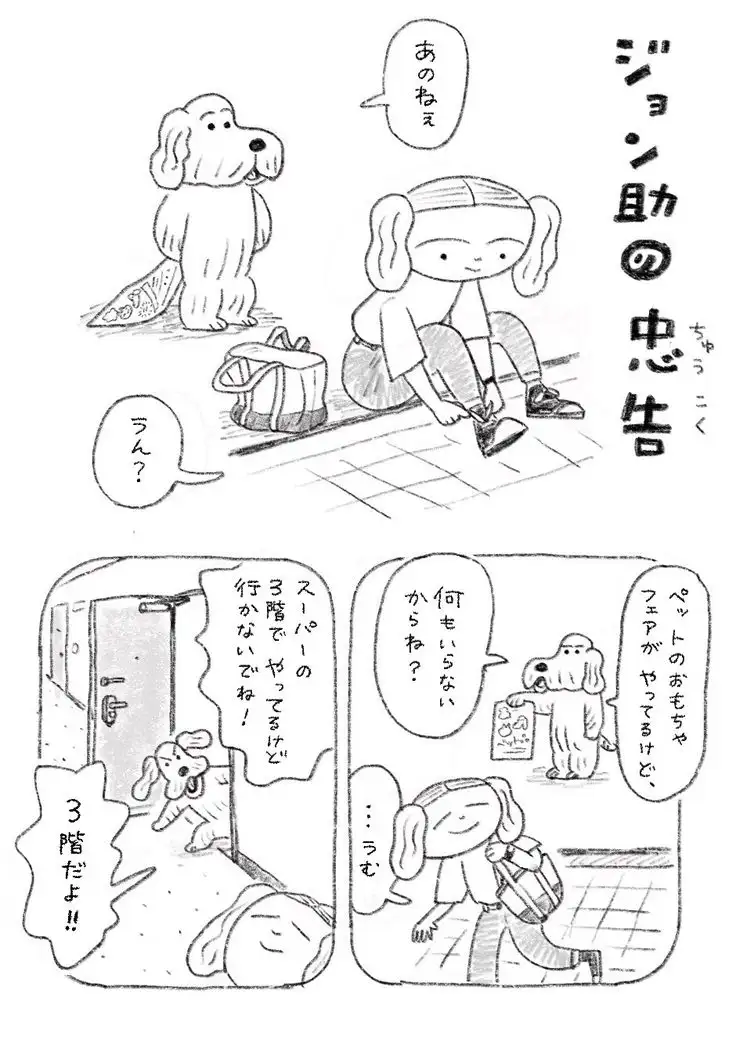
Built for manga: our OCR recognizes vertical text and speech bubbles, then uses in-painting to erase the original and fill with your translation so the art stays clean. Upload raw scans and get translated panels in one go.
Open scenario →Handwriting OCR & Translator
Our deep learning model reads messy and cursive handwriting where traditional OCR fails. High recognition rate for rushed notes and varied styles. Upload a photo to get editable, translated text instantly.
Open scenario →Document Image Translator
Preserve your structure: extract and translate text from manuals and business cards while keeping the layout readable in the translated image.
Open scenario →Game Screenshot Translator
Built for gamers: batch upload multiple screenshots at once. Our engine is tuned for game terminology—menus, skills, and dialogue—so in-game UI translates accurately. Works perfectly for PC and mobile captures.
Open scenario →Korean to English Image Translator
Upload a photo of Korean signs, menus, screenshots, or documents and translate the text into English. The flow is tuned for clear Hangul text on desktop and mobile images.
Open scenario →Related workflow
More in Translation & Localization
Translate what is inside an image, a document, or a screenshot while keeping the layout.
Transcribe
Transcribe audio and video to text with AI in 100+ languages.
AI Text Render
Turn any words into a ready-to-post image with AI.
AI Image Editor
Edit photos with simple text prompts, powered by Nano Banana.
FAQ