
← All Image Translation
Game Screenshots
Game Screenshot Translator
Built for gamers: batch upload multiple screenshots at once. Our engine is tuned for game terminology—menus, skills, and dialogue—so in-game UI translates accurately. Works perfectly for PC and mobile captures. New accounts can start with free credits before upgrading.
Level Up Your Gaming: Batch Screenshot Translation
Don’t pause the action. Batch upload your game screenshots to translate UI, skill trees, and dialogue with high-accuracy gaming terminology—perfect for PC and mobile.
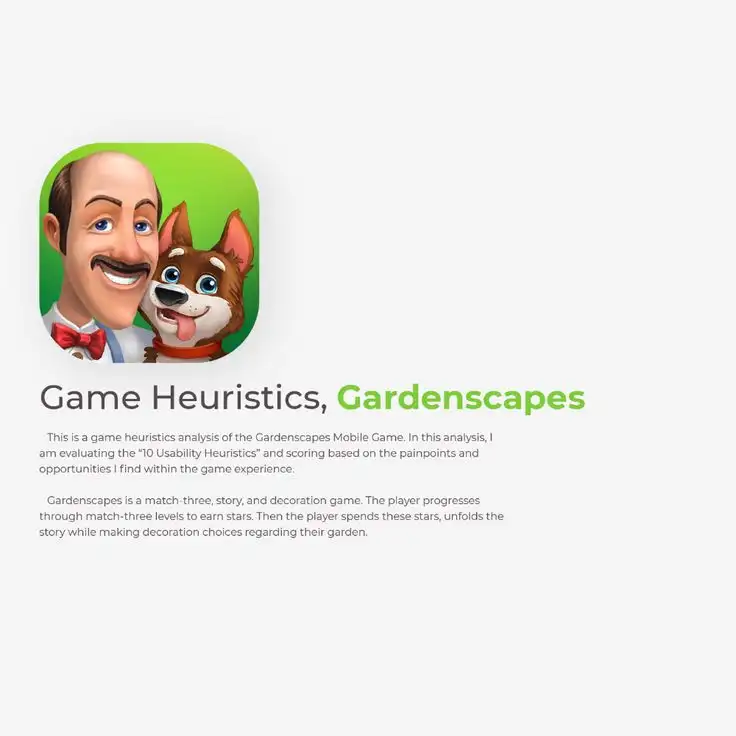
Original In-Game UI
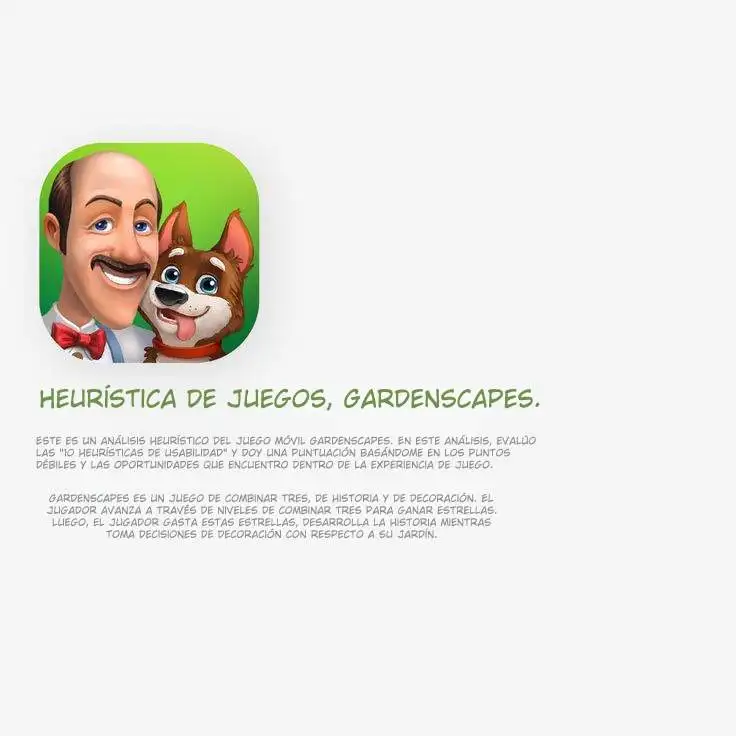
Localized Gaming Experience
Frequently Asked Questions
Yes. You can upload dozens of screenshots at once. Our tool will process them in batch, which is perfect for translating long dialogue sequences or complex game menus.
Related workflow
More in Translation & Localization
Translate what is inside an image, a document, or a screenshot while keeping the layout.