
← All Image Translation
Documents & Business
Document Image Translator
Preserve your structure: extract and translate text from manuals and business cards while keeping the layout readable in the translated image. New accounts can start with free credits before upgrading.
Keep Your Layout: Document Image Translation
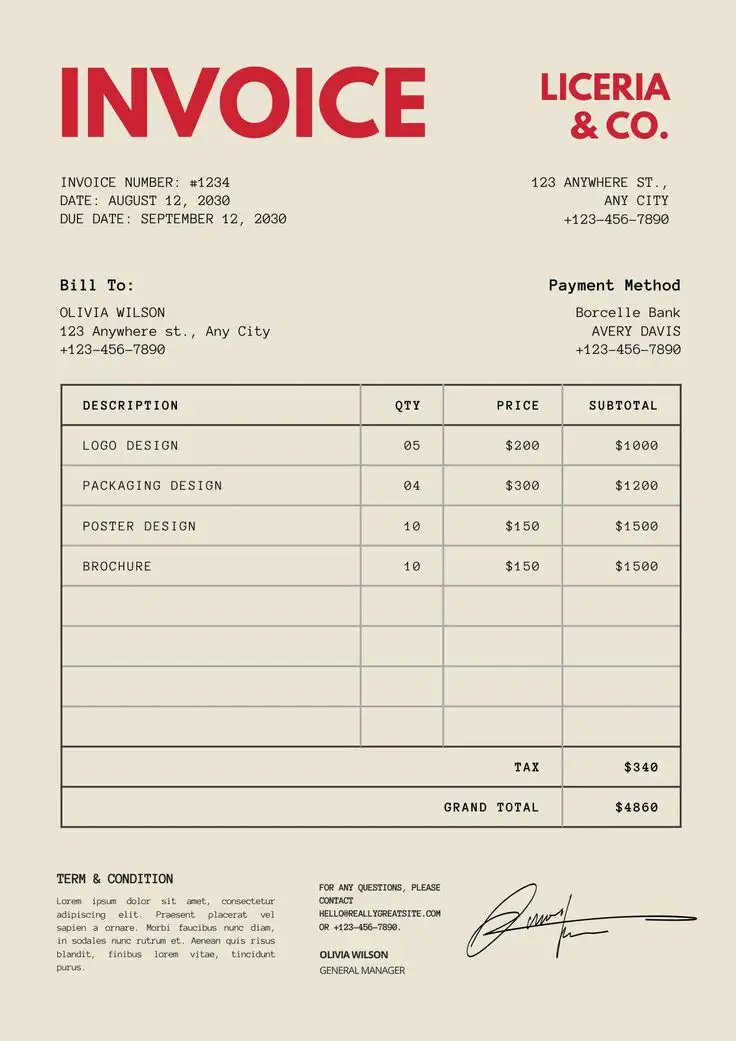
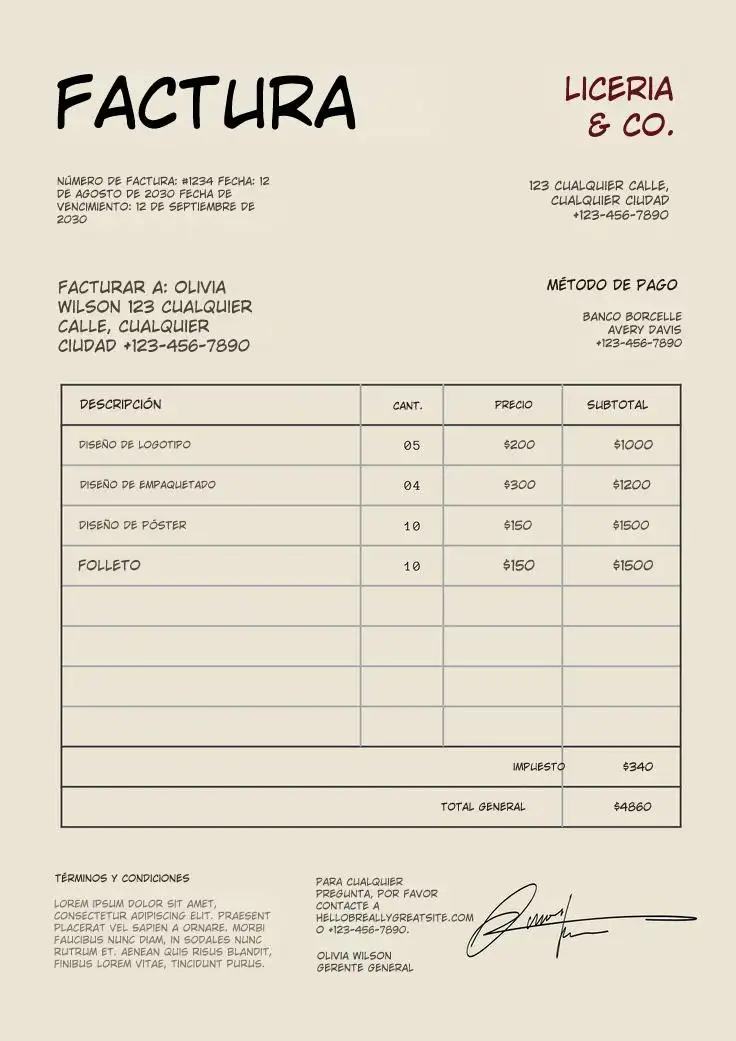
Translate technical manuals, forms, and business cards while keeping the translated result close to the original visual structure.
Original Document Scan
Translated (Format Preserved)
Frequently Asked Questions
Yes. Our tool is designed to retain paragraph structures, headings, and image placements so that your translated document looks like the original.
Related workflow
More in Translation & Localization
Translate what is inside an image, a document, or a screenshot while keeping the layout.