
Top Free AI Infographic Generators
Compare AI infographic tools for turning text, PDFs, resumes, and data into visual layouts.
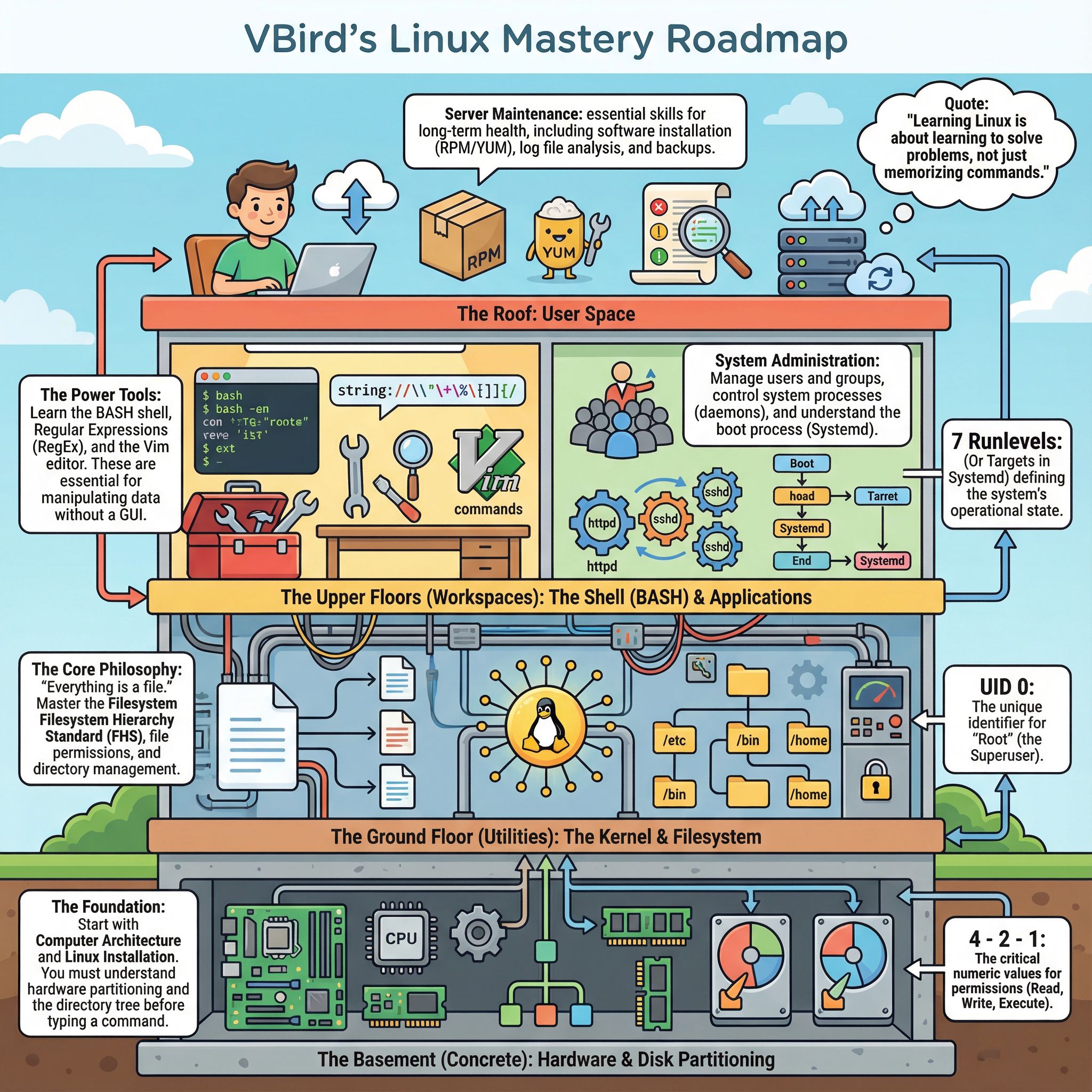
Top 5 Free AI Infographic Generators in 2025: Turn Text into Visuals Instantly
In 2025, content is still king, but visual content is the emperor. Whether you are a marketer summarizing a blog post, a student visualizing a PDF, or a job seeker creating a resume infographic, you don't have time to spend 4 hours dragging and dropping shapes.
While traditional tools like Canva and Venngage have dominated the market for years, a new wave of AI-first tools has emerged. These tools don't just give you a template; they actually read your content and build the design for you.
We tested the most popular tools on the market to bring you the Top 5 Free AI Infographic Generators in 2025, ranked by ease of use, automation level, and design quality.
1. 1bit AI (Best for True Automation & Style)
If you are looking for the fastest way to go from Text to Infographic, 1bit AI is the top contender in 2025. Unlike traditional design tools where AI is an afterthought, 1bit AI was built to automate the entire process.
How it works:
You simply paste a URL (like a blog post), upload a PDF document, or paste raw text. The AI analyzes the structure, extracts key data points, and generates a complete infographic in seconds.
Key Features:
- Zero Design Skills Needed: It’s not a drag-and-drop editor; it’s a generator. You focus on the content; AI handles the layout.
- Unique Styles: Offers distinct aesthetics like "Dark Mode Tech" (great for SaaS), "Modern Editorial" (for reports), and "Fun Playful".
- Versatility: Perfect for converting blog posts to infographics or creating resume infographics from your CV text.
- PDF Support: One of the few tools that can summarize PDF to infographic directly.
Verdict: The best "Venngage alternative" for startups and creators who want speed over manual control.
👉 Try 1bit AI for Free
2. Canva (Best for Manual Customization)
Canva remains a giant for a reason. While its "Magic Design" features are improving, Canva is still primarily a manual design tool. It is excellent if you want to start with an AI suggestion and then spend an hour tweaking every pixel.
- Pros: Massive library of stock photos and elements; great collaborative features.
- Cons: Not fully automated (requires manual tweaking); can feel overwhelming for quick summaries.
3. Venngage (Best for Corporate Data)
Venngage has long been the standard for business communications. Their AI features focus heavily on data visualization and charts.
- Pros: Strong focus on B2B templates; good chart customization.
- Cons: Expensive (best features are paid); steep learning curve compared to newer AI tools.
4. Piktochart (Best for Print-Ready Reports)
Piktochart is a solid choice if your goal is to print your infographic or create a long-form PDF report. Their AI summarizer is decent but tends to be text-heavy.
- Pros: High-resolution exports; professional aesthetic.
- Cons: Free plan is restrictive with watermarks; slower generation process.
5. Appy Pie Design (Best for Basic Needs)
Appy Pie offers a simple text-to-image generator that includes infographics. It’s a good entry-level tool if you need something very simple and don't care about advanced aesthetics.
- Pros: Simple interface; lightweight.
- Cons: Design quality can feel generic compared to the "Editorial" or "Tech" styles of 1bit AI.
Comparison: 1bit AI vs. The Rest
Feature 1bit AI Canva Venngage Primary Method Auto-Generation Drag & Drop Drag & Drop Input Support Text, URL, PDF/Doc Text Prompt Data/CSV Best For Summarizing Content Custom Design Corporate Data Free Plan Generous Limited Very LimitedConclusion
If you are a designer who loves tweaking pixels, Canva is still a safe bet. However, if you are a founder, marketer, or writer who wants to convert a blog post to an infographic in 30 seconds without touching a design tool, 1bit AI is the breakout tool of 2025.
Ready to visualize your content?
Click here to generate your first infographic with 1bit AI