How to Combine Two Images into One Scene with AI: A Step-by-Step Tutorial for Beginners
Have you ever wanted to merge two photos into a single, cohesive scene but felt stuck with complex editing software? You are not alone. Parents creating fantasy art for their kids, artists blending surreal backgrounds, and marketers building campaign visuals all face the same challenge: how to combine two images into one with AI quickly and naturally. In this tutorial, you will learn exactly how to do that using an AI image combiner. We will walk through the entire process, from selecting your source images to writing effective prompts, and finally generating a seamless composition. By the end, you will be able to create stunning blended images in minutes, without any manual masking or layering. New users get free credits to try it, so you can start experimenting right away.
Quick answer
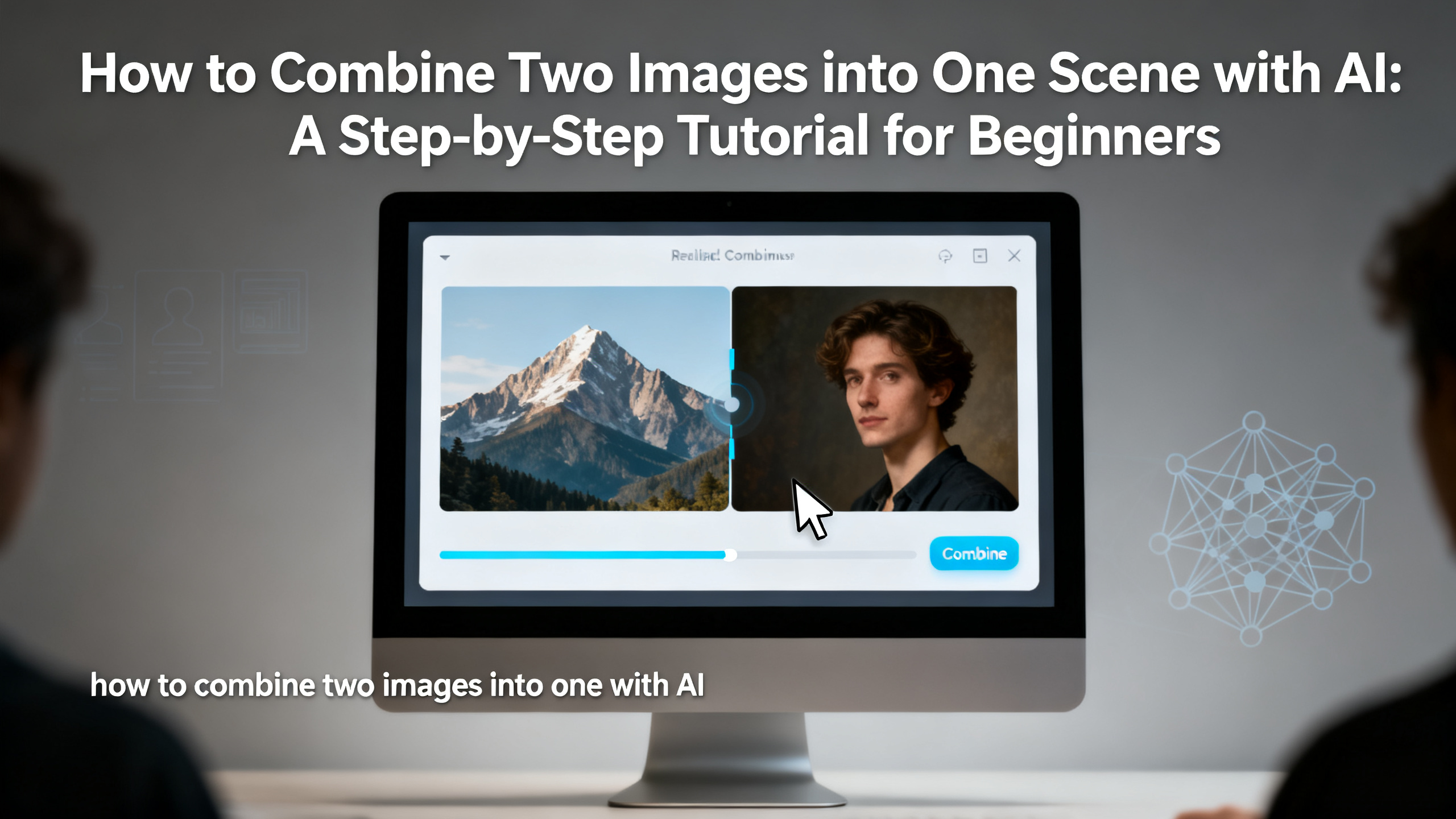
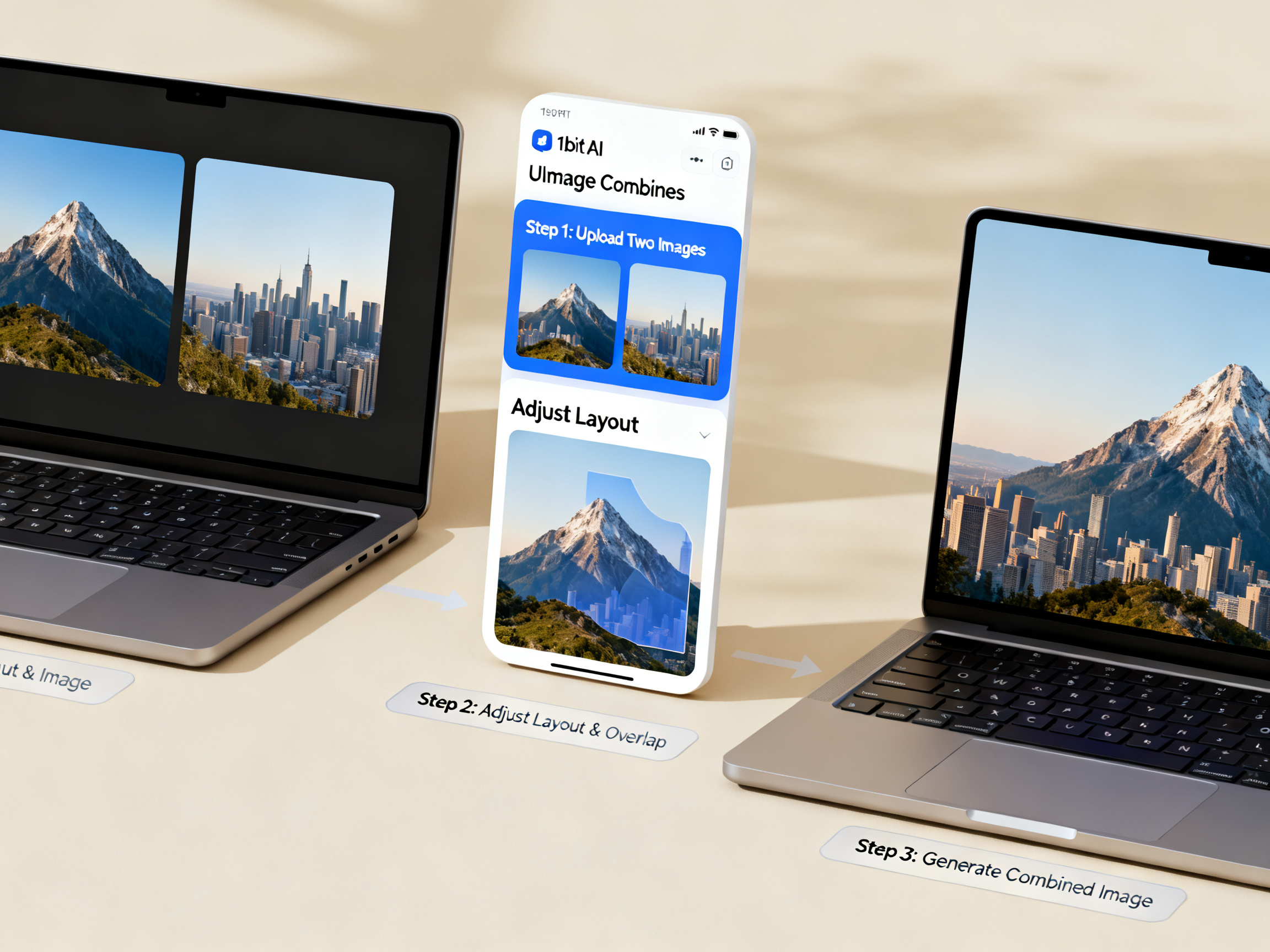
To combine two images into one with AI, upload your source photos to an AI image combiner like 1bit AI Image Combine, write a descriptive prompt that explains how the elements should blend, and let the AI generate a unified scene. The entire process takes under a minute and requires no manual editing skills.
- Upload two images – any style, any subject.
- Write a prompt describing the final scene (e.g., "a dragon flying over a castle at sunset").
- AI blends the images and prompt into one cohesive composition.
- Download or refine – no manual masking needed.
- Free credits available for new users to test the tool.
- Works for marketing, art, family projects, and more.
- Output is ready in seconds, not hours.
Why Learn How to Combine Two Images into One with AI?
Understanding how to combine two images into one with AI opens up a world of creative possibilities. For parents, it means turning a child's drawing of a dinosaur into a realistic Jurassic scene. For marketers, it means blending product photos with lifestyle backgrounds without hiring a designer. For artists, it means experimenting with surreal compositions in minutes instead of hours. The AI image combiner tutorial approach is especially valuable because it removes the technical barrier of traditional photo editing. You do not need to understand layers, masks, or blending modes. Instead, you simply upload your images, describe what you want, and let the AI do the heavy lifting. This free AI photo blending guide will show you exactly how to achieve professional-looking results on your first try. Whether you are creating social media posts, digital art, or family keepsakes, this skill saves time and unlocks new levels of creativity.
Use 1bit AI Image Combine when you want a faster workflow
Imagine you are a marketer preparing a campaign for a new beverage. You have a product photo and a beach background. Instead of spending an hour in Photoshop, you can combine them with AI in under 30 seconds. 1bit AI Image Combine is designed for exactly this kind of task. New users get free credits to try it, so you can test the workflow risk-free.
Combine Images With AIStep-by-Step Tutorial: Merge Photos AI Step by Step
Follow this detailed guide to merge photos AI step by step. We will use 1bit AI Image Combine as our tool, but the principles apply to any AI image combiner.
- Step 1: Prepare your source images. Choose two images that have complementary elements. For example, a portrait of a person and a scenic landscape. Ensure the images are clear and well-lit. Avoid low-resolution or heavily compressed files, as they may affect the output quality.
- Step 2: Upload to the AI image combiner. Go to the 1bit AI Image Combine page. Click the upload area and select your two images. The tool accepts common formats like JPEG, PNG, and WebP. You can upload from your device or paste a URL.
- Step 3: Write a descriptive prompt. This is the most critical step. Describe the final scene you want. For example: "A woman standing on a cliff at sunset, wearing a flowing red dress, with birds flying in the distance." Be specific about lighting, mood, and placement. The AI uses your prompt to guide the blending process.
- Step 4: Adjust settings (optional). Some AI combiners let you control the influence of each image. For beginners, default settings usually work well. If you want the first image to dominate, increase its weight. Experiment to find the perfect balance.
- Step 5: Generate and review. Click the generate button. The AI will process your request and produce a combined image in seconds. Review the result. If it is not perfect, tweak your prompt or adjust the image weights and regenerate. Most tools allow unlimited iterations.
- Step 6: Download and use. Once satisfied, download the final image. It is ready for social media, printing, or further editing. New users get free credits to try it, so you can practice without commitment.
A common pitfall is using images with very different lighting (e.g., indoor flash vs. outdoor golden hour). The AI can compensate, but results improve when source images share similar color temperatures. For best results, choose images with complementary compositions.
Best Practices for Writing Prompts in Your AI Image Combiner Tutorial
Writing a good prompt is the secret to mastering how to combine two images into one with AI. A vague prompt like "merge these two images" will give unpredictable results. Instead, describe the scene as if you are directing a movie. Include details about the environment, lighting, mood, and the relationship between the subjects. For example, if you are combining a photo of a cat and a photo of a living room, your prompt could be: "A fluffy orange cat sitting on a velvet sofa in a cozy living room with soft lamp lighting and a bookshelf in the background." This level of specificity helps the AI understand how to blend the elements naturally. Another tip is to use artistic style references, such as "in the style of a Renaissance painting" or "photorealistic with dramatic shadows." This is especially useful for artists following an AI image combiner tutorial for creative projects. Remember, the AI does not read your mind – it reads your text. So, the more precise you are, the better the output. New users get free credits to try it, so you can experiment with different prompt styles to see what works best.
Ready to try 1bit AI Image Combine?
New users get free credits to try it. Start by uploading two images and writing your first detailed prompt – you will see the magic happen instantly.
Combine Images With AIComparison: AI Image Combiner vs. Manual Editing
Many beginners wonder: "What is the best AI image combiner for free?" But first, let us compare the AI approach with traditional manual editing (e.g., Photoshop). This will help you decide which method suits your needs.
| Criteria | AI Image Combiner (e.g., 1bit AI) | Manual Editing (e.g., Photoshop) |
|---|---|---|
| Time required | 30 seconds to 2 minutes | 30 minutes to several hours |
| Skill level needed | None – just upload and prompt | Intermediate to advanced |
| Cost | Free credits available; low subscription | Expensive software license |
| Creative flexibility | High – AI interprets prompts creatively | Full control but requires effort |
| Output consistency | Varies with prompt quality | Consistent if skilled |
| Best for | Quick blends, experiments, beginners | Precise edits, professional retouching |
For most creators, the AI route is faster and more accessible, especially when you are learning how to combine two images into one with AI for the first time. Manual editing remains useful for fine-tuning, but AI handles the heavy lifting.
Common Mistakes When Using a Free AI Photo Blending Guide
Even with a free AI photo blending guide, beginners often make mistakes. Here are the most common ones and how to avoid them.
- Using low-quality images: Blurry or pixelated images produce poor results. Always start with high-resolution files.
- Writing vague prompts: "Combine these" is not enough. Describe the scene in detail – lighting, mood, placement, and style.
- Ignoring image orientation: If one image is portrait and the other landscape, the AI may crop awkwardly. Try to use images with similar aspect ratios.
- Overloading the prompt: Too many elements confuse the AI. Focus on 2-3 key subjects and a clear background.
- Not iterating: The first result is rarely perfect. Regenerate with tweaked prompts or different image weights until you are satisfied.
- Forgetting to check free credits: New users get free credits to try it, but they are limited. Plan your experiments wisely.
By avoiding these pitfalls, you will get much better results from your AI image combiner tutorial practice. Remember, the tool is forgiving – you can always try again.
FAQ
How to combine two images using AI?
Upload your two images to an AI image combiner like 1bit AI Image Combine, write a descriptive prompt that explains how the elements should blend, and generate. The AI will produce a unified scene in seconds. No manual editing required.
What is the best AI image combiner for free?
1bit AI Image Combine offers free credits for new users, making it an excellent choice for beginners. It supports multiple image formats, intuitive prompt-based blending, and fast generation. You can test it without any upfront payment.
Can I combine more than two images with AI?
Yes, many AI image combiners allow you to blend multiple images into one scene. However, for beginners, starting with two images is recommended. As you gain confidence, you can experiment with three or more by writing more complex prompts.
Do I need design experience to use an AI image combiner?
No. AI image combiners are designed for everyone, from parents to marketers. You only need to upload images and write a prompt. The AI handles the technical blending, so no design skills are necessary.
How long does it take to combine two images with AI?
Typically, the process takes 30 seconds to 2 minutes, depending on the tool and server load. Uploading images and writing a prompt takes most of the time; the AI generation itself is nearly instant.
Can I use the combined images for commercial projects?
Yes, images generated with 1bit AI Image Combine can be used for commercial purposes, such as marketing materials or product visuals. Always check the specific terms of service for the tool you are using to confirm usage rights.
Conclusion
Learning how to combine two images into one with AI is a game-changer for anyone who creates visual content. Whether you are a parent making fantasy art, an artist experimenting with surrealism, or a marketer building campaign assets, this skill saves time and unlocks new creative possibilities. We have covered everything from preparing your images to writing effective prompts and avoiding common mistakes. Now it is your turn. Head over to 1bit AI Image Combine, claim your free credits, and start blending. The only limit is your imagination.