
Repurpose Blog Posts into Social Media with AI
Turn one article into multiple social posts, multilingual updates, and reusable content assets.
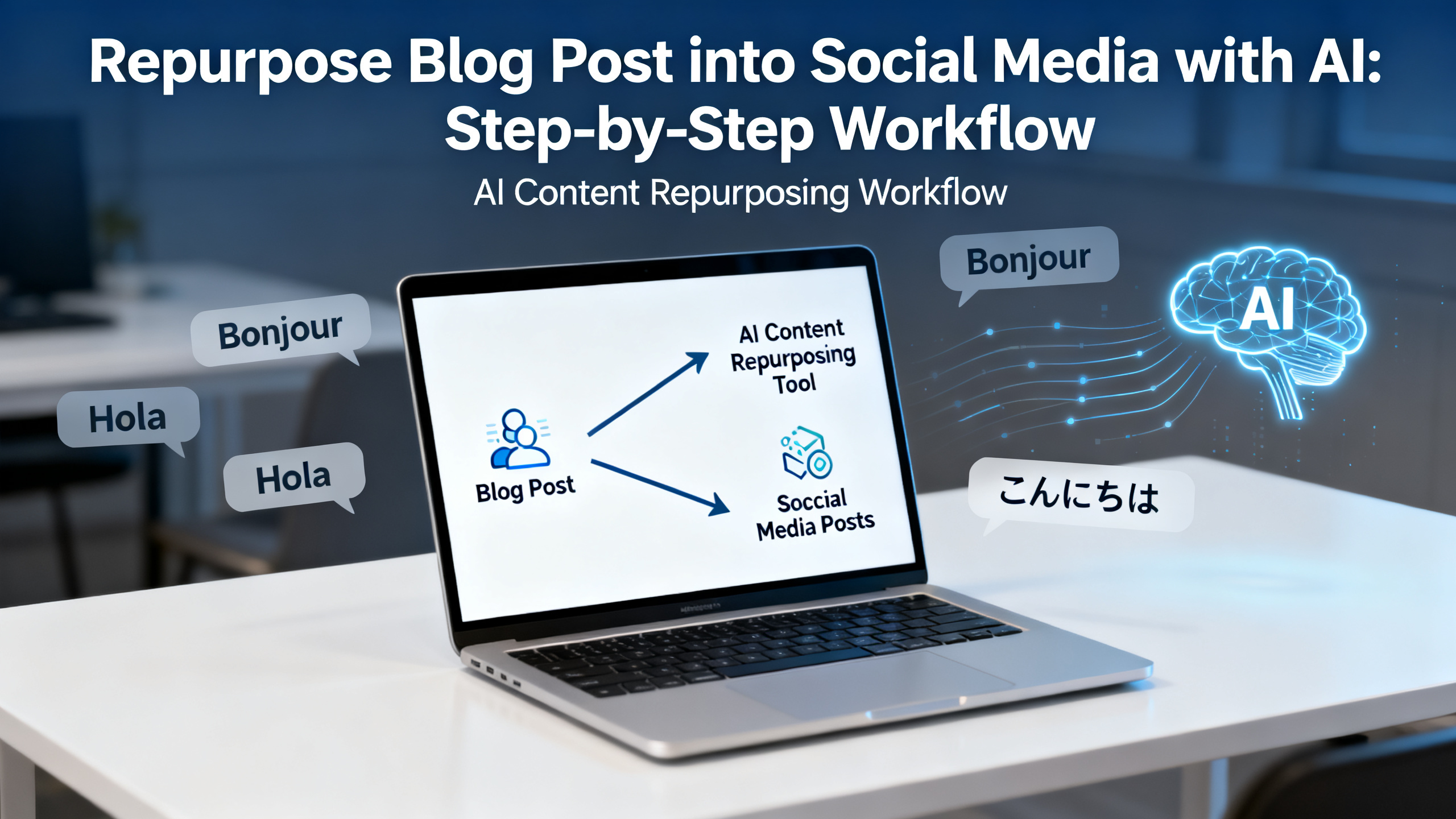
How to Repurpose One Blog Post into 10 Social Media Updates with AI
You’ve spent hours writing a detailed blog post—now make it work harder. In this step-by-step tutorial, you’ll learn how to repurpose blog post into social media with AI, turning one long-form piece into a week’s worth of platform-specific updates. Whether you’re a creator, indie maker, marketer, or part of a global content team, this AI content repurposing workflow will save you time, maintain brand consistency, and help you reach audiences across languages. By the end, you’ll have a repeatable system to automate social media from blog post, including multilingual social media AI tactics. New users get free credits to try the 1bit AI platform—so you can test every step risk-free.
Explore 1bit AI New users get free credits to try it.Quick answer
To repurpose blog post into social media with AI, extract key insights from your article, then use an AI tool to generate platform-specific formats (tweets, LinkedIn posts, Instagram captions, etc.) in minutes. The best AI tool for content repurposing combines summarization, tone adjustment, and multilingual output—like 1bit AI. This workflow automates social media from blog post while keeping your brand voice intact.
- Save 80% time by letting AI handle format adaptation and rewriting.
- Scale to 10+ updates from a single 1500-word article.
- Go multilingual with one click—reach global audiences without manual translation.
- Maintain consistency across platforms by feeding your brand guidelines into the AI.
- Plan a week ahead with a structured content calendar built from your blog.
- Try it free—new users get free credits on 1bit AI to test the full workflow.
Table of contents
- Why Repurpose Blog Content for Social Media with AI?
- The 5-Step AI Content Repurposing Workflow
- Multilingual Social Media AI: Expanding Your Reach
- Common Mistakes & How to Avoid Them
- Comparison: Manual vs. AI-Powered Repurposing
- FAQ
Why Repurpose Blog Content for Social Media with AI?
Creating fresh social media posts daily is exhausting. Most creators and marketers spend 5–10 hours per week just on social copy. By learning how to repurpose blog content for social media with AI, you can cut that to under an hour. The key is an AI content repurposing workflow that extracts the core value from your blog and reformats it for each platform’s unique style—short and punchy for Twitter, professional for LinkedIn, visual for Instagram, and conversational for Facebook.
Beyond saving time, repurposing boosts your SEO and reach. Each social update acts as a distribution channel back to your original article, driving traffic and engagement. With multilingual social media AI, you can localize these updates for different regions without hiring translators. This is exactly what the best AI tool for content repurposing should do—and 1bit AI is built for it. New users get free credits to try it, so you can see the results firsthand.
Use 1bit AI when you want a faster workflow
Imagine pasting your blog URL into 1bit AI and getting 10 ready-to-post social updates in under 2 minutes—including translations into Spanish, French, or Japanese. That’s the power of automating social media from blog post with a purpose-built tool. Start with your best article and see how many updates you can generate.
Explore 1bit AIThe 5-Step AI Content Repurposing Workflow
Follow this step-by-step tutorial to repurpose blog post into social media with AI. You’ll need your original blog post and access to an AI tool like 1bit AI (free credits available).
- Step 1: Extract Core Themes and Quotes
Read your blog and identify 3–5 main arguments, statistics, or quotable lines. Use an AI summarizer to condense the article into bullet points. This forms the raw material for all 10 updates. Pitfall: Don’t skip this—AI works best with clear input. Actionable tip: Highlight one surprising stat per update to hook readers. - Step 2: Generate Platform-Specific Formats
Feed the bullet points into your AI tool with prompts like “turn this into a Twitter thread of 5 tweets” or “write a LinkedIn post with a professional tone.” The AI adjusts length, voice, and structure automatically. For example, a blog stat becomes a punchy tweet, while the same stat becomes a data-driven LinkedIn post with a call to action. Pitfall: Avoid generic prompts—specify platform and tone. - Step 3: Add Visual Hooks
Use AI to generate image descriptions or pull key quotes for graphic overlays. Tools like 1bit AI can suggest visual elements that match your brand. For Instagram, create a carousel summarizing 5 tips from the blog. Pitfall: Don’t neglect visuals—posts with images get 2.3x more engagement. - Step 4: Schedule and Automate
Once you have 10 updates, use a scheduling tool (or 1bit AI’s built-in calendar) to plan posts across the week. Stagger them to avoid overwhelming followers. For example: Monday (Twitter thread), Tuesday (LinkedIn), Wednesday (Instagram carousel), Thursday (Facebook), Friday (LinkedIn deep-dive). Pitfall: Posting all at once reduces reach—spread them out. - Step 5: Localize for Global Audiences
Use multilingual social media AI to translate and adapt updates for different languages. 1bit AI supports 50+ languages, preserving tone and cultural nuances. For example, a LinkedIn post in English can be repurposed into Spanish for Latin American markets. Pitfall: Machine translation alone can sound robotic—use AI that understands context.
This workflow automates social media from blog post efficiently. Try it with your next article using 1bit AI’s free credits.
Multilingual Social Media AI: Expanding Your Reach
One of the biggest advantages of using AI to repurpose blog post into social media is the ability to go multilingual instantly. Instead of manually translating each update, you can use multilingual social media AI to generate versions in Spanish, French, German, Japanese, and more—all while keeping your brand voice consistent. This is crucial for global teams and indie makers targeting international audiences.
For example, a tech blog post about “5 AI Trends” can become a LinkedIn post in English, a Twitter thread in Japanese, and an Instagram story in Portuguese—all from the same source. The best AI tool for content repurposing handles localization beyond simple translation; it adapts idioms, examples, and cultural references. 1bit AI excels here, offering one-click multilingual output. New users get free credits to test this feature—just paste your blog and select your target languages.
Question keyword integration: “How to repurpose blog content for social media with AI” often leads to questions about language barriers. The answer is clear: use AI that understands context. “What is the best AI tool for content repurposing?”—look for one that combines summarization, format adaptation, and multilingual support, like 1bit AI.
Common Mistakes & How to Avoid Them
Even with the best AI content repurposing workflow, mistakes happen. Here are the most common pitfalls when you repurpose blog post into social media with AI—and how to fix them.
- Mistake 1: Using the same tone for every platform. A tweet needs brevity; LinkedIn needs depth. Solution: Specify tone in your AI prompt (e.g., “casual for Twitter, professional for LinkedIn”).
- Mistake 2: Ignoring platform character limits. AI might generate a 300-character tweet. Solution: Set max length in your tool—1bit AI lets you define constraints per platform.
- Mistake 3: Over-relying on AI without editing. AI can miss nuance or brand-specific terms. Solution: Always do a quick human review—especially for multilingual outputs.
- Mistake 4: Forgetting to add a CTA. Every social update should drive traffic back to your blog. Solution: Include a link or “read more” prompt in each AI-generated post.
- Mistake 5: Not testing different formats. A blog might work better as a video script than a text post. Solution: Experiment—use AI to generate a short video script from your blog and test engagement.
By avoiding these, you’ll get the most out of automating social media from blog post. For a deeper dive, use 1bit AI’s free credits to test variations and see what resonates.
Comparison: Manual vs. AI-Powered Repurposing
Still wondering if AI is worth it? Here’s a direct comparison to help you decide how to repurpose blog content for social media with AI versus doing it manually.
Criteria Manual Repurposing AI-Powered (1bit AI) Time per blog post 2–4 hours 10–20 minutes Number of updates 3–5 10+ Multilingual support Requires translator ($$) One-click, 50+ languages Consistency across platforms Hard to maintain Brand voice settings Cost Free (your time) Free credits to startThe best AI tool for content repurposing saves you 80% of the time while expanding your reach. 1bit AI offers free credits to try it—no risk, just results.
Practical demo visual for this tutorial workflow.FAQ
How do I repurpose blog content for social media with AI?
Start by extracting key points from your blog using an AI summarizer. Then, use an AI tool like 1bit AI to generate platform-specific formats—tweets, LinkedIn posts, Instagram captions—by specifying tone and length. Finally, schedule and localize as needed. The entire process takes under 30 minutes.
What is the best AI tool for content repurposing?
The best AI tool for content repurposing combines summarization, format adaptation, multilingual support, and brand voice consistency. 1bit AI excels in all these areas, offering a single platform to repurpose blog post into social media with AI. New users get free credits to test it.
Can AI really automate social media from blog post?
Yes, AI can automate the creation of social media updates from a blog post by extracting core ideas and rewriting them for each platform. However, you should still review for brand accuracy. Tools like 1bit AI make this workflow seamless, including scheduling and multilingual output.
How many social media updates can I get from one blog post?
With an AI content repurposing workflow, you can generate 10–15 updates from a single 1500-word blog post. This includes tweets, LinkedIn posts, Instagram captions, Facebook updates, and even short video scripts. The exact number depends on the depth of your article.
Is multilingual social media AI accurate for different languages?
Modern multilingual social media AI, like that in 1bit AI, uses context-aware translation to preserve tone and cultural nuances. It’s highly accurate for major languages, but we recommend a quick human review for idiomatic expressions. Free credits let you test accuracy firsthand.
What if my blog post is very technical—can AI still repurpose it?
Yes, AI can handle technical content by simplifying jargon for general audiences or keeping it detailed for niche platforms like LinkedIn. Specify your audience in the prompt. 1bit AI allows you to set expertise level, ensuring the output matches your readers’ knowledge.
Conclusion
Learning how to repurpose blog post into social media with AI is a game-changer for creators, marketers, and global teams. By following this AI content repurposing workflow, you can turn one article into 10+ platform-specific updates, automate social media from blog post, and reach international audiences with multilingual social media AI—all in under an hour. The best AI tool for content repurposing, like 1bit AI, makes this process effortless. New users get free credits to try it, so you can start scaling your content today. Don’t let your best blog posts gather dust—repurpose them and watch your engagement grow.
Explore 1bit AI New users get free credits to try it.