How to Create Consistent Brand Visuals with an AI Image Generator
Brand consistency is the holy grail of visual marketing. Every post, ad, and banner should feel like it belongs to your company — but maintaining that across hundreds of assets is exhausting. This tutorial shows designers, marketers, and social media teams how to use an AI image generator to produce on-brand visuals every time. You will learn prompt engineering techniques, style reference strategies, and a repeatable workflow that turns text prompts into brand-consistent images. No more hunting for stock photos or waiting on designers for small tweaks. By the end, you will be able to generate visuals that match your brand style guide using AI for brand consistency — and yes, 1bit AI Image Generator makes it fast and free to start.
Quick answer
Yes, you can create consistent AI brand visuals by defining a brand style guide, using structured prompts with style anchors, and iterating with seed parameters. The key is to treat the AI image generator as a design assistant that follows your rules, not a random idea machine. Below are the core takeaways.
- Define your brand's color palette, typography, and mood before generating.
- Use consistent style keywords (e.g., "flat vector illustration, pastel palette, clean lines") across all prompts.
- Leverage image-to-image features to feed a reference brand asset as a style anchor.
- Save and reuse successful prompts as templates for future campaigns.
- Test variations with a fixed seed to maintain composition while tweaking details.
- Always review outputs against your brand guidelines before publishing.
- Start with free credits on 1bit AI Image Generator to build your library risk-free.
Why Brand Consistency Matters in AI-Generated Visuals
Brand consistency builds trust. When your audience sees a visual, they should instantly recognize it as yours — even without a logo. Inconsistent visuals confuse customers and dilute brand equity. With AI image generators, the risk of inconsistency is high because each prompt can produce wildly different results if you don't anchor it properly. That is where AI for brand consistency becomes a game-changer. By using structured prompts and style references, you can turn an AI image generator branding tool into a reliable production partner. For example, a consistent color palette across social media posts increases recognition by up to 80%. The same principle applies to AI-generated images: when you feed the model the same style cues, you get outputs that feel like they belong to the same family. This section sets the foundation for why you should invest time in prompt engineering rather than treating each generation as a one-off.
Use 1bit AI Image Generator when you want a faster workflow
Instead of manually editing each image in Photoshop to match your brand colors, you can generate a batch of brand style AI images in minutes. 1bit AI Image Generator lets you save prompt templates and reuse them, so every output starts from the same style baseline. New users get free credits to try it, making it easy to test your brand prompts without upfront cost.
Generate AI ImagesDefining Your Brand Style for AI Image Prompts
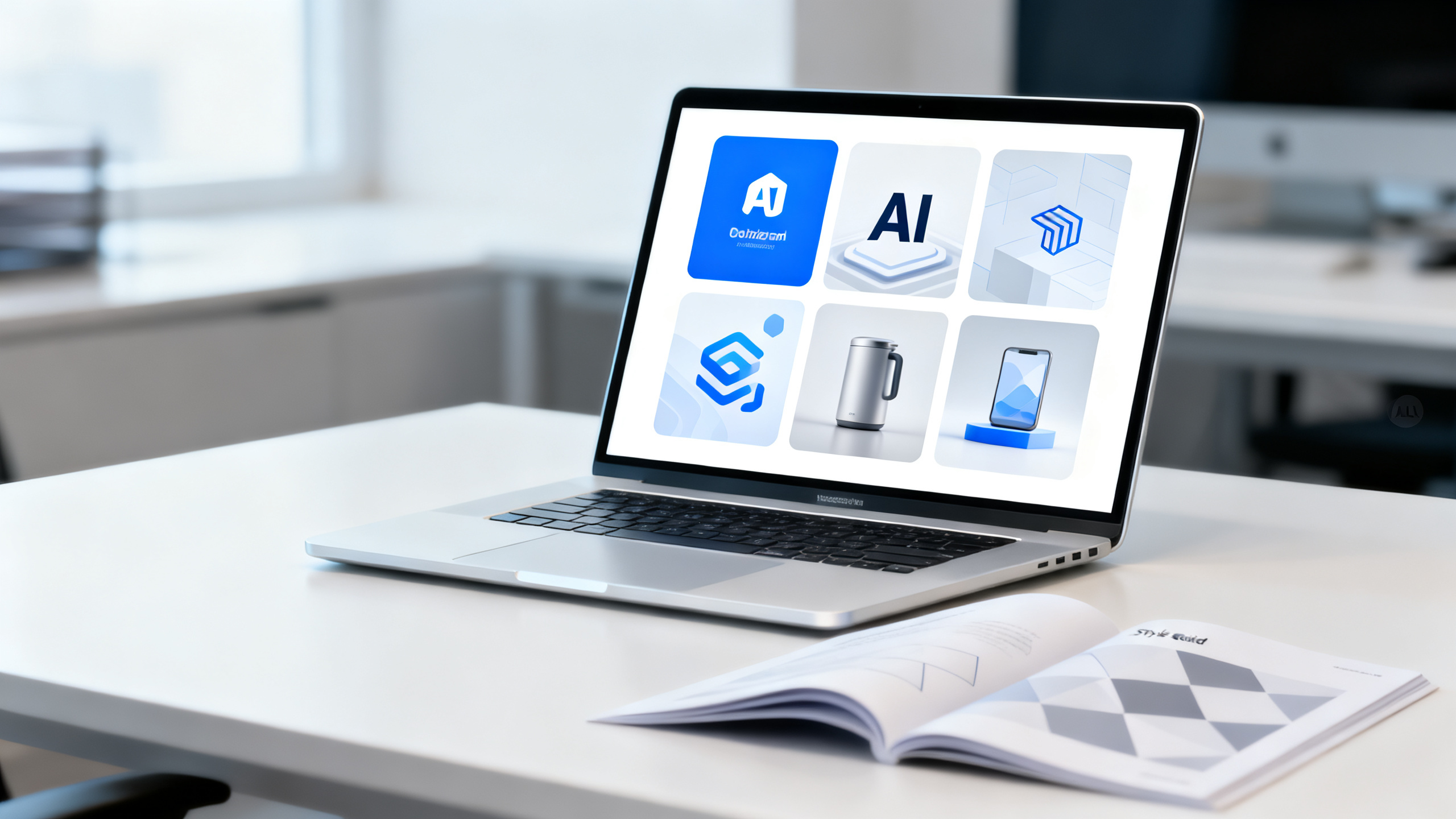
Before you type a single prompt, you need a brand style brief. This is a document that captures your visual identity in terms an AI can interpret. Include: primary and secondary color hex codes, preferred illustration style (flat, 3D, watercolor, etc.), mood keywords (professional, playful, luxurious), and composition rules (centered subject, negative space, etc.). For example, if your brand uses a minimalist aesthetic, your prompt should include phrases like "clean white background, minimal design, soft shadows." This step answers the question "can AI generate brand-consistent images?" — yes, but only if you give it clear constraints. A common pitfall is being too vague. Instead of "a modern office," write "a modern office with teal accent walls, wooden desks, natural lighting, flat vector style." The more specific you are, the more consistent the outputs become. Below is a comparison table showing the difference between generic and brand-specific prompts.
| Prompt Element | Generic Prompt | Brand-Specific Prompt |
|---|---|---|
| Color | "bright colors" | "#FF6B35 orange and #004E89 navy blue" |
| Style | "modern illustration" | "flat vector illustration, bold outlines, no gradients" |
| Mood | "happy" | "energetic, optimistic, with soft lighting and warm tones" |
| Composition | "a person working" | "a person working at a desk, centered, ample negative space on the right for text overlay" |
Step-by-Step Tutorial: Generating Consistent AI Brand Visuals
This tutorial walks you through creating a series of brand-consistent social media graphics using 1bit AI Image Generator. We will use a fictional brand called "EcoBloom" — a sustainable home goods company with a green-and-cream palette, flat illustration style, and a friendly tone. Follow these steps to learn how to keep AI images consistent across multiple outputs.
- Step 1: Write your brand style brief. List your brand's colors, style, mood, and composition rules. For EcoBloom: colors #2D6A4F (green) and #FEFAE0 (cream), flat vector style, warm and inviting mood, centered subject with text space on the left.
- Step 2: Craft a base prompt. Start with a template: "Flat vector illustration of [subject], brand colors #2D6A4F and #FEFAE0, clean lines, no shading, centered composition, ample negative space on the left, warm lighting, friendly atmosphere."
- Step 3: Generate the first image. Paste the prompt into 1bit AI Image Generator. Use the free credits to run the first generation. Review the output — does it match your brief? If not, adjust the prompt.
- Step 4: Lock in the style with a seed. Once you get a good result, note the seed number (if available) or save the exact prompt. For subsequent images, keep the same prompt structure but change only the subject. This ensures the style remains consistent.
- Step 5: Create variations for different subjects. Generate images for "eco-friendly cleaning product," "sustainable kitchen tool," and "reusable shopping bag" using the same base prompt. Compare the outputs — they should all look like they belong to EcoBloom.
- Step 6: Batch export and review. Download all images and check them against your brand guidelines. Make minor tweaks if needed, but the consistency should be high. Use the images directly in your social media scheduler.
This workflow answers the question "how to keep AI images consistent" — by treating the prompt as a reusable template and only varying the subject. Real-world example: a marketing team at a skincare brand used this method to generate 30 Instagram posts in one afternoon, all matching their brand style AI images guidelines.
Common Mistakes and How to Fix Them
Even with a solid workflow, things can go wrong. Here are the most frequent issues when using an AI image generator for branding, along with fixes.
- Mistake: Colors shift between generations. Fix: Always include exact hex codes in your prompt. Avoid vague color names like "light green" — the AI may interpret it differently each time.
- Mistake: Style drifts after a few iterations. Fix: Use image-to-image feature with a reference brand asset as the starting point. This anchors the style more firmly than text alone.
- Mistake: Subject placement varies. Fix: Add composition instructions like "centered subject, 30% negative space on the right." Test with a fixed seed to lock the layout.
- Mistake: Outputs look too generic. Fix: Inject brand-specific details — a signature pattern, a recurring icon, or a unique illustration technique. For example, "include a small leaf icon in the bottom right corner."
- Mistake: Over-reliance on AI without human review. Fix: Always have a designer or brand manager approve outputs before publishing. AI is a tool, not a replacement for quality control.
Troubleshooting these issues early saves time and ensures your brand style AI images remain on point. If you find yourself repeatedly fighting inconsistency, revisit your brand brief — it may need more detail.
Advanced Prompt Engineering for Brand Consistency
Once you master basic prompts, you can level up with advanced techniques. One powerful method is using weighted keywords. For example, "flat vector illustration::2, brand colors #2D6A4F and #FEFAE0::1.5, centered composition::1.2" — the numbers tell the AI to prioritize certain elements. Another technique is negative prompting: exclude unwanted styles like "no photorealistic, no 3D rendering, no gradients." This narrows the output space and increases consistency. You can also chain prompts: generate a base image, then use it as a style reference for subsequent generations. Many AI image generators, including 1bit AI Image Generator, support image-to-image workflows. Upload a brand-approved visual and prompt the AI to create variations while preserving the style. This is especially useful for creating consistent AI brand visuals across different campaigns. For example, a fashion brand can upload a lookbook photo and generate social media banners, product thumbnails, and email headers that all share the same aesthetic. The key is to treat the AI as a collaborator that needs clear, repeatable instructions.
Ready to try 1bit AI Image Generator?
New users get free credits to try it. Start by uploading a brand asset and generating your first consistent series in minutes.
Generate AI Images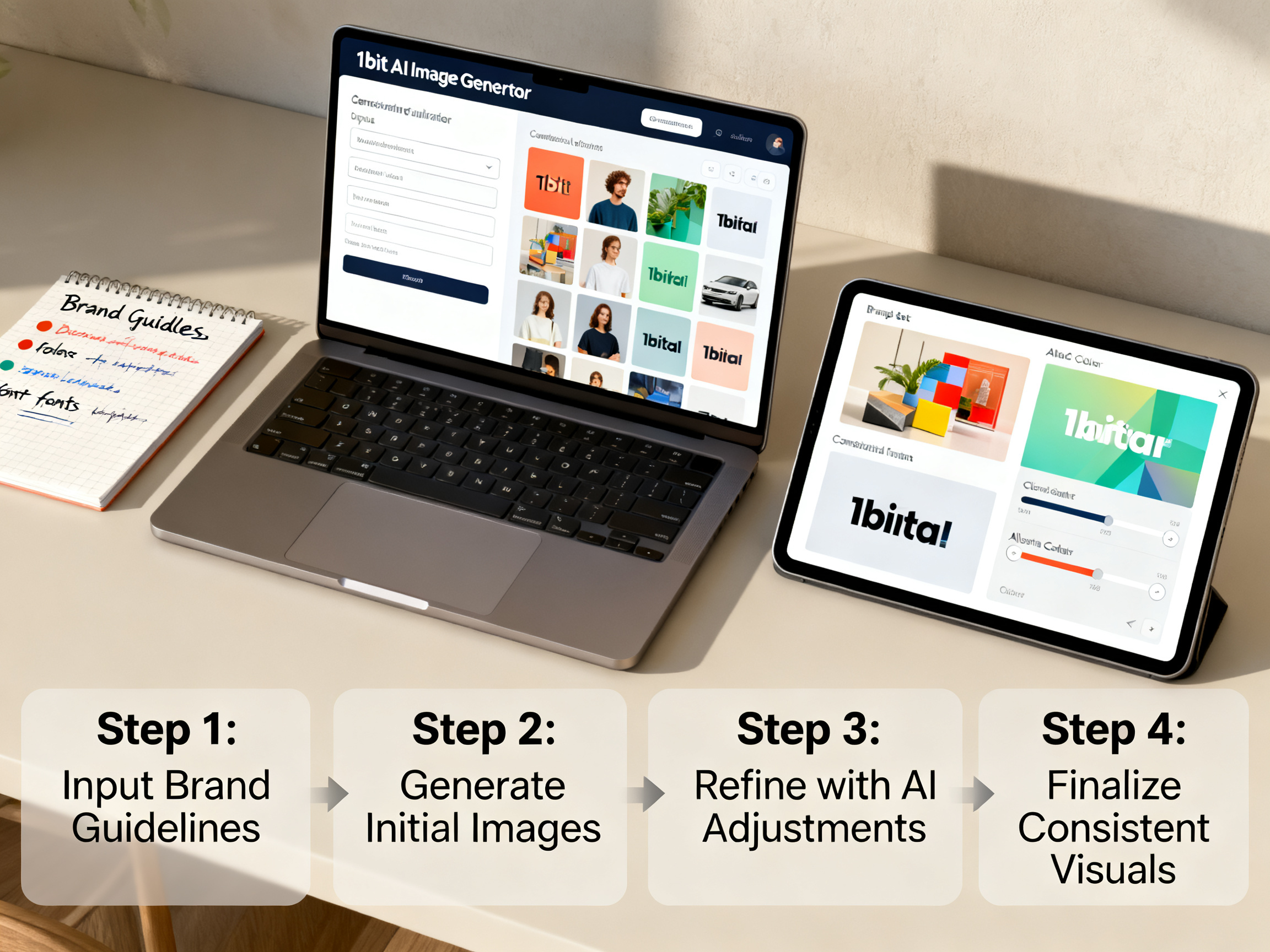
FAQ
Can AI generate brand-consistent images without a style guide?
Technically yes, but the results will be inconsistent. Without a style guide, the AI has no constraints and will produce random variations. A style guide gives the AI a target to aim for, making it much easier to achieve consistent AI brand visuals across multiple generations.
How do I keep AI images consistent when changing subjects?
Use a fixed base prompt that defines style, colors, and composition, then only change the subject keyword. For example, keep "flat vector illustration, brand colors #2D6A4F and #FEFAE0, centered composition" and swap "coffee mug" with "notebook." This ensures the style remains identical while the subject varies.
What are the best keywords for brand style AI images?
Include your brand's color hex codes, illustration style (e.g., "flat vector," "isometric," "watercolor"), mood (e.g., "professional," "playful"), and composition rules (e.g., "centered subject, ample negative space"). Avoid generic terms like "nice" or "beautiful" — they add no value.
Can I use an AI image generator for branding if I have no design experience?
Absolutely. Start with a simple brand brief — even just two colors and a style keyword like "minimalist." Use 1bit AI Image Generator's free credits to experiment. The tool's interface is intuitive, and you can iterate quickly until the outputs match your vision.
How many images do I need to generate to establish consistency?
Aim for at least 5-10 images with the same base prompt. This gives you enough samples to spot any drift. If all 10 look cohesive, your prompt is solid. If not, refine the prompt and regenerate. Consistency improves with each iteration as you learn what works.
Conclusion
Creating consistent AI brand visuals is not about luck — it is about a repeatable process. By defining your brand style, crafting structured prompts, and using techniques like seed locking and image-to-image references, you can turn an AI image generator into a reliable brand asset factory. Whether you are a solo marketer or part of a large team, this workflow saves time and ensures every visual reinforces your brand identity. Start small, test with free credits, and scale as you gain confidence. The next time someone asks "how to keep AI images consistent," you will have the answer — and the results to prove it. Ready to generate your first consistent series? Try 1bit AI Image Generator today.