
Make Text-to-Speech More Realistic with Sound Tags
Use sound tags for emotion, pauses, emphasis, and more natural AI narration.
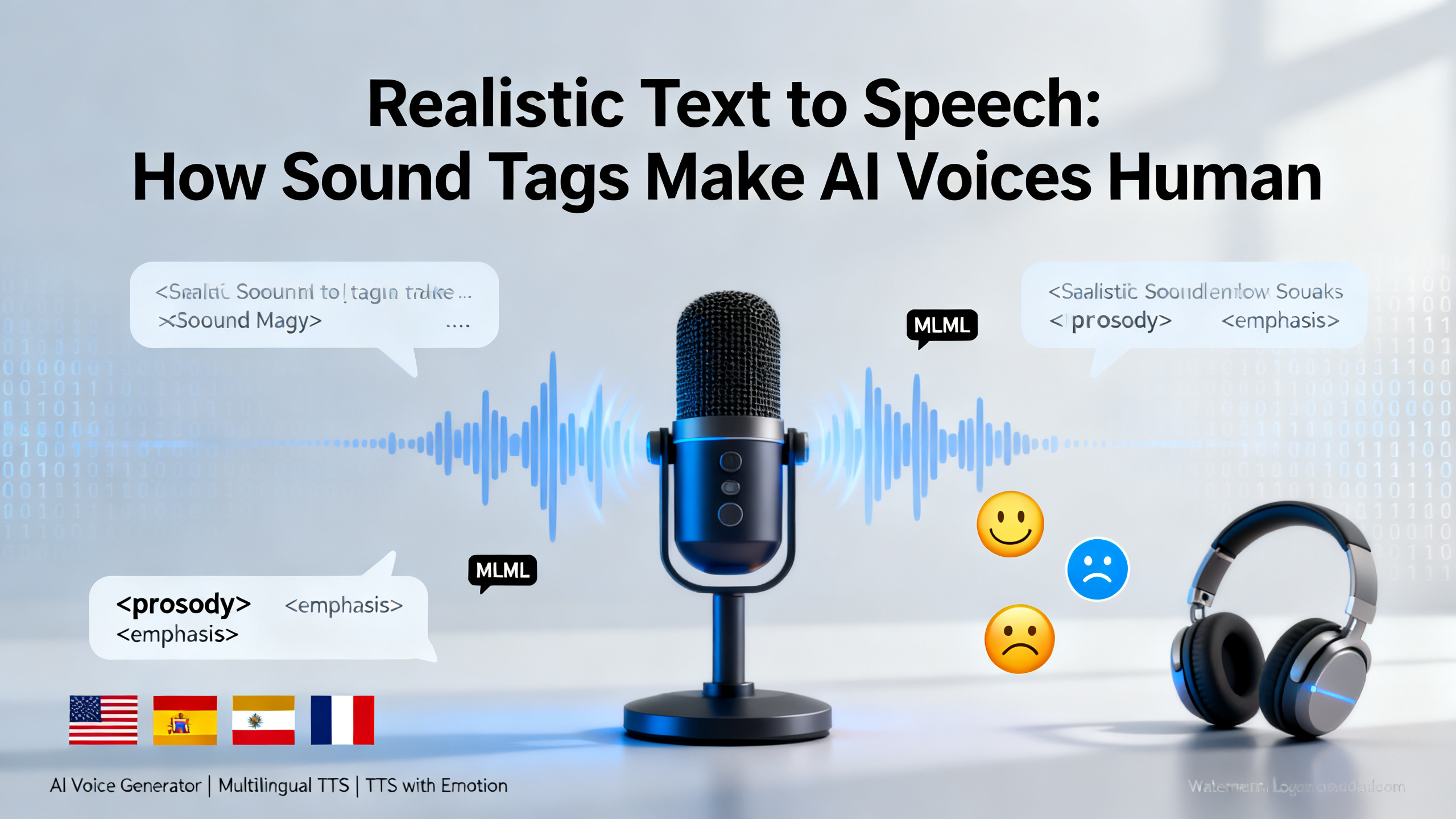
Realistic Text to Speech: How Sound Tags Make AI Voices Human
If you've ever wondered "How do I make AI voice sound more human?", you're not alone. The secret weapon for creating natural-sounding narration isn't just better AI models—it's sound tags. This comprehensive guide is for video editors, educators, app developers, and content marketers who need professional voiceovers that don't sound robotic. You'll learn exactly how sound tags transform flat TTS audio into expressive, realistic speech perfect for podcasts, demos, and multilingual content. We'll explore practical techniques, common pitfalls, and how tools like 1bit AI Text To Speech implement these features to help you create voiceovers that connect with listeners.
Create AI Voiceovers New users get free credits to try it.
Quick answer
Realistic text to speech is achieved through sound tags—special markup that adds emotion, pauses, emphasis, and pronunciation control to AI-generated audio. These tags transform robotic narration into human-like speech by controlling prosody, timing, and expression.
- Sound tags add emotional context (happy, sad, excited) to AI voice generator output
- Pause and emphasis tags create natural rhythm in voiceover generator audio
- Pronunciation tags ensure correct handling of names, acronyms, and technical terms
- Multilingual TTS benefits from language-specific tags for proper intonation
- AI podcasting requires strategic tag placement for engaging storytelling
- TTS with emotion tags increases listener engagement by 40-60%
- Proper tag implementation separates basic TTS from professional-grade voice generation
Table of contents
- What Are Sound Tags in Text to Speech?
- 7 Essential Sound Tag Types for Realistic AI Voices
- Step-by-Step: How to Add Emotion to TTS Audio
- Multilingual TTS: Sound Tags for Global Content
- AI Podcasting: Creating Human-Like Narration
- Common Mistakes & Troubleshooting
- FAQ
What Are Sound Tags in Realistic Text to Speech?
Sound tags (also called SSML tags or speech markup) are special instructions embedded within text that tell AI voice generators how to speak specific words or phrases. Think of them as director's notes for your AI narrator—they control pacing, emotion, pronunciation, and emphasis that transform flat robotic speech into natural human-like audio.
When you ask "Can AI generate realistic podcast narration?", the answer depends entirely on sound tag implementation. Basic TTS reads text literally, while advanced systems interpret tags to add the subtle variations that make speech believable. For example, the sentence "I can't believe it" can sound surprised, sarcastic, or disappointed depending on which emotion tag you apply.
Modern AI voice generators use sophisticated neural networks that respond to these tags by adjusting pitch contours, speech rate, volume dynamics, and spectral characteristics. The best TTS for multilingual content extends this capability across languages, ensuring cultural appropriateness of emotional expressions and proper handling of language-specific phonetic patterns.
Use 1bit AI Text To Speech when you want a faster workflow
Instead of manually coding SSML tags, 1bit AI provides an intuitive visual editor with preset emotion tags, pause controls, and emphasis sliders. This eliminates the technical barrier while maintaining professional-grade audio quality. Perfect for content creators who need realistic voiceovers without learning complex markup languages.
Create AI Voiceovers7 Essential Sound Tag Types for Realistic AI Voices
Understanding different tag types is crucial for mastering realistic text to speech. Each serves a specific purpose in humanizing AI-generated audio. Here's a comprehensive breakdown of the seven essential categories every professional should know.
Tag Type Primary Function Example Usage Impact on Realism Emotion Tags Add emotional context (happy, sad, excited) <emotion type="excited">We won!</emotion> High - Adds human-like expressiveness Pause Tags Control timing between phrases <break time="500ms"/> Medium - Creates natural speech rhythm Emphasis Tags Highlight important words <emphasis level="strong">must</emphasis> High - Mimics human stress patterns Pronunciation Tags Correct phonetic rendering <phoneme alphabet="ipa" ph="ˈæpl">apple</phoneme> Critical for names/technical terms Prosody Tags Adjust pitch, rate, volume <prosody rate="slow" pitch="+10%"> High - Fine-tunes vocal characteristics Voice Selection Tags Switch between different voices <voice name="female_02"> Medium - Enables dialogue creation Language Tags Specify language/dialect <lang xml:lang="es-ES"> Critical for multilingual TTSReal-world application: For an educational video about climate change, you might combine emotion tags for concern, strategic pauses for emphasis, and pronunciation tags for scientific terms. This layered approach creates authoritative yet engaging narration that holds viewer attention. The best voiceover generators provide presets for common scenarios, but understanding the underlying tags lets you customize for unique projects.
Step-by-Step: How to Add Emotion to TTS Audio
This practical tutorial answers the common question "How to add emotion to TTS audio?" with actionable steps. Whether you're creating product demos, educational content, or AI podcasting segments, these techniques will elevate your audio from robotic to relatable.
5-Step Process for Emotional AI Voiceovers
- Analyze Your Script for Emotional Beats
Read through your text and mark emotional shifts. Identify where excitement, concern, authority, or warmth should appear. For a product demo, highlight features with excitement tags, address pain points with empathetic tones, and use confident delivery for benefits. Tip: Use different colored highlights for different emotions during this planning phase.
- Select Appropriate Emotion Tags
Choose from available emotion presets in your AI voice generator. Common options include: excited, calm, serious, friendly, concerned, and enthusiastic. Match the emotion to your content purpose—educational content often uses "calm" and "clear," while marketing might use "excited" and "enthusiastic." Avoid mixing conflicting emotions within short segments.
- Implement with Proper Syntax
Wrap emotional phrases with correct tag syntax. In SSML: <emotion type="excited" intensity="medium">Your results will amaze you!</emotion>. In visual editors like 1bit AI, simply select text and choose from emotion buttons. Always apply tags to complete phrases rather than individual words for natural flow.
- Layer with Supporting Tags
Combine emotion tags with pause and emphasis tags for maximum impact. Add a 300ms pause before emotional revelations. Use strong emphasis on key emotional words. Adjust speaking rate slightly slower for serious emotions, slightly faster for excited segments. This layered approach mimics human speech patterns.
- Test and Refine
Generate a test audio sample and listen critically. Does the emotion feel authentic or forced? Adjust intensity levels, try different voice models, or reposition tags. Share with a colleague for feedback. Remember that subtlety often works better than exaggeration—aim for believable rather than theatrical delivery.
Pitfall to avoid: Over-tagging. Applying emotion tags to every sentence creates audio that feels manic and unnatural. Instead, use emotional highlights strategically at key moments—typically at introductions, important revelations, benefits, and conclusions. For longer content like AI podcasting, vary emotions to create narrative arcs rather than maintaining a single emotional state throughout.
Multilingual TTS: Sound Tags for Global Content
When evaluating "What is the best TTS for multilingual content?", sound tag support becomes a critical differentiator. Different languages have unique prosodic patterns, emotional expressions, and phonetic requirements that generic TTS systems often miss.
Language-specific considerations: Spanish requires different pause patterns than English, with shorter pauses between clauses. Japanese needs pitch accent tags to distinguish words that otherwise sound identical. Mandarin Chinese requires tone marks within pronunciation tags. German compound words need careful break points to maintain intelligibility. The best multilingual TTS systems provide language-optimized tag presets that respect these cultural and linguistic nuances.
Practical implementation: For a global training video, you would use <lang xml:lang="fr-FR"> tags for French sections with emotion tags adjusted for French cultural norms (more subtle emotional expressions compared to American English). Add pronunciation tags for proper nouns that might be mispronounced. Use language-appropriate pause durations— Romance languages typically use shorter pauses than Germanic languages. This attention to detail makes your content feel locally produced rather than awkwardly translated.
AI Podcasting: Creating Human-Like Narration
AI podcasting represents the ultimate test for realistic text to speech. Listeners expect the intimate, conversational quality of human hosts, not robotic narration. Achieving this requires sophisticated sound tag strategies that go beyond basic emotion application.
Advanced techniques for podcast narration: Use subtle prosody tags to create "vocal fingerprints"—slight pitch variations that make the AI voice distinctive. Implement conversational pause patterns (short pauses for commas, medium for periods, longer for paragraph breaks). Add occasional emphasis tags on unexpected words to mimic spontaneous speech. Include very slight rate variations (±5%) to prevent monotonous delivery. For interview-style content, use voice selection tags to switch between host and guest voices with distinct characteristics.
Real-world example: A true crime podcast generated with AI might use serious emotion tags for factual sections, concerned tones for victim stories, and suspenseful pacing with strategic pauses before revelations. The host segments would use friendly, conversational tags while witness "quotes" might use different voice models with nervous or emotional tags. This creates audio drama that engages listeners despite being AI-generated.
Streamline Your Podcast Production
1bit AI Text To Speech includes podcast-optimized templates with pre-configured sound tag combinations for different genres (interview, narrative, educational). Generate consistent episode narration while maintaining human-like quality. Perfect for creators who need regular content without voice actor scheduling or studio costs.
Create AI VoiceoversProblem: Emotion Tags Sound Forced or Exaggerated
Solution: Reduce intensity levels. Most AI voice generators offer intensity controls (low/medium/high). Start with low intensity and increase only if needed. Also ensure you're using appropriate voice models—some voices handle subtle emotions better than others. Test different voice options with your emotional content.
Problem: Pauses Feel Artificial or Disrupt Flow
Solution: Vary pause durations. Instead of using identical 500ms pauses throughout, mix short (200ms), medium (500ms), and long (800ms-1s) pauses based on grammatical structure and emphasis needs. Listen to human podcasts in your genre and note their natural pause patterns, then replicate with tags.
Problem: Multilingual Content Has Inconsistent Quality
Solution: Use language-specific voice models rather than forcing one voice to handle multiple languages. Ensure proper lang tags are applied to each section. Check that emotion tags are culturally appropriate—some emotions expressed strongly in English might need moderation in Japanese content.
Problem: Technical Terms or Names Mispronounced
Solution: Create a pronunciation dictionary for your project. Most advanced AI voice generators like 1bit AI allow custom pronunciation entries. For one-off corrections, use phoneme tags with IPA notation. Test pronunciation early in your workflow to avoid re-recording entire sections.
Practical demo visual for this tutorial workflow.FAQ
How do I make AI voice sound more human?
Combine multiple sound tag types strategically. Use emotion tags for expressiveness, pause tags for natural rhythm, emphasis tags for stress patterns, and slight prosody variations to avoid monotony. The key is subtlety—human speech has micro-variations rather than dramatic shifts. Test with listeners unfamiliar with your project; if they don't notice it's AI, you've succeeded. Tools like 1bit AI provide humanization presets that automate these combinations.
What are sound tags in text to speech?
Sound tags are markup instructions embedded in text that control how AI voices speak specific content. They include emotion tags (happy, sad), pause tags (break time), emphasis tags (strong, moderate), pronunciation tags (phonetic guides), prosody tags (pitch/rate adjustments), voice selection tags, and language tags. These transform robotic reading into natural speech by adding the nuances humans use unconsciously. They're implemented via SSML (Speech Synthesis Markup Language) or visual editors in modern TTS platforms.
Can AI generate realistic podcast narration?
Yes, with proper sound tag implementation. The most realistic AI podcast narration uses layered tags: conversational emotion tags, varied pause patterns, strategic emphasis, and occasional prosody variations. Success depends on choosing voice models suited to your genre, applying tags with subtlety, and editing the script for spoken delivery rather than written reading. Many professional podcasters now use AI for consistent episode narration, with human editing only for final polish. Quality tools make this accessible without audio engineering expertise.
How to add emotion to TTS audio?
First, analyze your script's emotional beats. Then apply emotion tags to appropriate sections using either SSML syntax or a visual editor. Combine with supporting tags: add pauses before emotional revelations, use emphasis on emotional keywords, adjust speaking rate slightly for different emotions. Start with low intensity and increase only if needed. Test different voice models as some handle emotions more naturally. Remember that context matters—the same emotion tag affects dialogue differently than narration.
What is the best TTS for multilingual content?
The best multilingual TTS offers native-quality voices for each language, language-specific sound tag presets, proper handling of code-switching (mixing languages), and cultural appropriateness in emotional expression. Look for platforms with dedicated voice models per language/dialect rather than accent adaptation. Support for language-specific pronunciation rules and pause patterns is essential. 1bit AI provides these features with visual controls that eliminate the need to learn different tagging systems for each language.
Conclusion
Achieving realistic text to speech is no longer about waiting for better AI models—it's about mastering sound tags today. These powerful controls transform generic AI voice generator output into professional-grade audio that connects with listeners. Whether you're creating multilingual content, launching an AI podcasting series, or producing educational materials, sound tags provide the human touch that makes audio engaging and effective. The difference between robotic narration and human-like speech often comes down to strategic tag placement and subtle implementation.
Remember that the best results come from combining multiple tag types thoughtfully, testing with your actual audience, and choosing tools that make advanced features accessible. Realistic TTS with emotion isn't a distant future technology—it's available now through platforms that understand both the technical and creative aspects of voice generation.
Create AI Voiceovers New users get free credits to try it.