
AI Image Combine vs Photo Editor
Compare AI image combiners and traditional editors for speed, control, and creative blending.
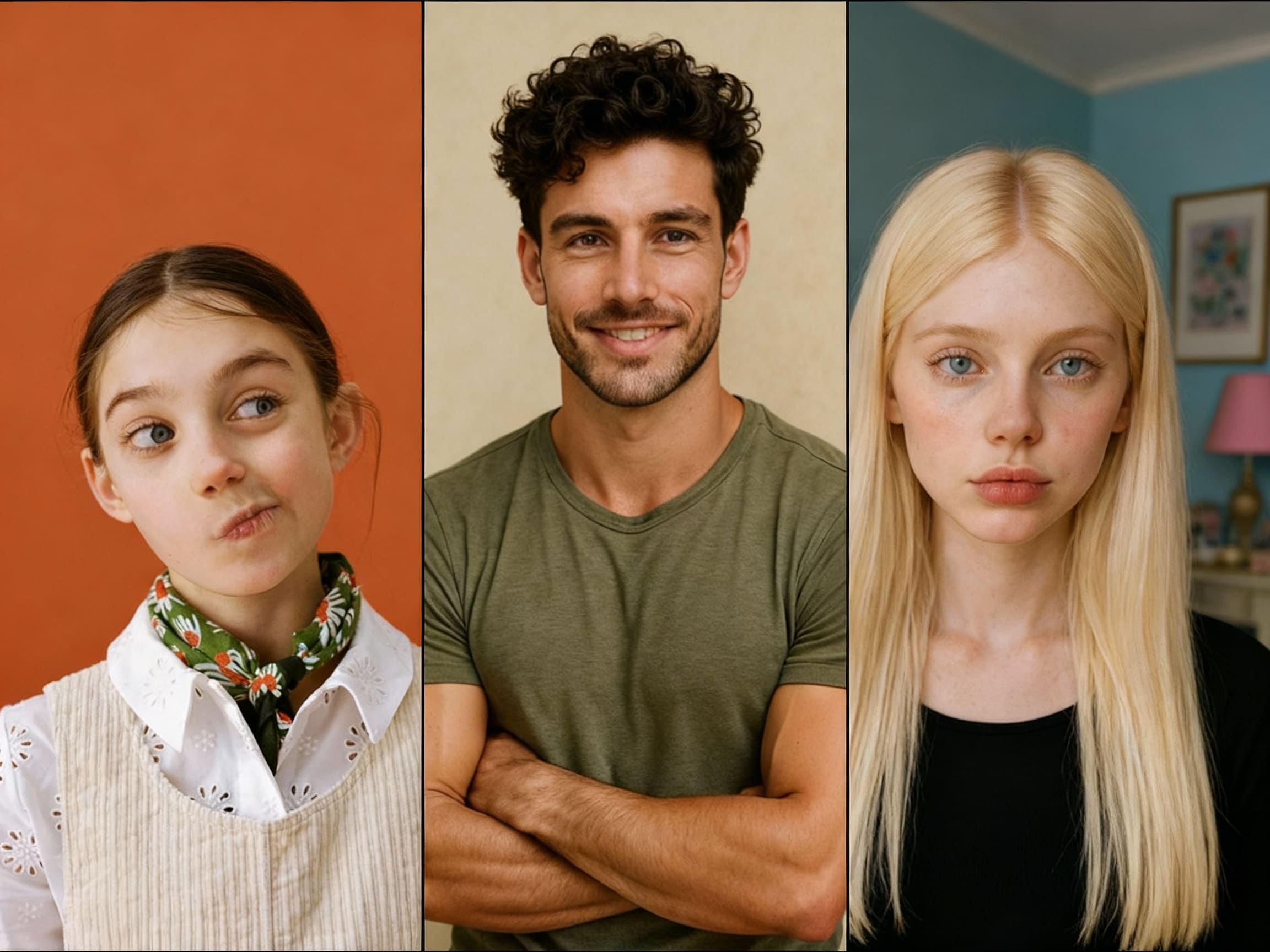
Free AI Image Combine vs Editor: The Ultimate Showdown
Choosing between a free AI image combiner and a traditional photo editor like Photoshop or PicsArt can be confusing. This comparison breaks down the key differences in speed, skill requirements, and creative potential. Whether you're a parent creating story scenes, a marketer building campaigns, or an artist exploring new compositions, discover which tool fits your workflow best. We'll explore how 1bit AI Image Combine offers a modern alternative for blending images with AI prompts.
Combine Images With AI New users get free credits to try it.
Quick answer
A free AI image combiner is better for fast, imaginative blending with minimal manual editing, while traditional editors offer precise control for professionals. For most creators seeking speed and creative AI assistance, an AI blend tool free of complex tools is the best choice.
- AI is faster for concept creation: Describe your vision with prompts instead of manual layering and masking.
- Traditional editors offer pixel-perfect control: Essential for professional retouching and detailed compositing.
- The best free AI image blender balances ease of use with powerful results, like 1bit AI Image Combine.
Table of contents
- Speed & Skill: AI vs. Manual Editing
- Creative Freedom: Prompts vs. Precision
- Choosing Your Tool: Key Factors Compared
- FAQ
Speed & Skill: Free AI Image Combine vs Editor Workflow
The core difference lies in workflow. Traditional photo editors like Photoshop require you to manually place, mask, blend, and color-correct each layer. This demands skill and time. A free AI image combiner uses generative AI to interpret your uploaded images and text prompts, automatically creating a cohesive blend.
For tasks like merging a child's photo into a fantasy backdrop or combining product shots with a thematic scene, AI dramatically reduces steps. You don't need to learn complex tools for selection or lighting adjustment. This makes the best free AI image blender ideal for rapid prototyping and creative exploration where speed is key.
Use 1bit AI Image Combine when you want a faster workflow
Instead of spending an hour masking and blending in an editor, upload your images to 1bit AI, add a prompt like "a magical forest scene," and get a blended composition in seconds. It's perfect for creating personalized story visuals or quick marketing mockups. New users get free credits to try this accelerated creative process.
Combine Images With AICreative Freedom: AI Imagination vs. Editorial Control
AI tools excel at imaginative generation, adding elements that weren't in your original assets based on your prompts. Traditional editors give you complete editorial control over every pixel, which is crucial for realistic composites or brand-specific visuals where accuracy is non-negotiable.
However, for no Photoshop image merge tasks, AI can bridge the skill gap. Want to see your pet as a king in a castle? An AI blend tool free from manual constraints can make that happen intuitively. The creative spark often comes from the unexpected combinations AI suggests, which can be harder to conceive manually.
Creative Goal Best with AI Combiner Best with Traditional Editor Generating a new scene from ideas Excellent - uses prompts to create context Poor - requires sourcing all assets manually Precise, realistic product compositing Variable - may need refinement Excellent - full control over shadows & edges Blending family photos into art Excellent - stylizes and unifies automatically Good - but requires artistic skill to execute Speed for non-designers Excellent - minimal learning curve Poor - steep learning curveChoosing Your Tool: Cost, Output, and Use Cases
So, what is the best free AI image blender, and is AI better than Photoshop for blending? It depends on your primary need. For professionals needing pixel-level accuracy for client work, Photoshop's control is unmatched. For everyone else—parents, content creators, small marketers—a free AI image combiner offers a powerful, accessible alternative.
Consider an AI image combiner free trial to test it on your specific projects. The best free way to merge images often involves using AI for the initial creative blend and a simpler editor for final tweaks, combining the strengths of both approaches without the cost of premium software.
FAQ
Is AI better than Photoshop for blending images?
AI is better for speed, creative exploration, and users without design skills. Photoshop is superior for precise, professional-grade edits requiring exact control over every detail. For most non-professionals, an AI image combiner provides more value for everyday creative tasks.
What is the best free AI image blender?
The best tool balances ease of use, quality of output, and flexibility. 1bit AI Image Combine is a strong contender, allowing you to blend multiple images with text prompts. It's designed for creators who want imaginative results without manual editing complexity.
Do free AI combiners have watermarks or limits?
Many free tools have limits like watermarks, resolution caps, or credit systems. 1bit AI Image Combine offers free credits to new users for watermark-free exploration. Always check a tool's policy on output ownership and usage rights for commercial projects.
Conclusion
The debate between a free AI image combiner vs editor isn't about which is universally better, but which is better for you. If your goal is to quickly transform ideas and assets into engaging visual stories, an AI-powered tool like 1bit AI Image Combine unlocks creativity without technical barriers. For pixel-perfect precision, traditional editors remain the standard. Why not experience the AI advantage firsthand? Use your free credits to see how blending images with AI can streamline your creative process.
Combine Images With AI New users get free credits to try it.