How to Transcribe a Podcast Episode to a Blog Post in 10 Minutes
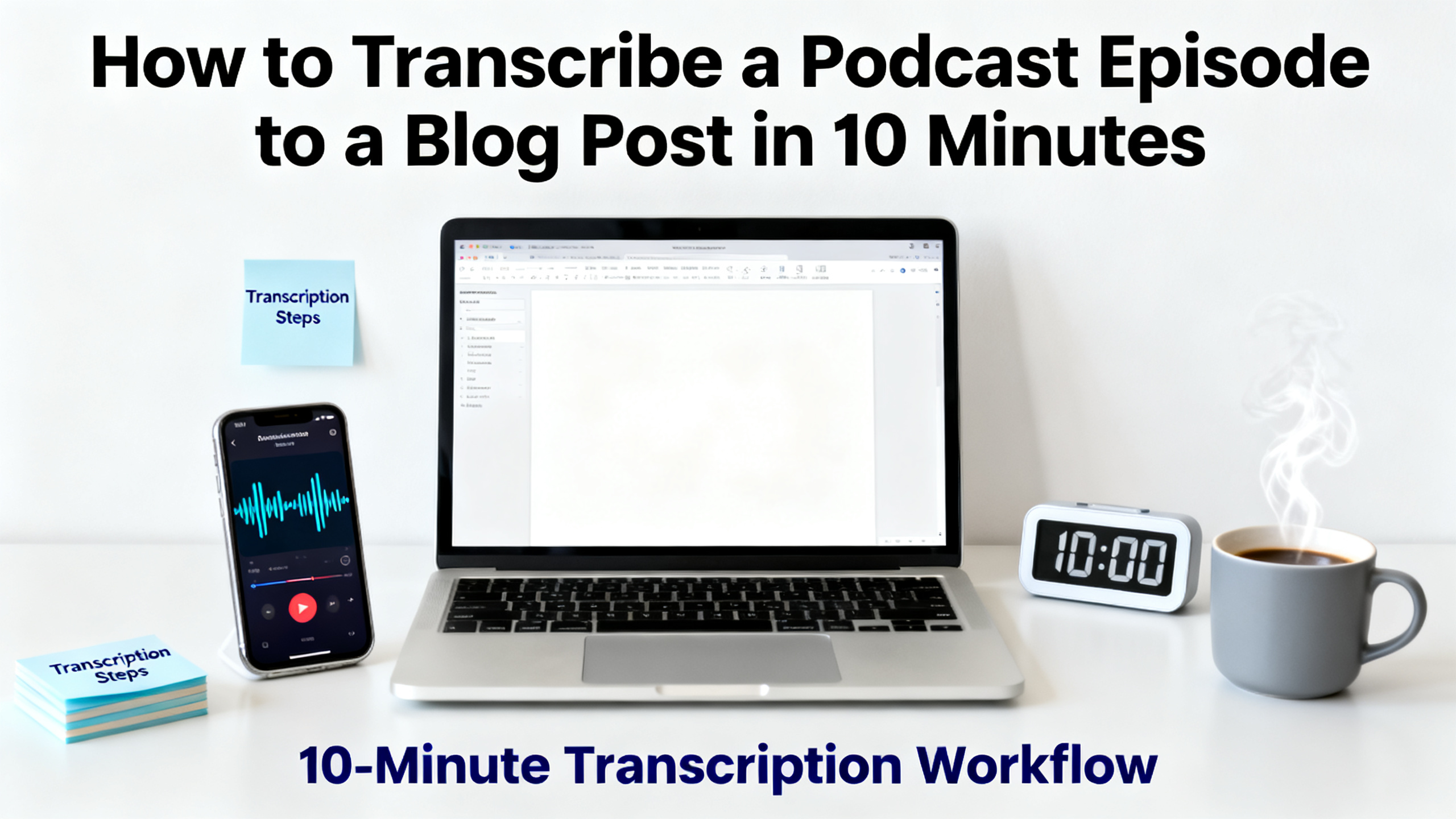
You recorded a great podcast episode. Now you want a blog post from it — fast. This tutorial shows you exactly how to transcribe a podcast episode to a blog post in 10 minutes using AI. Whether you are a solo creator, a podcast team member, a researcher, or an agency managing multiple shows, this workflow will save you hours. You will learn how to get a clean transcript, repurpose podcast content into a readable article, and optimize it for SEO — all without manual typing. New users get free credits to try the process today.
Quick answer
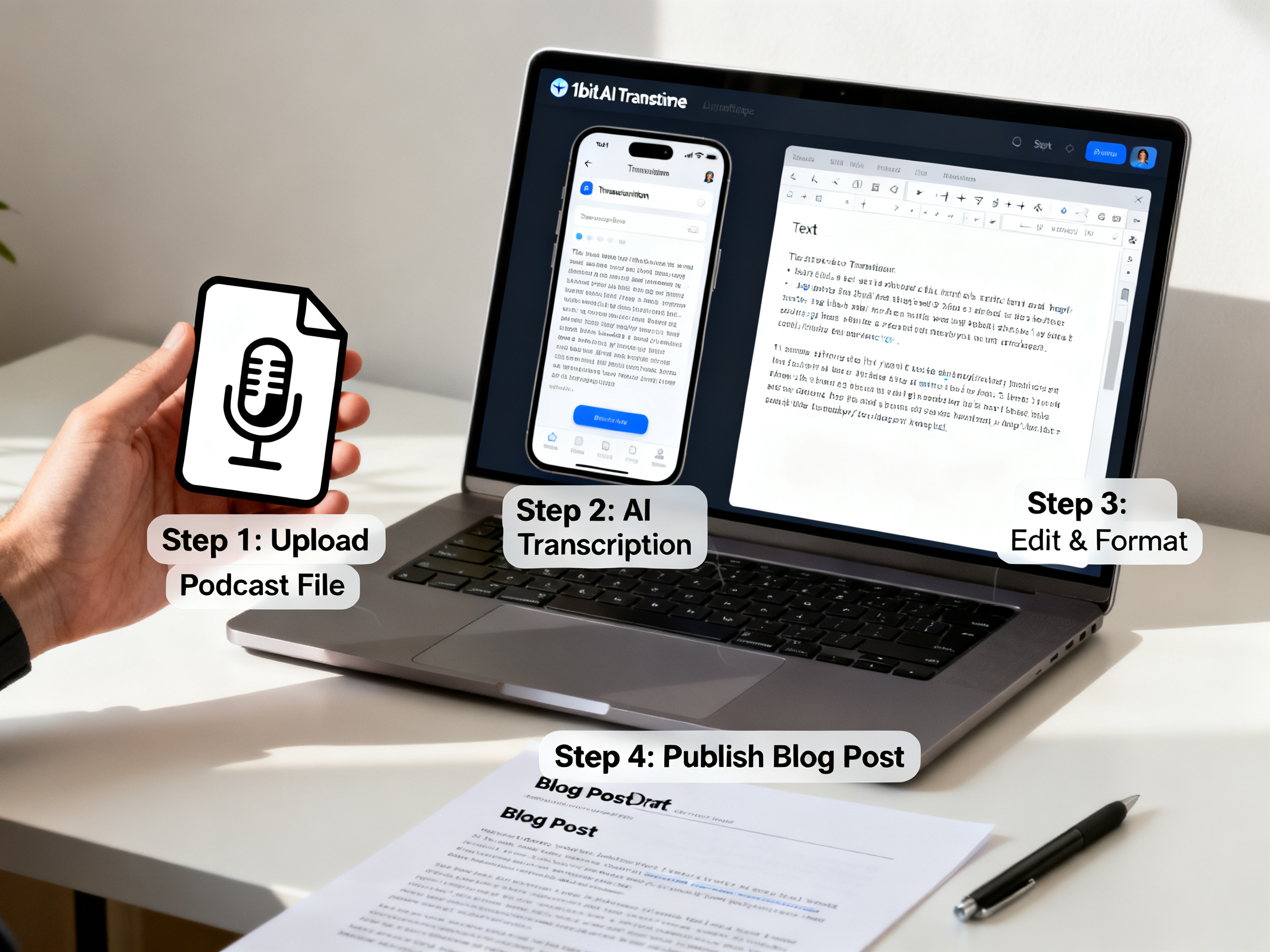
To transcribe a podcast episode to a blog post, upload your audio file to an AI transcription tool, get the text with speaker labels, then edit and format it into a blog post. The whole process can take under 10 minutes with the right tool. Below is a step-by-step walkthrough.
- Upload your podcast audio to an AI transcriber like 1bit AI Transcribe.
- Receive a timestamped transcript with speaker labels.
- Copy the transcript into a blog editor and add headings.
- Repurpose podcast content by turning quotes into key takeaways.
- Optimize the blog post for SEO with your target keywords.
- Publish and promote your new post.
Why Transcribe a Podcast Episode to a Blog Post?
Turning your audio into a written article extends your content's life. A blog post ranks in search engines, reaches people who prefer reading, and gives you material for social media. When you transcribe a podcast episode to a blog post, you also improve accessibility for hearing-impaired audiences. Podcast transcription is the first step in a broader repurpose podcast content strategy. Instead of recording once and forgetting it, you create multiple assets from one episode. Many creators ask, "How to turn a podcast into a blog post?" The answer is simpler than you think. With AI, you can do it in minutes, not hours. This guide answers that question and more.
Use 1bit AI Transcribe when you want a faster workflow
Manual transcription takes hours. 1bit AI Transcribe delivers accurate text in minutes, with speaker labels and timestamps. You can then copy the content directly into your blog editor. New users get free credits to try it — no risk involved.
Transcribe Audio And VideoStep-by-Step: How to Transcribe a Podcast Episode to a Blog Post in 10 Minutes
Follow these exact steps to go from audio file to published blog post quickly. This process works for any podcast length.
- Export your podcast audio. Save your episode as an MP3 or WAV file. Make sure the audio is clear and the speakers are distinct. If your file is longer than 2 hours, consider splitting it into parts.
- Upload to an AI transcription tool. Go to 1bit AI Transcribe and upload your file. The tool processes audio and video files. Select the language of your podcast. For multilingual episodes, choose the primary language.
- Wait for the transcript. In a few minutes, you will receive a full transcript with speaker labels and timestamps. Review the text for any errors. AI accuracy is high, but always proofread for industry-specific terms or names.
- Copy the transcript into your blog editor. Open your CMS or Google Docs. Paste the text. Remove timestamps if they are not needed. Keep speaker labels to maintain the conversational flow.
- Structure the blog post. Add an engaging title that includes your primary keyword. Write an introduction that hooks the reader. Break the transcript into sections with H2 and H3 headings. Use bullet points for key takeaways. Add a conclusion with a call to action.
- Optimize for SEO. Include your primary keyword "transcribe podcast episode to blog post" in the title, H1, and at least one H2. Add secondary keywords like "podcast transcription" and "repurpose podcast content" naturally. Write a meta description and alt text for images.
- Publish and promote. Hit publish. Share the blog post on social media and in your newsletter. Link back to the original podcast episode for cross-promotion.
This entire workflow takes about 10 minutes once you are familiar with the tools. The AI handles the heavy lifting, so you focus on editing and publishing.
Best Practices for Repurposing Podcast Content
When you repurpose podcast content, you maximize the value of each episode. Here are expert tips to make your blog post stand out.
- Pick the best quotes. Extract 3-5 powerful quotes from the transcript. Use them as pull quotes in the blog post. This adds visual interest and highlights key insights.
- Add context. A podcast conversation can jump between topics. In the blog post, group related ideas together. Write short transition sentences to guide the reader.
- Include a summary box. At the top of the post, write a 2-3 sentence summary. This helps readers decide if the post is relevant to them. It also improves SEO by providing a clear snippet.
- Use internal links. Link to other blog posts or relevant podcast episodes. This keeps readers on your site longer and boosts your site authority.
- Optimize for audio to text blog conversion. Keep paragraphs short. Use subheadings every 200-300 words. Add images or infographics to break up the text.
Many creators ask, "How to transcribe a podcast for free?" Free tools exist, but they often lack speaker labels or accuracy. 1bit AI Transcribe offers free credits for new users, so you can test the quality before committing.
Ready to try 1bit AI Transcribe?
New users get free credits to try it. Upload your first podcast episode and see how fast the transcript appears.
Transcribe Audio And VideoCommon Mistakes When You Transcribe a Podcast Episode to a Blog Post
Avoid these pitfalls to ensure your blog post is high quality and ranks well.
- Skipping proofreading. AI transcription is not 100% perfect. Always read through the transcript to fix errors, especially for names, technical terms, or accents. A single mistake can hurt credibility.
- Keeping filler words. Podcasts often contain "um," "uh," "you know," and repeated phrases. Remove these in the blog post to make the text clean and professional.
- Not adding headings. A wall of text is hard to read. Break the transcript into logical sections with descriptive headings. This improves readability and SEO.
- Ignoring SEO. Do not just paste the transcript and publish. Add your primary keyword in strategic places. Write a compelling meta description. Use alt text for images.
- Forgetting a call to action. Every blog post should guide the reader to the next step. Invite them to listen to the full podcast, subscribe, or try the transcription tool themselves.
If you encounter issues like poor audio quality or multiple speakers talking over each other, consider using a tool with speaker diarization. 1bit AI Transcribe handles these scenarios well, but always review the output.
Comparison: Manual vs AI Podcast Transcription
Understanding the differences helps you choose the right method for your workflow.
| Criteria | Manual Transcription | AI Transcription (1bit AI) |
|---|---|---|
| Time for 1-hour episode | 4-6 hours | 5-10 minutes |
| Cost | $1-3 per audio minute | Free credits available; affordable plans |
| Accuracy | 99%+ with careful work | 95-98% (improves with clear audio) |
| Speaker labels | Manual assignment | Automatic diarization |
| Scalability | Difficult for multiple episodes | Batch processing supported |
For most podcast teams and creators, AI transcription is the clear winner. It saves time and money while delivering results you can edit into a polished blog post.
FAQ
How to turn a podcast into a blog post?
Upload your podcast audio to an AI transcription tool like 1bit AI Transcribe. Get the transcript, then edit it into a blog post by adding headings, removing filler words, and optimizing for SEO. The whole process can take under 10 minutes.
How to transcribe a podcast for free?
Many AI transcription tools offer free trials or credits. 1bit AI Transcribe gives new users free credits to transcribe their first podcast episode. This lets you test the accuracy and speed before committing to a paid plan.
Can I transcribe a podcast episode to a blog post automatically?
Yes, AI tools automate the transcription part. You still need to edit the text for readability and add structure. The automation saves hours of manual typing, making it possible to publish a blog post from a podcast in minutes.
What is the best tool to transcribe a podcast episode to a blog post?
The best tool offers high accuracy, speaker labels, timestamps, and fast turnaround. 1bit AI Transcribe meets these criteria and provides free credits for new users. It supports multiple languages and handles long files.
How long does it take to transcribe a podcast episode to a blog post?
With AI transcription, the audio-to-text step takes 5-10 minutes for a 1-hour episode. Editing the transcript into a blog post adds another 10-20 minutes. Total time is under 30 minutes, much faster than manual methods.
Conclusion
You now know how to transcribe a podcast episode to a blog post in 10 minutes. By using AI transcription, you save hours of manual work and can repurpose podcast content efficiently. Start with a clear audio file, upload it to a reliable tool, edit the transcript, and publish an SEO-optimized post. New users get free credits to try 1bit AI Transcribe — take advantage of that offer today and turn your next podcast episode into a blog post quickly.