AI Family Photo Combiner

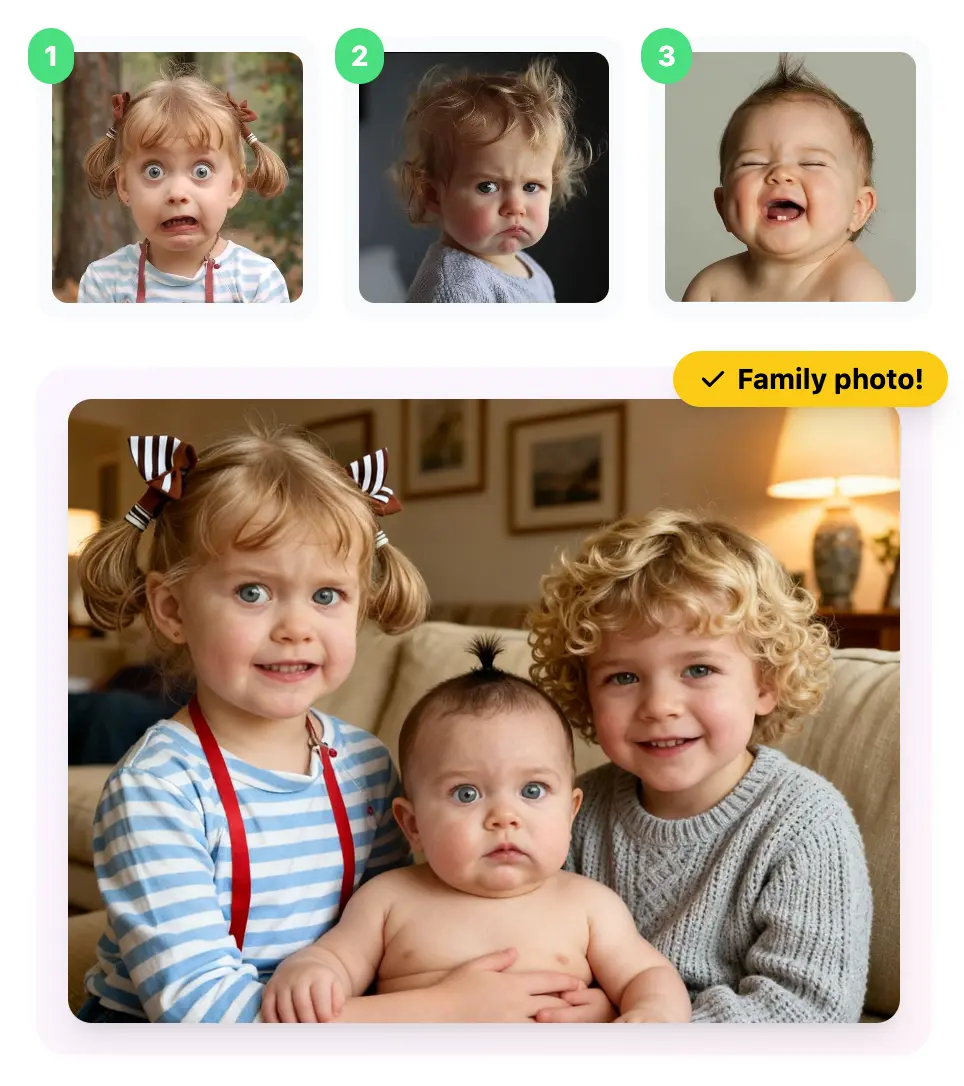
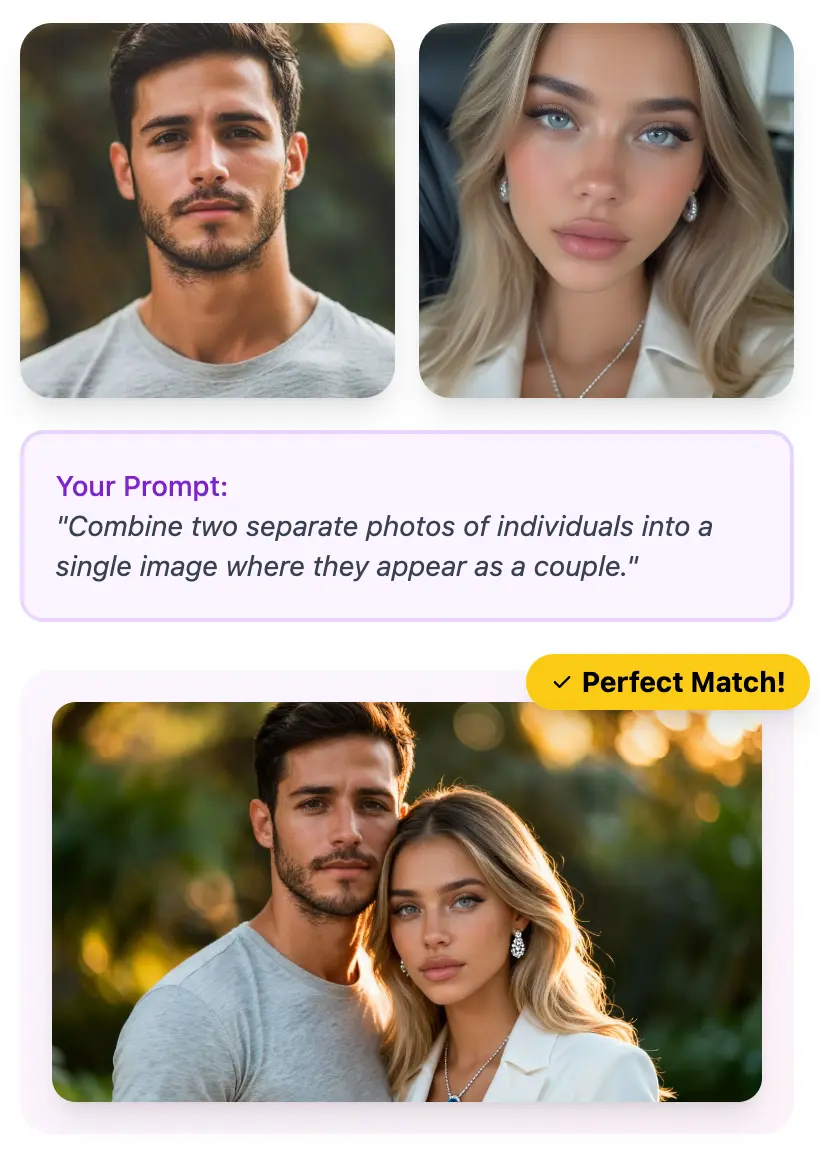
Upload separate photos of family members and let AI merge them into a natural family portrait. Supports up to 6 people in a single composition.

Family Portrait AI

Never Miss a Family Photo Again

Coordinating family photo sessions is nearly impossible. Different schedules, distant relatives, or loved ones who could not be there. Our AI Family Photo Combiner takes individual photos of each family member and blends them into one cohesive, natural-looking family portrait in seconds.

Supports 2-6 People
Natural Group Poses
Instant Download
AI Family Photo Combiner Demo
AI-combined multi-generational family portrait with grandparents and grandchildren

Multi-Generational Portraits Made Simple

Grandparents in another city? Kids at college? Our AI analyzes each person's lighting, skin tone, and pose to seamlessly merge them into a single frame. The result looks like everyone posed together in the same room.

  • Automatic lighting and color correction across all photos
  • Natural shadow and depth placement for each family member
  • Consistent background environment for a unified look
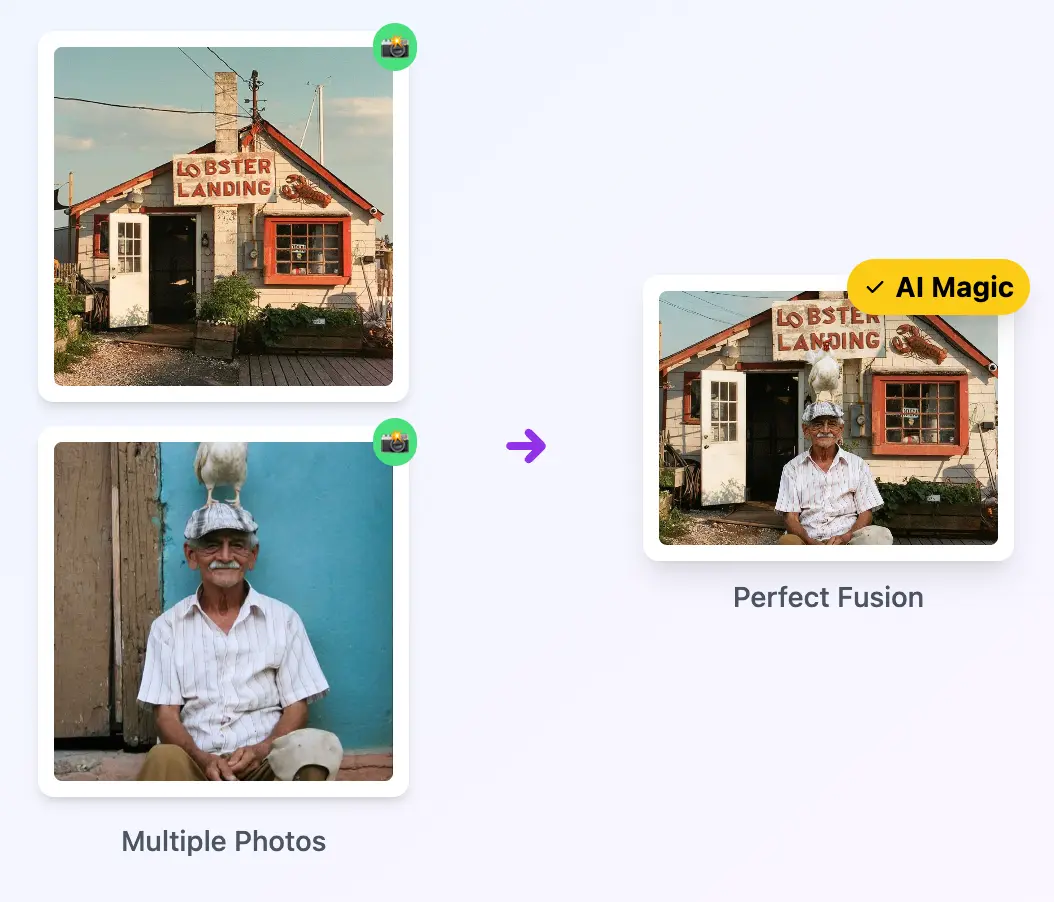
Family holiday photo combined from separate individual shots

Holiday & Reunion Photos Without the Hassle

Turn scattered holiday snapshots into a single beautiful family portrait. Whether it's Christmas dinner, Thanksgiving, or a summer reunion, create the photo you wish you had taken together.

  • Merge photos taken at different times into one holiday portrait
  • Add custom backgrounds like holiday scenery or home interiors
  • Print-ready resolution for framing and gifting

How to Family Photos in 3 Simple Steps

  • Upload Family Member Photos

    Select individual photos of each family member (2-6 photos). Clear, well-lit headshots or half-body shots produce the best results.

  • Describe the Family Scene

    Tell the AI how to arrange your family. For example: "Grandparents seated in center, parents standing behind, children in front, warm living room background."

  • Download Your Family Portrait

    Get your professionally merged family portrait in seconds. Perfect for printing, framing, sharing on social media, or sending to relatives.

https://www.1bit.ai

Enterprise-Grade AI Infrastructure

Transparency drives trust. Our multi-layered orchestration engine ensures your creative intent is translated into high-fidelity visual assets with industry-leading precision and security.

Multi-Model Synergy

Our system intelligently routes prompts to specialized engines. Seedream 4.0 handles ultra-realism, while Nano Banana (Gemini-Powered) excels in complex logical reasoning.

Dynamic Routing v2.5

Semantic Understanding

Utilizing a dedicated LLM layer, we expand simple keywords into professional-grade descriptors, automatically optimizing lighting, camera angles, and texture parameters.

NLP Refinement Layer

Data Privacy & Rights

Your inputs are encrypted and never used for public training. You retain 100% commercial ownership of every image generated through our professional pipeline.

GDPR & DMCA Compliant
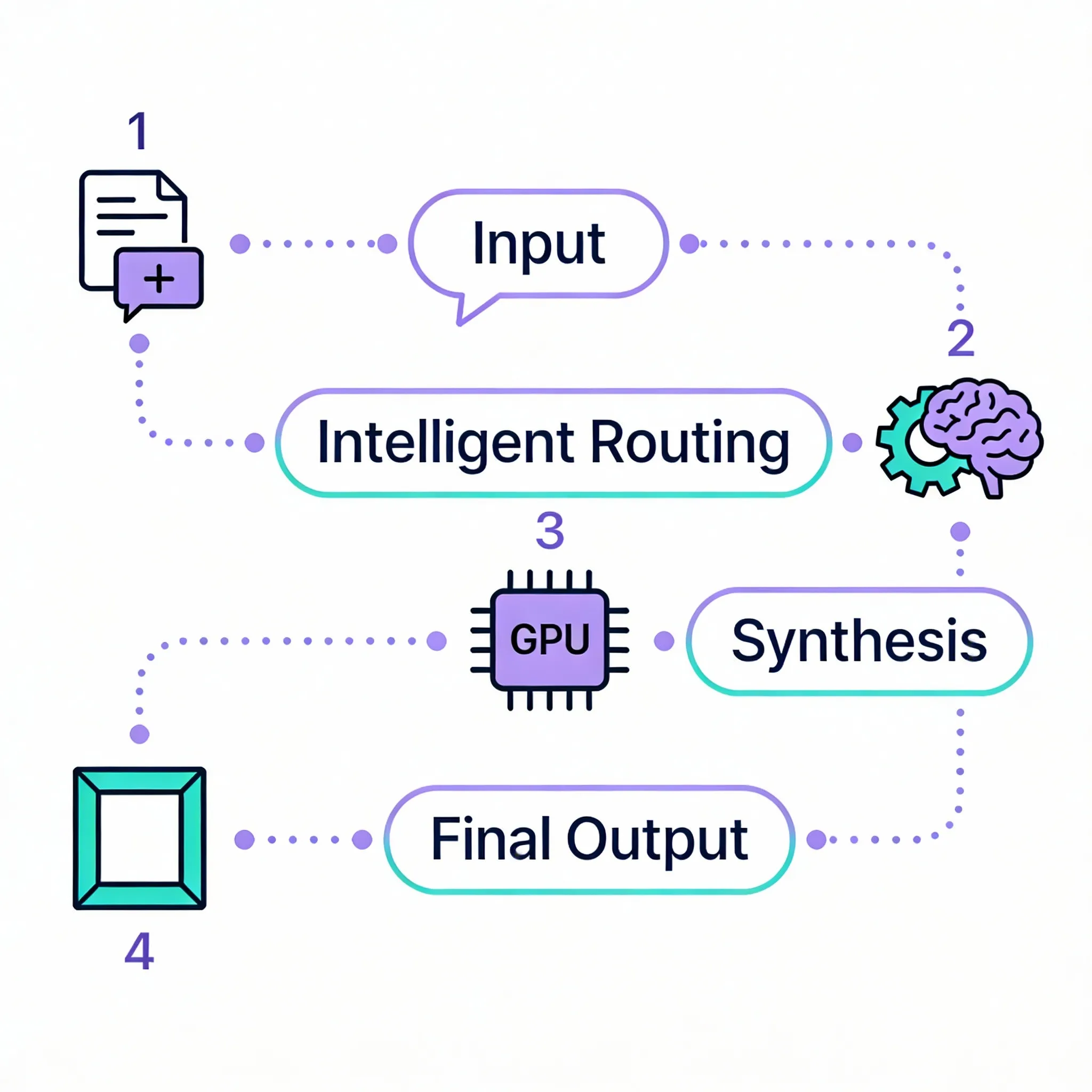
How it works

The Neural Generation Pipeline

1

Input Orchestration

Your prompt is analyzed by our NLP layer to resolve ambiguities and assign the best visual model.

2

Engine Synthesis

High-performance GPU clusters execute 30-50 iterative denoising steps to forge pixels with extreme clarity.

3

Post-Processing Guardrails

Final assets are upscale-ready and checked against our safety filters before being delivered to you.

1bit.ai Technical Architecture Flow

AI Model Performance Benchmark

* Verified by 5,000+ internal benchmark tests

Feature Nano Banana Pro Best for Professional Use Seedream 4.5 High Fidelity Visuals Standard AI Models
Text Rendering in Images
Excellent
95%+ accuracy, multilingual
Good Basic Support
Presentation Optimization
Advanced
Studio-grade layouts
Cinematic
Photorealistic focus
Standard
Infographic Generation
Specialized
High Quality Basic
Speed Fast Balanced Varies
Chart & Diagram Support
Excellent
Text + Data visualization
Visual Only Limited

AI Family Photo Combiner: Frequently Asked Questions

Everything you need to know about AI Family Photo Combiner

How many family members can I combine into one photo?

You can combine up to 6 individual photos into a single family portrait. For the best results, use clear photos with consistent lighting and similar angles.

Can I add a person from an old or low-quality photo?

Yes. Our AI can work with older or lower-resolution photos. While higher-quality inputs produce better results, the AI automatically enhances and matches lighting, color balance, and detail levels across all photos.

What kind of photos work best for family portraits?

Half-body or full-body shots with clear facial features and even lighting work best. Avoid heavily backlit photos, extreme angles, or images where faces are partially obscured.

Can I choose a custom background for the family portrait?

Absolutely. Use the text prompt to describe any background: a cozy living room, a park, a holiday scene, or even a studio backdrop. The AI will place your family naturally in the described environment.

Is the combined portrait print-ready?

Yes. Output images are high-resolution and suitable for printing up to 16x20 inches. Choose the "Ultra Photoreal" quality tier for maximum print fidelity.

Can I add a deceased family member to a current photo?

Yes. Many families use our tool to include a loved one who has passed away in current family photos. For this specific use case, you may also want to try our dedicated Memorial Photo Creator.