
Keep Their Memory Alive in Every Photo
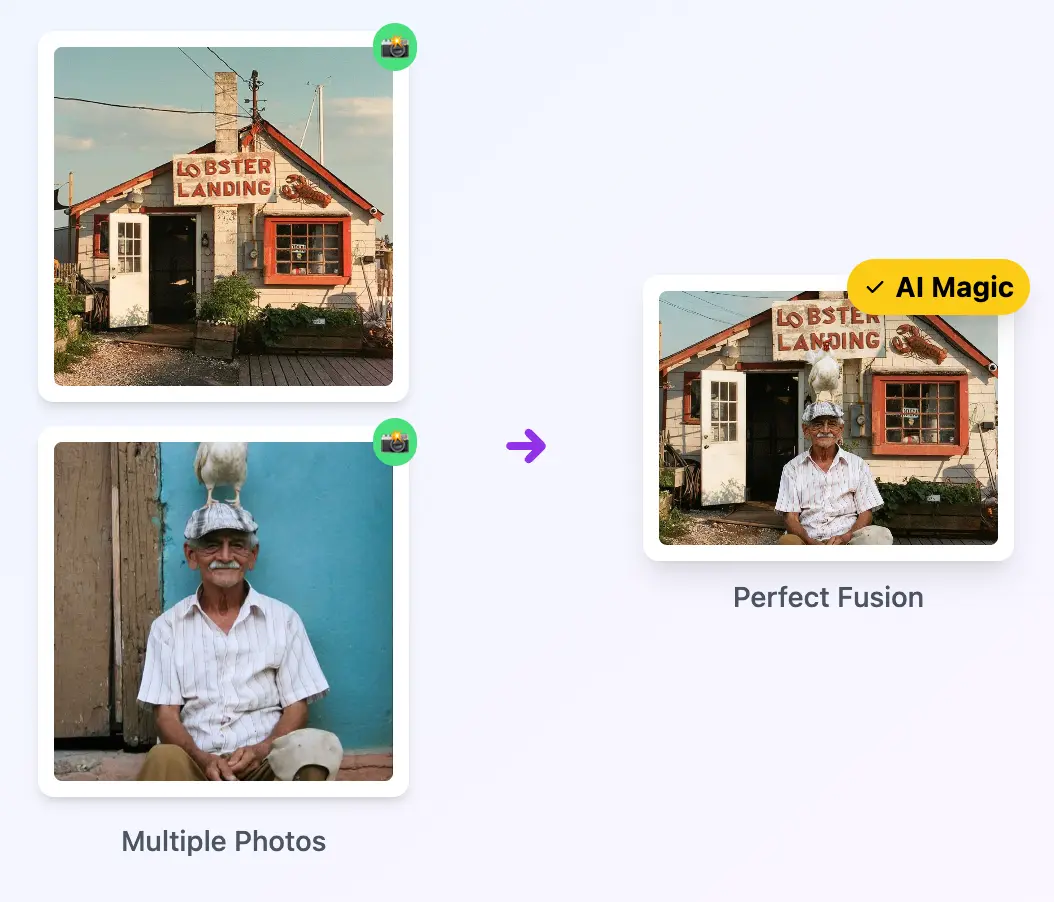
Some moments deserve to include everyone, even those who are no longer with us. Our AI Memorial Photo Creator lets you add deceased loved ones to wedding photos, holiday portraits, graduation pictures, and family gatherings. The result is a natural, respectful composition that honors their memory.
Bring Loved Ones Back Into the Frame
Whether it's a grandparent who passed before a wedding, a parent who missed a child's graduation, or a friend who should have been at the reunion, our AI creates natural compositions that place them right where they belong. The result honors their memory with dignity.
- Seamless blending that preserves the original likeness and personality
- Automatic color grading to match modern and vintage photo styles
- Sensitive processing that handles old, faded, or damaged photos gracefully
Works with Any Era of Photography
Upload scanned black-and-white prints, faded Polaroids, or digital photos from any decade. Our AI understands the context and intelligently adapts lighting, color temperature, and detail levels to produce a unified memorial portrait.
- Supports scanned prints, old digital photos, and modern smartphone images
- AI enhances low-resolution source photos for clearer facial features
- Choose between a realistic modern look or a vintage artistic style
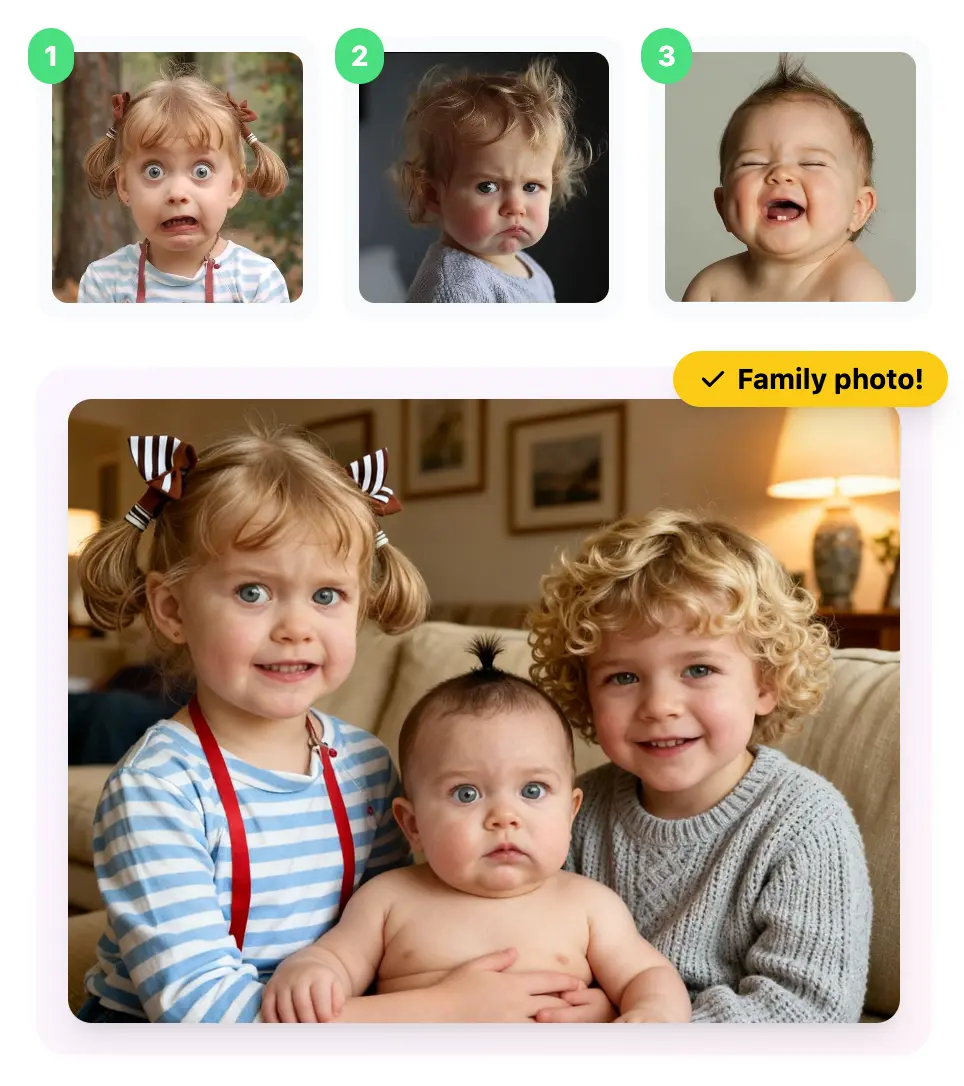
How It Works
Upload Their Photo
Select the best available photo of your loved one. Even old, scanned, or low-resolution images can work. The clearer the face, the better the result.
Add the Current Photo
Upload the family photo, wedding shot, or occasion picture where you want to include them. Describe how you'd like them placed in the scene.
Download Your Memorial Portrait
Receive a natural, touching memorial photo ready for printing, framing, or sharing with family. Adjust and regenerate as needed.
Popular Uses
Frequently Asked Questions
Create Memorial Photo
Create Memorial PhotoRelated workflow
More in Image Creation & Editing
Generate, edit, restore, and upscale images — the general-purpose image pipeline.
AI Image Generator
Create images and art from text prompts with AI.
AI Image Editor
Edit photos with simple text prompts, powered by Nano Banana.
AI Image Combine
Merge up to 6 photos into one seamless AI composition.
AI Sketch Maker
Turn any photo into a pencil sketch, ink drawing, line art, charcoal portrait, or one of 13 hand-drawn styles.
AI Emoji Sticker Pack
Turn one subject into a coordinated emoji sticker set across expressions, reactions, occasions, and costumes.
AI Character Pose Pack
Turn one character photo into a whole pack of poses — same face, same outfit, new gestures.
- Group Photo CombineMerge separate portraits into one group photo.
- Photo to DoodleTurn a photo into a fully illustrated doodle scene.
- Doodle AvatarCreate a hand-drawn profile avatar from a portrait.
- Pet Doodle PortraitTurn a dog, cat, or other pet photo into doodle art.
- Birthday DoodleAdd hand-drawn birthday details to a favourite photo.
- AI Creative StudioRun the image tools together in one workspace.