
image
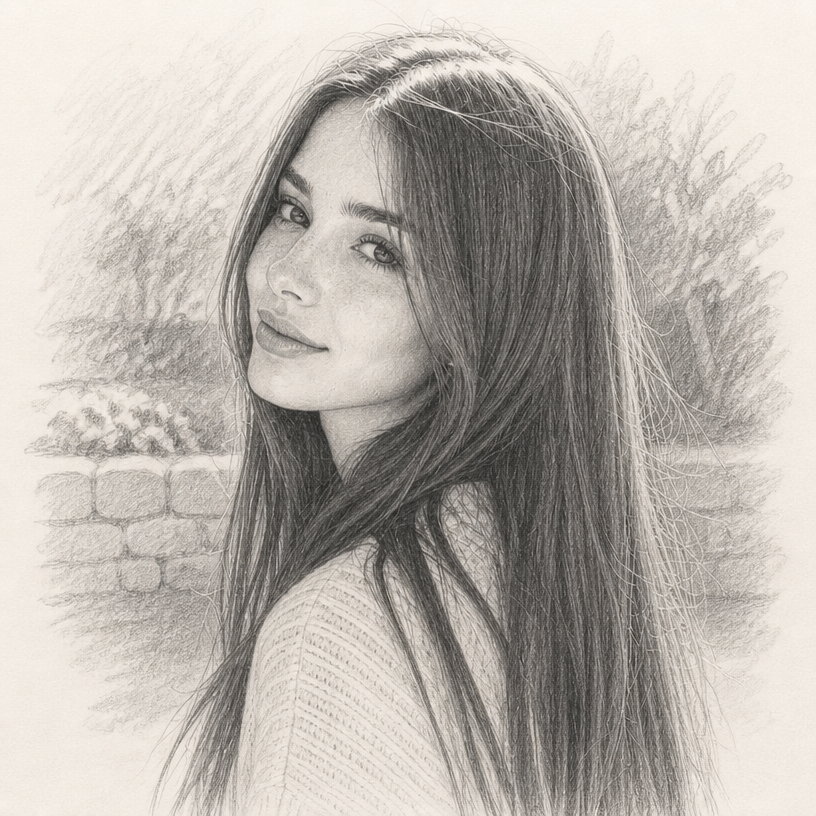
Turn any photo into a hand-drawn sketch in seconds
Upload a portrait, pet, product, outfit, building, or landscape and compare up to four different sketch media in one run. Choose pencil, charcoal, fine line, ink, blueprint, manga line art, colored pencil, vintage etching, and more — then fine-tune the detail, background, and output shape.
AI Sketch Maker
Turn any photo into a pencil sketch, ink drawing, line art, charcoal portrait, or one of 13 hand-drawn styles.
Open full workspace50 credits per image.
Highlights
A photo-to-sketch converter with real creative control
More than a one-click sketch filter
Choose the drawing medium and decide how much detail should survive. A clean fine-line outline, a soft pencil portrait and a bold charcoal drawing can all begin with the same photo.
One photo, up to four directions at once
Select as many as four different media and compare a pencil sketch, ink illustration, vintage etching or another distinct look side by side. Every selected style creates one labelled result.
Keep the scene or clear the page
Draw the full background, reduce it to a few expressive marks, or place the subject on plain white or cream paper. Plain paper is intentionally opaque rather than a transparent PNG.
How it works
How to turn a photo into a sketch online
Upload a photo
Choose a clear portrait, pet, product, outfit, building or landscape. One photo is all you need.
Choose up to four sketch styles
Browse the visual style cards and select one to four different drawing media, then set the shared detail level, background treatment and output shape.
Generate and compare
Receive one labelled drawing per selected style, download your favorites, or send one to the AI Image Editor for another pass.
Capabilities
What it handles well right now
Common jobs
Make sketch art for personal and professional projects
Related workflow
More in Image Creation & Editing
Generate, edit, restore, and upscale images — the general-purpose image pipeline.
AI Image Generator
Create images and art from text prompts with AI.
AI Image Editor
Edit photos with simple text prompts, powered by Nano Banana.
AI Image Combine
Merge up to 6 photos into one seamless AI composition.
AI Emoji Sticker Pack
Turn one subject into a coordinated emoji sticker set across expressions, reactions, occasions, and costumes.
AI Character Pose Pack
Turn one character photo into a whole pack of poses — same face, same outfit, new gestures.
AI Portrait Generator
Turn selfies into studio-quality portraits with camera and film styles.
FAQ