
image
Turn one photo into a complete emoji sticker set
Upload one character photo, choose Auto or a scene, then select a style. Create matching transparent PNG stickers, turn individual stickers into GIFs, and revisit them in My stickers.
AI Emoji Stickers
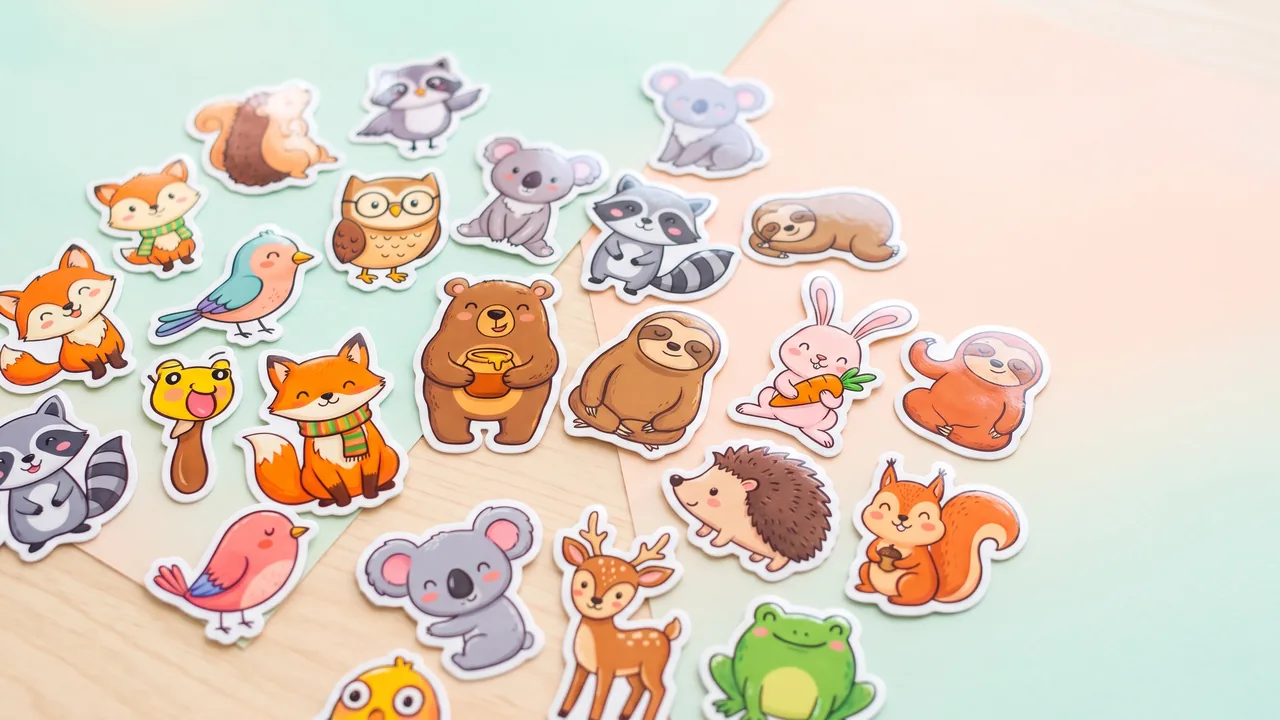
Turn one subject into a coordinated emoji sticker set across expressions, reactions, occasions, and costumes.
Open full workspaceStatic stickers cost 50 credits each. A single-sticker GIF conversion costs 10 credits.
Highlights
Scene-led sticker sets that keep the subject recognizable
Start with one character photo
Upload a photo or try a real portrait or animal example. Then choose Auto or browse visual scene examples.
One subject, many deliberate states
Turn the same subject into a balanced sequence of expressions, gestures, props or costumes. Select preset actions or add your own states. Each selected state creates one sticker.
Transparency that is actually transparent
Every sticker is delivered as an RGBA PNG with real alpha around the cutline — ready for chats, social posts, digital planners, merchandise layouts and print preparation.
How it works
How to create an emoji sticker pack from one photo
- 1
Upload your character
Start with one clear photo of a person, pet, mascot or object, or try a real-photo example.
- 2
Choose the scene and style
Keep Auto and choose 1, 2, 4, 6 or 8 stickers, or select up to 16 actions and emotions. Choose a style and optional border before creating.
- 3
Download or animate
Preview and download transparent PNGs, turn a sticker into a GIF, and return to your saved creations in My stickers.
Capabilities
What it handles well right now
Common jobs
Sticker scenes for chats, communities, occasions, and characters

Also in Canva
AI Emoji Stickers for Canva
Use the same tool inside the Canva editor. Results land on your design, ready to edit.
Related workflow
More in Image Creation & Editing
Generate, edit, restore, and upscale images — the general-purpose image pipeline.
AI Image Generator
Create images and art from text prompts with AI.
AI Image Editor
Edit photos with simple text prompts, powered by Nano Banana.
AI Image Combine
Merge up to 6 photos into one seamless AI composition.
AI Sketch Maker
Turn any photo into a pencil sketch, ink drawing, line art, charcoal portrait, or one of 13 hand-drawn styles.
AI Character Pose Pack
Turn one character photo into a whole pack of poses — same face, same outfit, new gestures.
AI Comic Storyboard Maker
Create a comic from your story, then continue it page by page in a saved project.
FAQ