
Perfect Group Photos Without Getting Everyone in One Room
Remote teams, absent members, scheduling conflicts. Getting everyone together for a group photo is a challenge. Our AI Group Photo Maker combines individual headshots or small group photos into a professional composite that looks like everyone posed together.
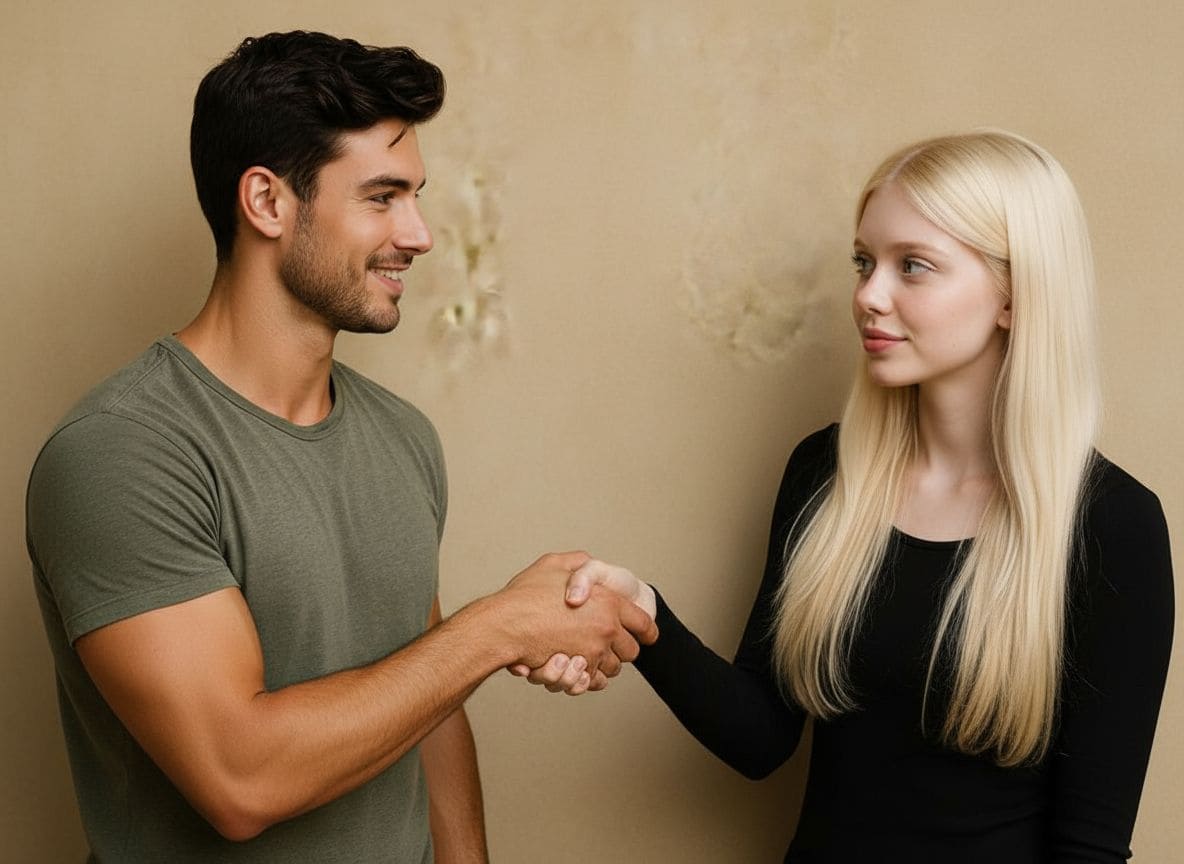
Remote Teams, One Professional Photo
Your team is distributed across time zones, but your company website needs a unified team photo. Upload individual headshots taken against any background, and our AI arranges them into a natural group portrait with consistent styling, lighting, and a professional backdrop.
- Consistent corporate styling: match attire, lighting, and background
- Natural spatial arrangement with realistic depth and overlap
- Scalable from small startup teams to large department photos
Event & Class Photos Without the Logistics
School class photos, conference group shots, sports team pictures. Combine individual photos taken throughout an event into a single organized group portrait. Add late arrivals, include VIPs who left early, or reconstruct the group photo everyone wished they had.
- Combine photos from different moments of an event or school day
- Add missing members who arrived late or left early
- Professional backdrops: conference stage, school building, sports field
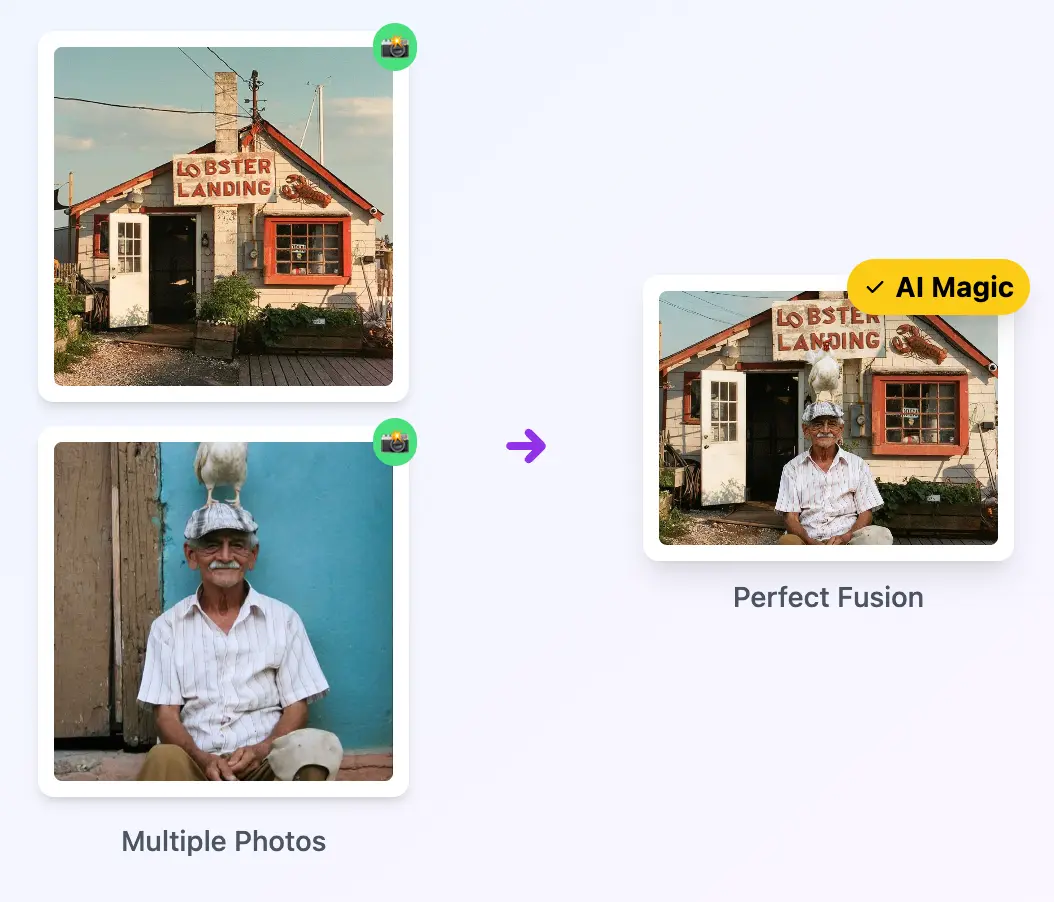
How It Works
Upload Individual or Small Group Photos
Select headshots, team member portraits, or small group shots (up to 6 photos). Professional headshots on neutral backgrounds produce the best results.
Describe the Group Arrangement
Tell the AI how to arrange the group: "Standing in a row with arms crossed, corporate office background" or "Casual group photo at a park."
Download Your Group Photo
Get a professional group photo ready for your company website, annual report, event recap, or social media.
Popular Uses
Frequently Asked Questions
Create Group Photo
Create Group PhotoRelated workflow
More in Image Creation & Editing
Generate, edit, restore, and upscale images — the general-purpose image pipeline.
AI Image Generator
Create images and art from text prompts with AI.
AI Image Editor
Edit photos with simple text prompts, powered by Nano Banana.
AI Image Combine
Merge up to 6 photos into one seamless AI composition.
AI Sketch Maker
Turn any photo into a pencil sketch, ink drawing, line art, charcoal portrait, or one of 13 hand-drawn styles.
AI Emoji Sticker Pack
Turn one subject into a coordinated emoji sticker set across expressions, reactions, occasions, and costumes.
AI Character Pose Pack
Turn one character photo into a whole pack of poses — same face, same outfit, new gestures.
- Memorial Photo CombineAdd a loved one back into a family photo.
- Photo to DoodleTurn a photo into a fully illustrated doodle scene.
- Doodle AvatarCreate a hand-drawn profile avatar from a portrait.
- Pet Doodle PortraitTurn a dog, cat, or other pet photo into doodle art.
- Birthday DoodleAdd hand-drawn birthday details to a favourite photo.
- AI Creative StudioRun the image tools together in one workspace.