
Create a Doodle Avatar From Your Photo
Turn a selfie or portrait into a square doodle avatar for profiles, stickers, community accounts, and playful brand identities. The app opens in Doodle Portrait mode with a Cute Kawaii style, and you can switch to any other hand-drawn look.
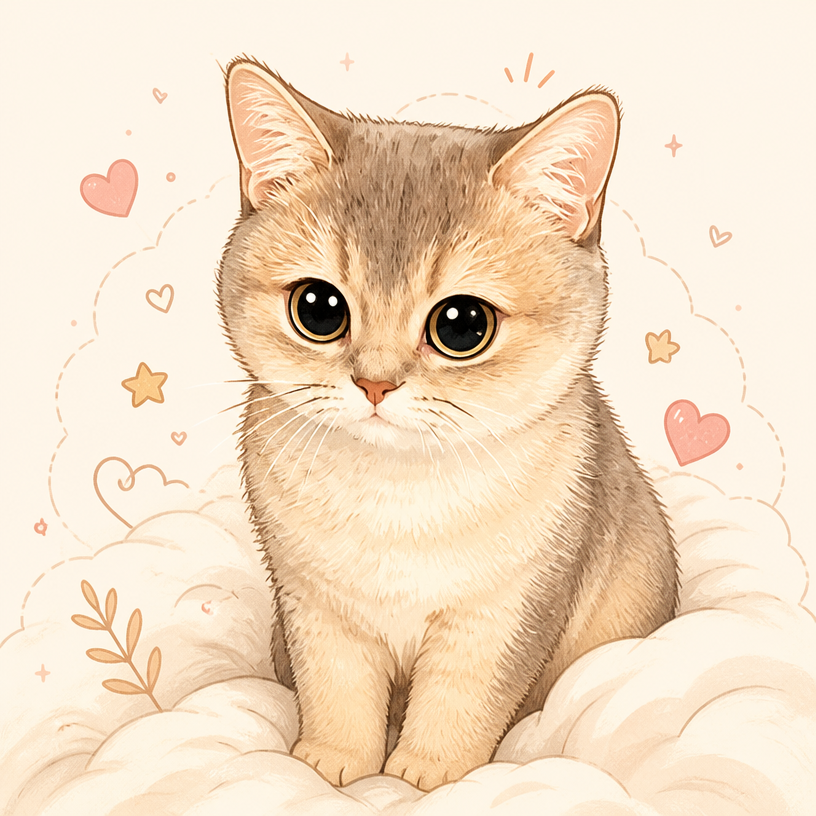
A portrait-first mode for cleaner avatars
Doodle Portrait focuses on the main subject and simplifies the background, making the generated image easier to crop and recognize at profile-picture size.
- Square framing preselected
- Simple illustrated background
- Works with selfies, portraits, couples, and pets
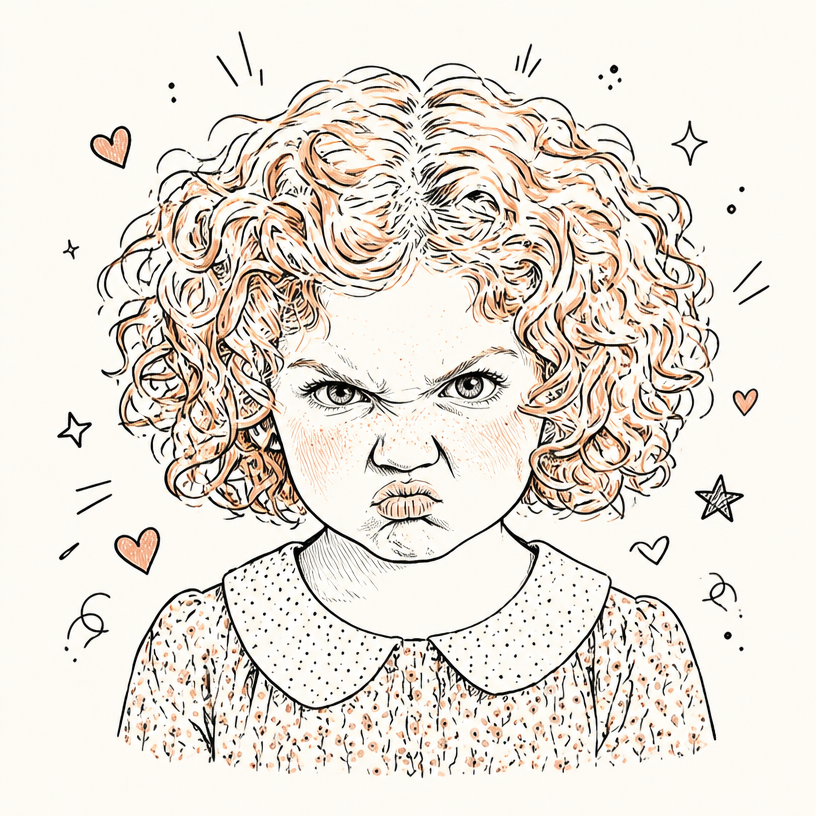
Match the avatar to your personality
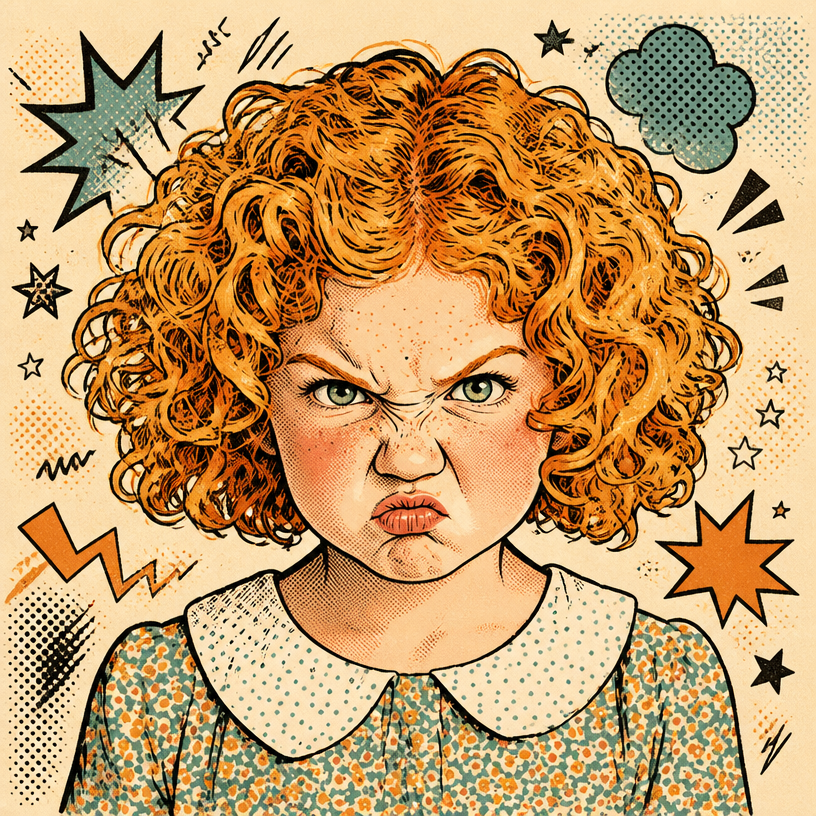
Cute Kawaii is only the starting point. Try marker, crayon, ink scribble, retro comic, graffiti, or sticker collage without rebuilding the upload flow.
- 13 visual styles
- Themes for interests and occasions
- Downloadable image output
How It Works
Upload a selfie or portrait
Use a photo with a clear face or main subject and enough light to show the defining features.
Choose an avatar style
Start with Cute Kawaii, then compare the style demos to find the line work and colour that fit you.
Generate your square avatar
Review the illustrated portrait and download it for your profile, community, sticker, or personal brand.
Popular Uses
Frequently Asked Questions
Create Doodle Avatar
Create Doodle AvatarRelated workflow
More in Image Creation & Editing
Generate, edit, restore, and upscale images — the general-purpose image pipeline.
AI Image Generator
Create images and art from text prompts with AI.
AI Image Editor
Edit photos with simple text prompts, powered by Nano Banana.
AI Image Combine
Merge up to 6 photos into one seamless AI composition.
AI Sketch Maker
Turn any photo into a pencil sketch, ink drawing, line art, charcoal portrait, or one of 13 hand-drawn styles.
AI Emoji Sticker Pack
Turn one subject into a coordinated emoji sticker set across expressions, reactions, occasions, and costumes.
AI Character Pose Pack
Turn one character photo into a whole pack of poses — same face, same outfit, new gestures.
- Group Photo CombineMerge separate portraits into one group photo.
- Memorial Photo CombineAdd a loved one back into a family photo.
- Photo to DoodleTurn a photo into a fully illustrated doodle scene.
- Pet Doodle PortraitTurn a dog, cat, or other pet photo into doodle art.
- Birthday DoodleAdd hand-drawn birthday details to a favourite photo.
- AI Creative StudioRun the image tools together in one workspace.