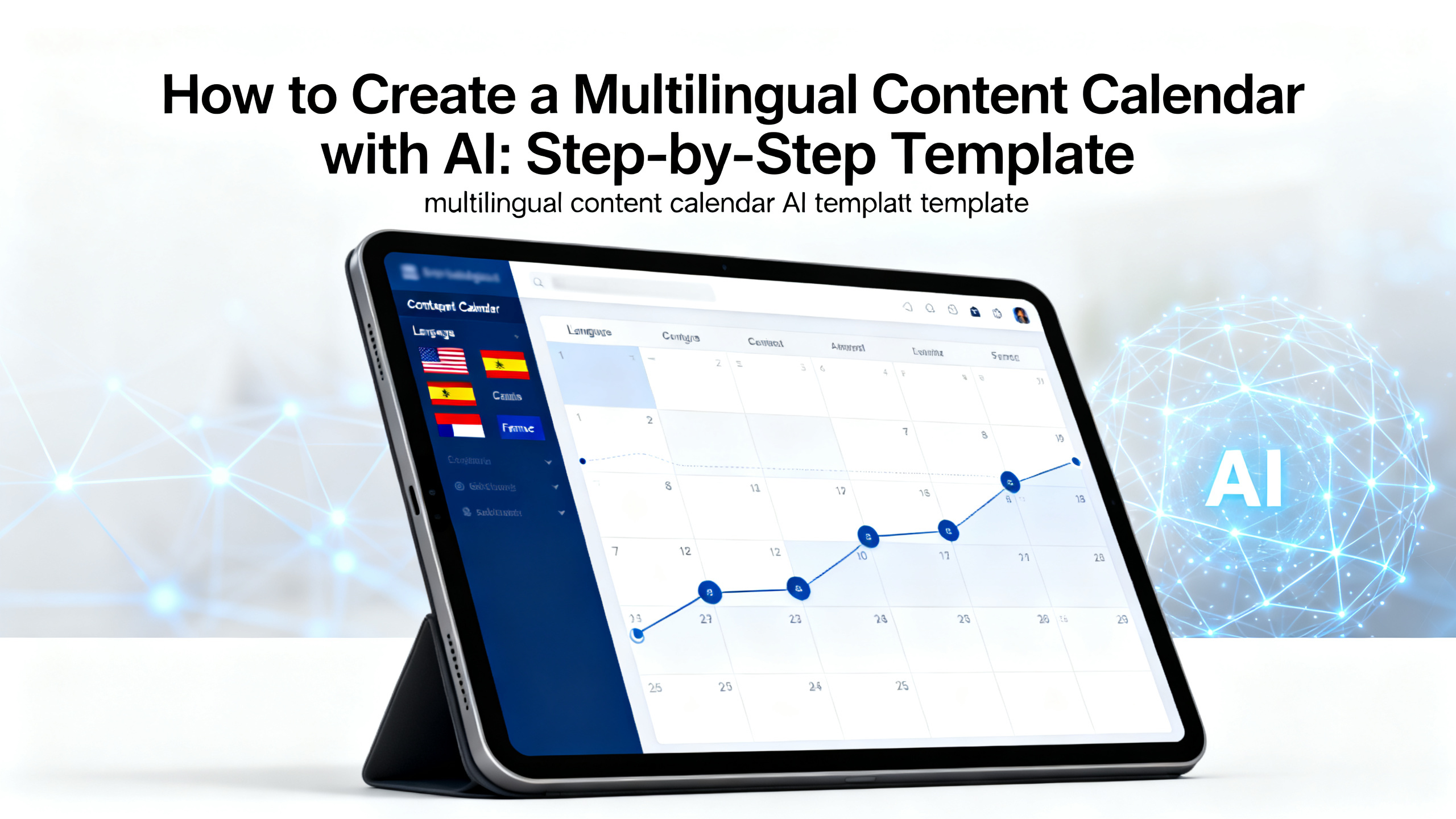
How to Create a Multilingual Content Calendar with AI: Step-by-Step Template
Are you a creator, indie maker, marketer, or global team member struggling to keep your content consistent across languages? You're not alone. Planning a multilingual content calendar manually is time-consuming and error-prone. In this step-by-step guide, you'll learn how to build a multilingual content calendar AI template that saves hours, reduces friction, and scales your global reach. We'll cover everything from topic research to localization, using practical AI workflows. By the end, you'll have a ready-to-use template and know exactly how to apply it with tools like 1bit AI. New users get free credits to try it.
Quick answer
A multilingual content calendar AI template is a structured plan that uses AI to research, generate, localize, and schedule content for multiple languages. It eliminates manual translation and guesswork, letting you focus on strategy. Here are the key takeaways:
- Use AI to research trending topics per language and region.
- Generate content drafts in your primary language, then localize with AI.
- Maintain a unified calendar view across all languages.
- Automate translation and cultural adaptation to save time.
- Track performance per language to refine your strategy.
- Start small: pick 2-3 languages and scale as you learn.
- Leverage free credits from platforms like 1bit AI to test workflows.
Why You Need a Multilingual Content Calendar AI Template
Managing content across languages is a beast. Without a structured plan, you risk publishing irrelevant content, missing cultural nuances, or burning out your team. A multilingual content calendar AI template solves this by combining the best of AI content calendar tools with human oversight. It helps you plan, create, and localize content at scale. For example, instead of manually translating a blog post into five languages, you can use AI to generate drafts, adapt idioms, and even suggest region-specific topics. This approach is especially powerful for indie makers and small teams who need to compete globally without a huge budget. The key is to start with a template that covers your target languages, publishing frequency, and content types. Then, let AI handle the heavy lifting of research and generation. New users get free credits to try it on 1bit AI.
Use 1bit AI when you want a faster workflow
Instead of juggling multiple tools for translation, scheduling, and analytics, 1bit AI brings everything into one place. You can create a multilingual content calendar, generate posts, and localize them in minutes. New users get free credits to try it.
Explore 1bit AIStep-by-Step: Build Your Multilingual Content Calendar with AI
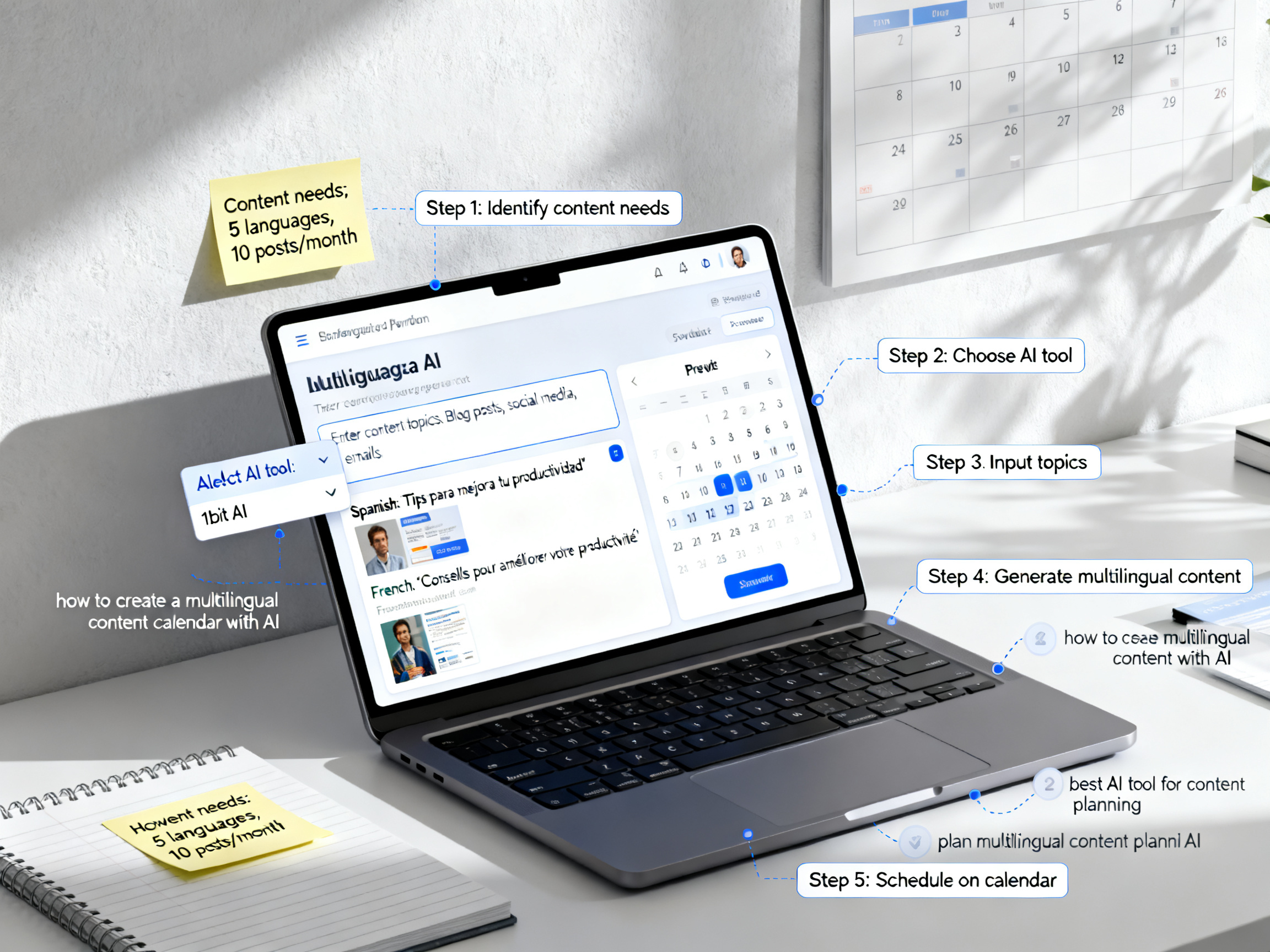
Follow these five steps to create your own multilingual content calendar AI template. Each step includes actionable instructions, common pitfalls, and tips to maximize efficiency.
Step 1: Define Your Target Languages and Audience
Start by listing the languages you want to target. Use AI to analyze your current audience data or market trends. For example, if your analytics show traffic from Spain and Mexico, prioritize Spanish. Then, create audience personas per region. Pitfall: Don't assume one translation fits all. Spanish in Spain differs from Mexican Spanish. Tip: Use AI to generate region-specific content briefs.
Step 2: Research Topics Using AI
Use AI content calendar tools to find trending topics in each language. For instance, prompt an AI with "What are the top content themes for [language] audiences in [niche]?" Collect 10-15 ideas per language. Pitfall: Avoid generic topics that don't resonate locally. Tip: Combine AI suggestions with manual keyword research for depth.
Step 3: Create a Unified Calendar Template
Build a spreadsheet or use a tool like Notion with columns for: date, language, topic, content type, status, and AI-generated draft link. This is your multilingual content calendar template. Pitfall: Overcomplicating with too many columns. Tip: Start with five columns and expand as needed.
Step 4: Generate and Localize Content with AI
For each topic, generate a draft in your primary language using AI. Then, use AI to localize it into your target languages. Ensure the AI adapts idioms, references, and cultural norms. Pitfall: Relying solely on machine translation without human review. Tip: Always have a native speaker do a final check.
Step 5: Schedule and Monitor Performance
Use your calendar to schedule posts. After publishing, track engagement per language. AI can help analyze which topics perform best in each region. Pitfall: Ignoring data. Tip: Set a monthly review to refine your calendar based on performance.
Ready to try 1bit AI?
New users get free credits to try it. Start by creating your first multilingual content calendar in minutes.
Explore 1bit AIBest AI Tools for Multilingual Content Planning
When asking "what is the best AI tool for content planning," consider platforms that offer end-to-end workflows. Below is a comparison of popular options.
| Tool | Key Features | Best For |
|---|---|---|
| 1bit AI | AI content calendar, multilingual generation, localization, scheduling | Creators and small teams wanting an all-in-one solution |
| Notion + AI | Custom templates, AI writing, manual localization | Teams already using Notion for project management |
| Asana + Zapier | Workflow automation, integrations, AI add-ons | Enterprise teams with complex workflows |
For most indie makers and marketers, 1bit AI offers the fastest path to a working multilingual content calendar AI template. New users get free credits to try it.
Common Mistakes and How to Avoid Them
Even with a multilingual content calendar AI template, mistakes happen. Here are the most common pitfalls and how to sidestep them.
- Mistake 1: Ignoring cultural context. AI can translate words but not always intent. Always review for cultural sensitivity. Fix: Use AI to generate cultural notes alongside content.
- Mistake 2: Overloading the calendar. Trying to publish in five languages daily leads to burnout. Fix: Start with 2-3 languages and 2 posts per week per language.
- Mistake 3: Not tracking performance. Without data, you're guessing. Fix: Set up per-language analytics from day one.
- Mistake 4: Skipping human review. AI is a tool, not a replacement. Fix: Have a native speaker proofread before publishing.
- Mistake 5: Using the same content for all languages. What works in English may flop in Japanese. Fix: Adapt topics based on local trends.
Real-World Example: A Creator's Multilingual Calendar
Meet Maria, an indie maker who runs a productivity blog. She targets English, Spanish, and German audiences. Using a multilingual content calendar AI template, she planned a month of content in one day. She used AI to research topics like "time management" in each language, generated drafts, and localized them. Her calendar included 12 posts (4 per language) covering blog articles, social media snippets, and email newsletters. The result? A 40% increase in engagement in non-English markets within two months. Maria's tip: "Start with a simple template and let AI do the heavy lifting. Don't overthink it."

FAQ
How to create a multilingual content calendar with AI?
Start by defining your target languages and audience. Use AI to research topics, then create a unified calendar template. Generate content in your primary language, localize with AI, and schedule posts. Review performance monthly to refine your strategy.
What is the best AI tool for content planning?
The best tool depends on your needs. 1bit AI offers an all-in-one solution for multilingual content calendars, generation, and localization. Notion with AI is great for custom workflows, while Asana suits enterprise teams. Test with free credits to find your fit.
How to plan multilingual content with AI?
Plan by first researching region-specific topics using AI. Create a calendar with columns for language, date, topic, and status. Use AI to generate and localize drafts. Always include human review for cultural accuracy. Track performance per language to optimize.
Can AI handle cultural nuances in multilingual content?
AI can handle basic cultural adaptations like date formats and common idioms, but it's not perfect. Always have a native speaker review content for sensitive topics, humor, or region-specific references. AI is a starting point, not a final editor.
How often should I update my multilingual content calendar?
Update your calendar monthly based on performance data. Review which topics resonate in each language and adjust accordingly. For seasonal content, plan 2-3 months ahead. Use AI to generate fresh topic ideas each cycle.
Is a multilingual content calendar AI template free?
Many AI tools offer free tiers or credits. 1bit AI gives new users free credits to try their multilingual content calendar features. You can also create a basic template in Google Sheets for free, then use AI tools for generation and localization.
Conclusion
Creating a multilingual content calendar AI template doesn't have to be overwhelming. By following the steps in this guide, you can streamline your workflow, reach global audiences, and save hours of manual work. Remember to start small, use AI for research and localization, and always review for cultural fit. Whether you're a solo creator or a growing team, tools like 1bit AI make it easier than ever. New users get free credits to try it. Now it's your turn: build your calendar, publish consistently, and watch your global engagement grow.