
Choose the Right Infographic Format
Compare timeline, process, statistical, and comparison formats for clearer infographic design.
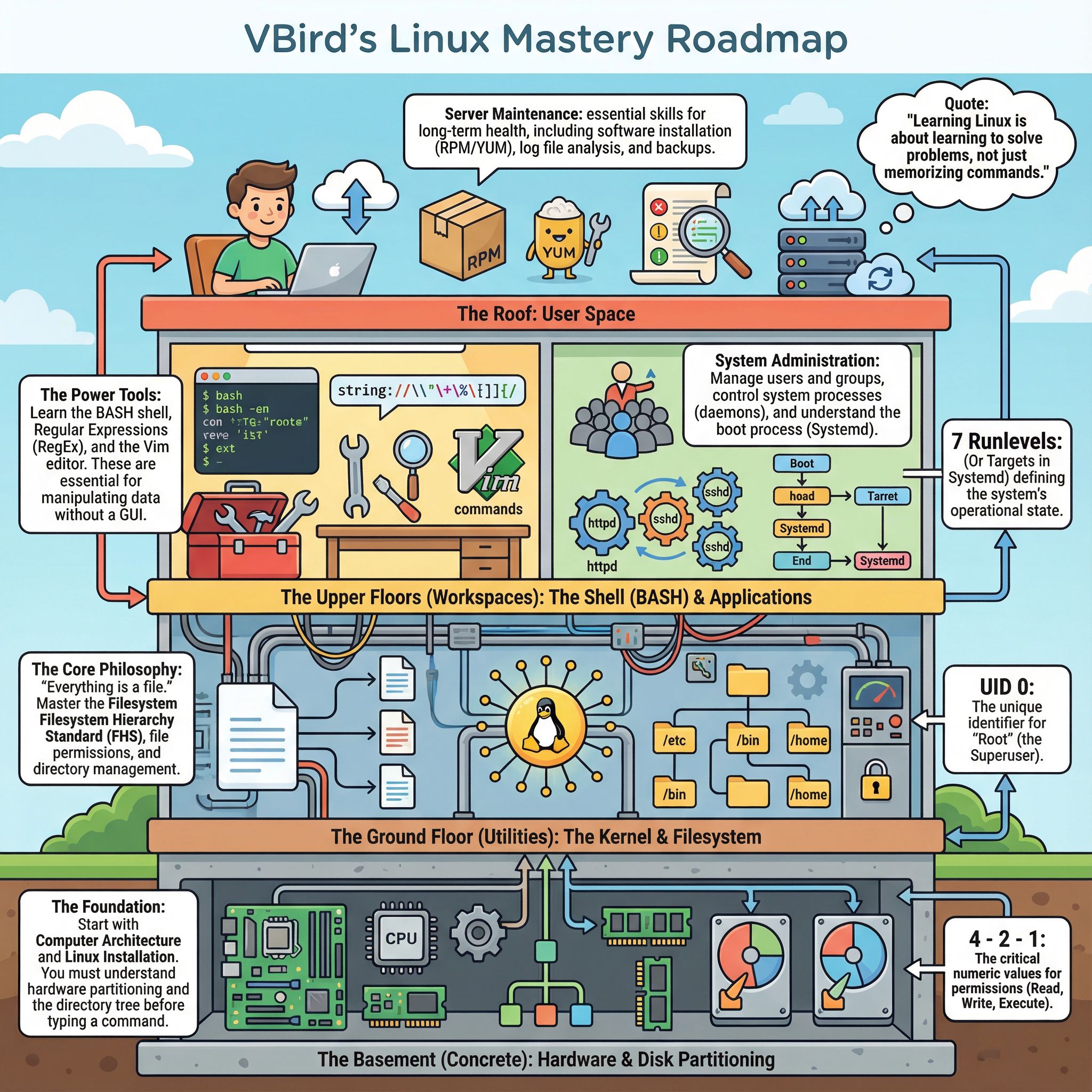
How to Choose the Right Infographic Format for Your Content
Choosing the perfect infographic format can transform confusing data into compelling visual stories. This guide helps marketers, founders, teachers, and consultants match their content to the right visual structure—whether you're comparing products, explaining processes, or presenting statistics. We'll explore popular formats and show how 1bit AI Infographic Generator can turn your ideas into professional visuals in minutes.
Create Infographics New users get free credits to try it.
Quick answer
To choose infographic format, first identify your goal: use comparison formats for alternatives, timelines for history, process flows for steps, statistical for data, and informational for educational content. Match the visual structure to your message type.
- Start with your core message, not the design
- Different data types work best with specific formats
- Consider your audience's familiarity with the topic
Table of contents
- 5 Essential Infographic Formats and When to Use Them
- Comparison vs Timeline: Choosing Between Similar Formats
- How to Structure Your Infographic for Maximum Impact
- FAQ
5 Essential Infographic Formats and When to Use Them
Understanding different types of infographics is the first step in choosing the right format. Each format serves a specific purpose and works best with particular kinds of information. This infographic format guide covers the five most versatile options that handle 90% of business and educational needs.
Statistical infographics excel at presenting survey results, metrics, and quantitative data with charts and graphs. Process infographics visualize workflows, how-to guides, and step-by-step procedures. Comparison infographics help audiences evaluate alternatives, features, or pros and cons. Timeline infographics show historical development, project phases, or chronological sequences. Informational infographics break down complex concepts into digestible visual explanations.
Use 1bit AI Infographic Generator when you want a faster workflow
Instead of manually matching content to formats, 1bit AI analyzes your text and suggests the optimal layout. Upload your report, outline, or business information, and get AI-powered format recommendations that save hours of design decision-making. New users get free credits to try this intelligent approach.
Create InfographicsComparison vs Timeline: Choosing Between Similar Formats
Many creators struggle with closely related formats like comparison versus timeline infographics. Both use linear structures but serve different purposes. A comparison infographic highlights differences between options at a single point in time, while a timeline infographic shows development or changes over time.
Criteria Comparison Infographic Timeline Infographic Best For Product features, pricing plans, pros/cons Company history, project milestones, evolution Visual Structure Side-by-side columns, tables, parallel flows Horizontal/vertical lines with dated markers Data Type Static attributes and characteristics Chronological events and sequences Common Use Buyer's guides, competitive analysis Annual reports, case study progressionWhen deciding between timeline vs process infographic, consider whether you're showing historical progression (timeline) versus procedural steps (process). Process infographics focus on how something works or is done, often using flowcharts rather than dated markers.
How to Structure Your Infographic for Maximum Impact
Once you've selected your format, proper structure ensures clarity. How to structure an infographic begins with a compelling headline that states the main takeaway. Follow with an introduction that establishes context, then organize content logically using visual hierarchy. End with a conclusion or call-to-action that reinforces your message.
For complex data, ask "Which infographic is best for my data?" Numerical data thrives in statistical formats with charts. Conceptual information needs informational layouts with icons and explanations. Sequential data fits timeline or process structures. When you're unsure, start with your key message and work backward to the simplest visual representation.
FAQ
What type of infographic should I use for survey results?
Use statistical infographics with bar charts, pie charts, or pictograms. They visually represent percentages, rankings, and quantitative data from surveys effectively, making patterns and insights immediately apparent to viewers.
How to pick an infographic layout for a how-to guide?
Choose a process infographic with numbered steps, flow arrows, and clear progression. This layout breaks complex procedures into digestible visual steps, ideal for tutorials, onboarding materials, and instructional content.
What is a comparison infographic best suited for?
Comparison infographics excel at showing differences between products, services, or options. They're perfect for buyer's guides, feature breakdowns, competitive analysis, and decision-making support where viewers need to evaluate alternatives.
Conclusion
Choosing the right infographic format transforms how your audience understands and engages with your content. By matching your message to the appropriate visual structure—whether comparison, timeline, process, statistical, or informational—you create more effective communications. Remember that the best format serves your content's purpose, not just aesthetic preferences.
Ready to implement these insights? 1bit AI Infographic Generator simplifies the entire process with AI-powered format suggestions that turn your ideas, outlines, and business information into professional visuals instantly.
Create Infographics New users get free credits to try it.