
Turn Photos into Cartoons with AI
Cartoonify selfies, pets, landscapes, and profile photos with fast AI style conversion.
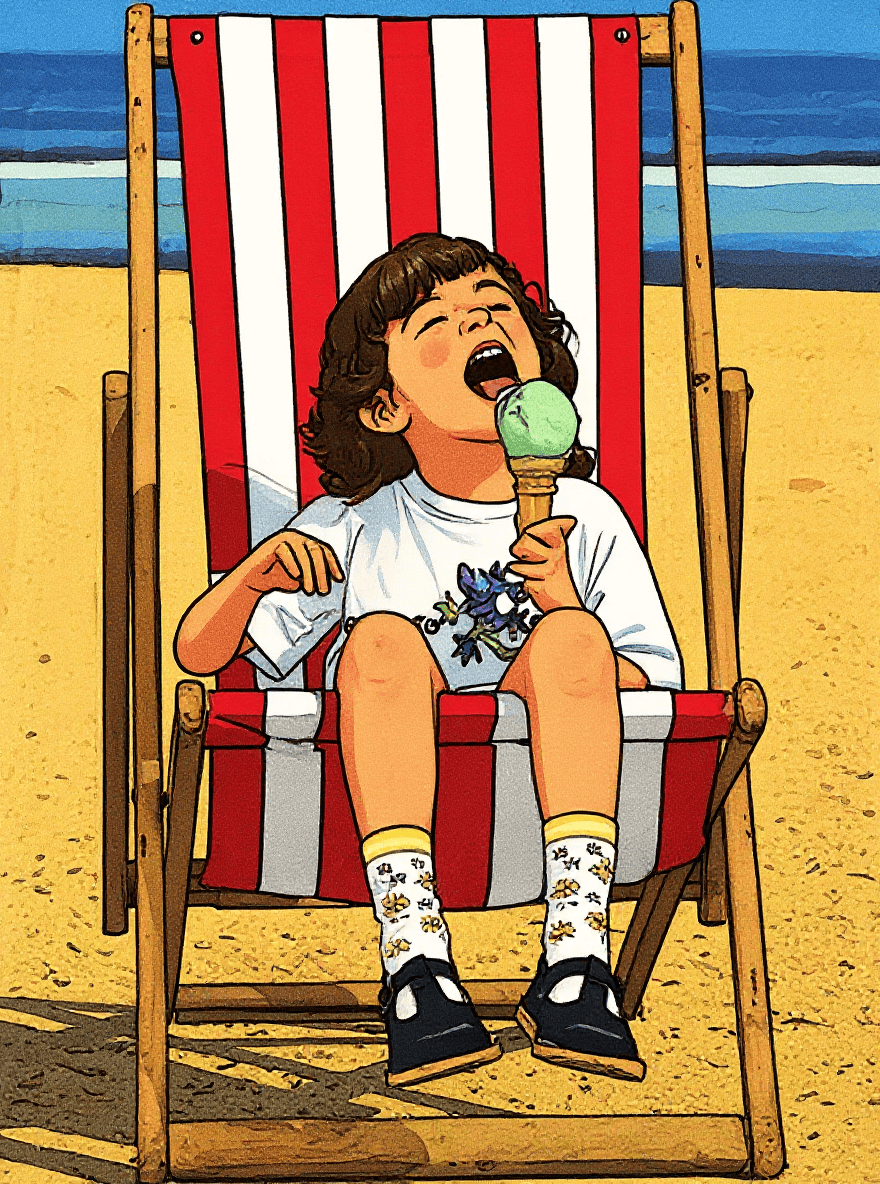
Turn Every Photo into Playful Cartoons with 1bit AI Cartoon Generator
Have you ever wondered how your selfie, pet snap, or family portrait would look as a Saturday-morning cartoon? Stop wondering—start cartoonifying. With the brand-new 1bit AI Cartoon Generator you can convert any picture into a vivid, high-resolution cartoon in under 5 seconds, no drawing skills (or credit card) required.
What you can cartoonify in seconds
- Portraits & selfies – become the star of your own comic
- Pet photos – give your cat that 3D animation-eye treatment
- Group shots – turn reunions into collectible cast posters
- Landscapes & food – make travel albums pop with Studio-Japanese anime colors
- Kids’ drawings – upgrade fridge-door art to animation-keyframe level
See it first: live demo
Above: original photo (left) vs. one-click 1bit AI cartoon (right). No re-touching, no filter stacking—pure generative magic.

Why 1bit AI Cartoon Generator shines
- 100 % online – works on phone, tablet, or laptop browser
- Zero learning curve – upload, pick a style, hit “Create”
- Commercial-safe output – perfect for social posts, ads, merch, or class materials
- Unlimited free starts – daily quota lets you test as much as you like
- No watermark – download PNG/JPG in printable 2048 px
Quick start guide
- Visit https://www.1bit.ai/services/ai-cartoon-generator
- Drop in any JPG/PNG (≤ 20 MB)
- Click “Cartoonify” – wait 3 seconds
- Download or open in the 1bit editor to add text, stickers, or backgrounds
Pro tips for jaw-dropping cartoons
- Use well-lit, high-contrast photos for crisp outlines
- Close-up faces render fastest and preserve your likeness
- Experiment with the “Intensity” slider (subtle vs. full 3D animation)
- Generate 8 variants at once by adding “batch=8” in the advanced box, then pick your favorite
Creative ways to use your new cartoons
- Social avatars – stand out on Twitter, Discord, or LinkedIn
- Birthday invites – feature the birthday kid as the hero character
- T-shirt prints – sell merch without hiring an illustrator
- Presentation slides – turn team headshots into fun intro cards
- Wall art – canvas-print your pet cartoon for an instant smile