
Podcast-to-Blog Converter Guide
Learn how to turn podcast episodes into publishable blog posts with transcripts, editing, and SEO tips.
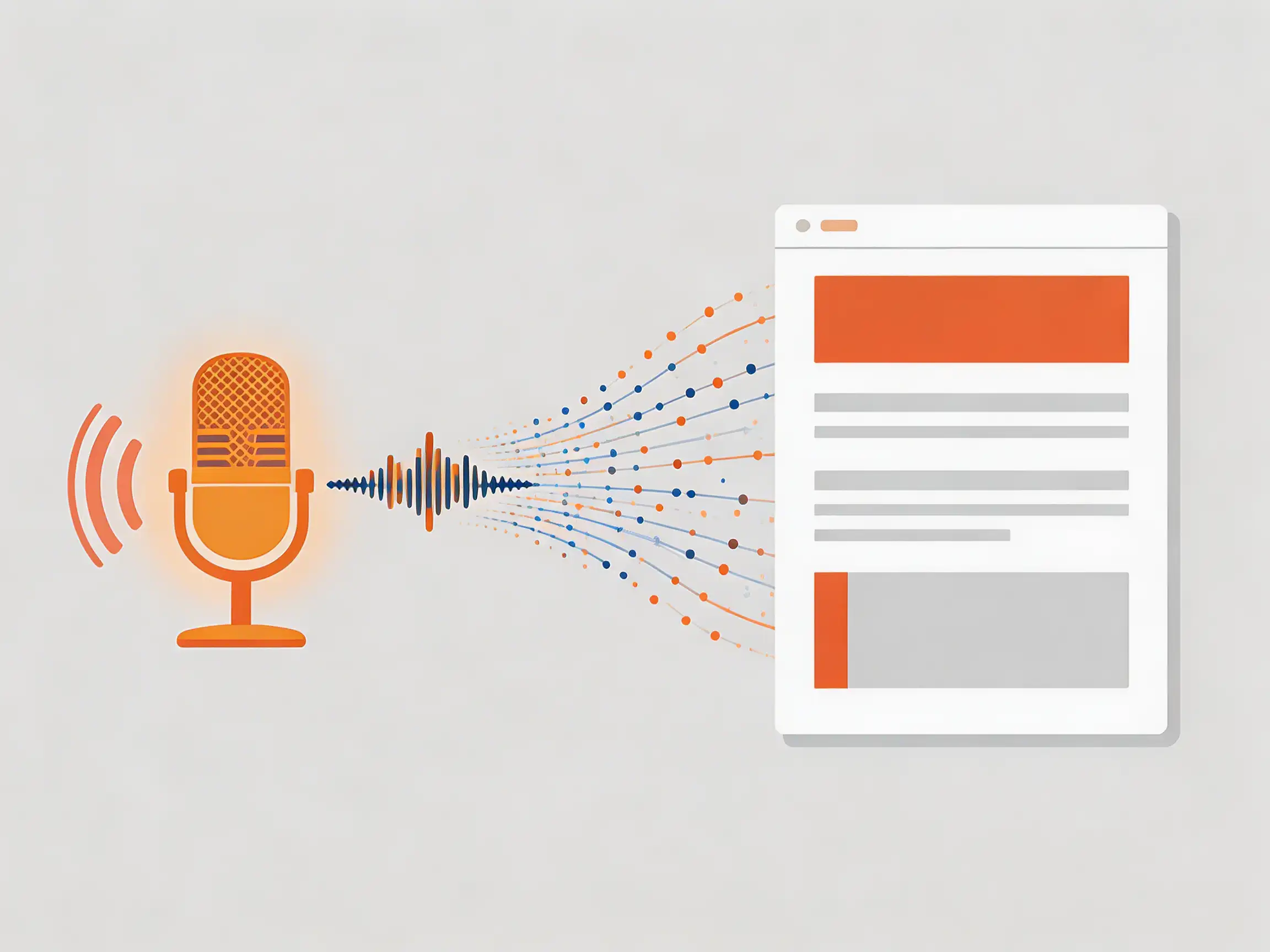
Podcast to Blog Converter: How to Turn Episodes Into Posts
If you're a content creator, you already know that one long-form piece can become many. A podcast to blog converter—whether you use a tool or a repeatable process—helps you turn podcast episodes into blog posts that rank and engage readers. This article is for content creators who want to repurpose podcasts into articles without starting from scratch.
Converting a podcast to a blog post means: transcribing the episode, editing the transcript for readability and SEO, structuring it with headings and key points, and publishing it as a post. Doing this consistently can save you several hours per episode and give your site more indexable, keyword-rich content. According to content teams that repurpose regularly, turning one 45-minute episode into a 1,200–1,800 word post often takes 1–2 hours once your workflow is in place—compared to 3–5 hours writing from zero.
In this guide you'll get:
- A clear definition of what a "podcast to blog converter" is (tools + process)
- A 5-step process to convert podcast to blog content
- How to choose and use converter tools effectively
- Tips to keep your repurposed posts SEO- and reader-friendly
Table of Contents
- What Is a Podcast to Blog Converter?
- Why Convert Podcast to Blog Content?
- 5-Step Process: Turn Your Podcast Into a Blog Post
- Choosing a Podcast to Blog Converter Tool
- Tips for SEO and Readability
- Frequently Asked Questions
- Conclusion
What Is a Podcast to Blog Converter?
A podcast to blog converter is either (1) software that transcribes and sometimes structures podcast audio into text for blog use, or (2) a repeatable process—transcribe, edit, structure, publish—that turns episodes into articles. Tools typically use speech-to-text (e.g. Whisper, or vendor APIs) to produce a transcript; you then edit and format that text into a post. No tool fully "writes" the blog post for you; the best ones give you a clean, editable transcript and sometimes summaries or chapters so you can convert podcast to blog content faster.
Why Convert Podcast to Blog Content?
Repurposing podcast episodes into blog posts gives you more searchable content, better use of your time, and multiple formats for different audiences.
Benefits for content creators:
- SEO: Blog posts are indexable text. You can target keywords (e.g. "podcast to blog converter," "convert podcast to blog") and internal links that podcasts alone don't provide.
- Reach: Some people prefer reading to listening. Turning a podcast into a blog post serves both.
- Efficiency: One 45–60 minute episode can become one 1,200–2,000 word post; teams often report 30–50% time savings versus writing a similar article from scratch.
- Authority: Same ideas in two formats reinforce your expertise and give you more entry points (search and podcast apps).
Key takeaway: Use a podcast to blog converter (tool or process) to get more mileage from every episode and improve discoverability.
5-Step Process: Turn Your Podcast Into a Blog Post
Follow these steps whether you rely on a fully automated podcast to blog converter or do part of the work manually.
Step 1: Get a High-Quality Transcript
Use a transcription tool that supports your recording format (MP3, WAV, etc.). Upload the episode and download the transcript. Many tools offer speaker labels and timestamps—helpful when you later trim or restructure. Aim for at least 95% accuracy; edit obvious errors before you convert podcast to blog content.
Step 2: Edit for Readability
Spoken language is different from written. Remove filler phrases, false starts, and repetition. Shorten run-on sentences and break long blocks into 3–5 sentence paragraphs. Add transitions so the post reads like an article, not a raw transcript.
Step 3: Add Structure (H2s and H3s)
Identify 3–6 main themes and turn them into H2 headings. Use H3s for sub-points. Put your primary keyword (e.g. "podcast to blog converter") in the H1 and at least one H2. This structure helps readers scan and helps search engines understand the page.
Step 4: Optimize for SEO
- Use your target keyword in the title, first 100 words, one H2, and conclusion.
- Add a meta description (150–160 characters) that includes the keyword and a clear benefit.
- Include 2–5 internal links to related posts and 1–2 external links to authoritative sources.
- Add a short FAQ section with 40–60 word answers where it fits (e.g. "What is a podcast to blog converter?").
Step 5: Publish and Link Back
Publish the post and add a note or link in the podcast show notes pointing to the blog version. That way listeners can read the summary or full article, and you connect both assets for SEO and UX.
Try a podcast to blog converter →
Turn a podcast episode into a publish-ready blog post: upload or paste a URL, transcribe with speaker labels, then use the editor to generate a structured article and key points.
Choosing a Podcast to Blog Converter Tool
When you look for a podcast to blog converter tool, consider accuracy, export options, and how much editing you're willing to do.
Factor What to look for AccuracyHigh word-level accuracy (e.g. 95%+); support for accents and niche terms. ExportPlain text or DOCX so you can edit in your usual editor. Speaker labelsHelpful for interviews; not required for solo episodes. SpeedTurnaround in minutes for 30–60 minute episodes. CostFree tiers for short episodes; paid plans for volume.Many content creators use general transcription services (e.g. Otter.ai, Rev.com, or Descript) and then apply the 5-step process above. Dedicated "podcast to blog" tools often add templates or AI-assisted summarization; choose based on your budget and how much structure you want the tool to provide versus doing it yourself.
1bit.ai's podcast to blog converter is built for this workflow: upload an episode or paste a Spotify, Apple Podcasts, or RSS link, get a transcript with speaker labels and timestamps, then in the editor click Blog post for a structured article and Key points for a Q&A-style summary—all in the same language as your episode. Export as text or use the output directly in your CMS. It supports MP3, M4A, WAV, and 100+ languages, so content creators can turn podcasts into blog posts without leaving one tool.
Tips for SEO and Readability
- Front-load the answer: In the first 100–150 words, state what the post is about and what the reader will learn (helps snippets and intent).
- Use lists and tables: Break up long sections with bullets or comparison tables (e.g. tools, steps).
- Keep paragraphs short: 3–5 sentences per paragraph; one idea per section.
- Add a Key Takeaways box: Summarize 3–5 points at the top or after the intro so scanners get value fast.
- Internal link: Link from the new post to older posts (e.g. "content repurposing," "podcast marketing") and from those posts to this one where relevant.
Frequently Asked Questions
What is a podcast to blog converter?
A podcast to blog converter is a tool or process that turns podcast audio into a blog-ready article. It usually involves transcription, editing for readability, adding headings and SEO elements, and publishing. Tools handle the transcription; you typically handle structure and optimization.
How long does it take to convert a podcast to a blog post?
For a 45–60 minute episode, expect 1–2 hours once you have a workflow: about 10–20 minutes for transcription (tool-dependent), 30–60 minutes for editing and structure, and 15–30 minutes for SEO and publishing. The first few times may take longer until you reuse the same structure.
Do I need a paid podcast to blog converter tool?
No. You can use free or low-cost transcription tools and do the editing and structuring yourself. Paid tools can save time with better accuracy, speaker labels, or built-in templates. Choose based on how many episodes you convert per month and your budget.
Will converting my podcast to a blog help SEO?
Yes. Blog posts are text that search engines can index. You can target keywords like "podcast to blog converter" or "convert podcast to blog," add internal links, and create more entry points to your site. Repurposing also gives you more content without recording new episodes.
The same episode can also reach listeners who do not speak your language. The AI audio translator dubs an episode into nine languages while keeping the host's voice, so a translated feed still sounds like the show.
Conclusion
Using a podcast to blog converter—whether that's a dedicated tool or a repeatable transcribe-edit-structure-publish process—lets you turn every episode into a searchable, reader-friendly blog post. Follow the 5 steps: get a transcript, edit for readability, add H2/H3 structure, optimize for SEO, and publish with a link from the episode. That way you get more value from each recording and more ways for your audience to find you.
Start with one episode: pick a strong episode, run it through your chosen converter or transcription tool, and turn it into one post using the structure above. Once you've done it once, reuse the same format for future episodes.
Ready to repurpose? Try the podcast to blog converter at 1bit.ai—upload an episode or paste a URL, get a transcript, then generate a blog post and key points in one click. Save this page and use the 5-step process as your checklist the next time you convert a podcast to a blog post.