

Works in Canva
Infographic Maker for Canva
Turn text, files and YouTube links into designed infographics in Canva.
Free Canva account is enough · Free credits to start · Cost shown before every generation
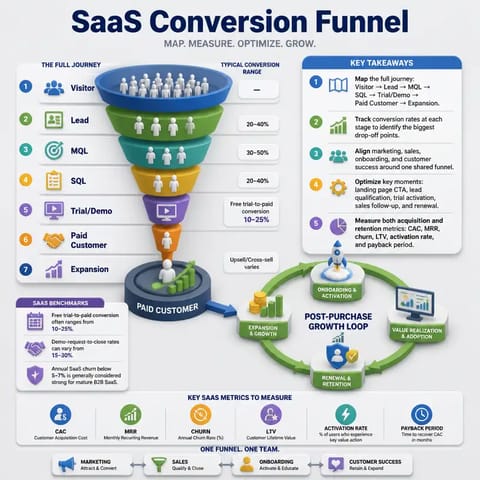
Conversion funnel 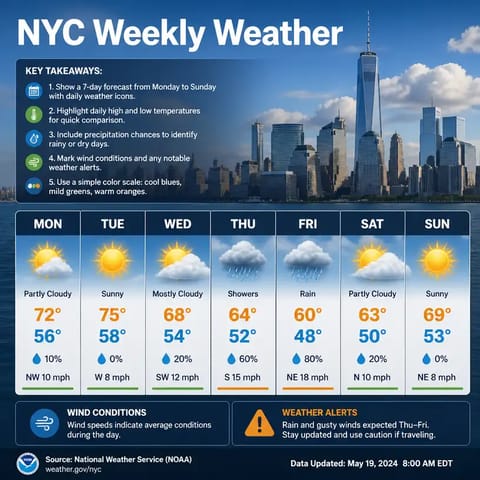
Weekly forecast 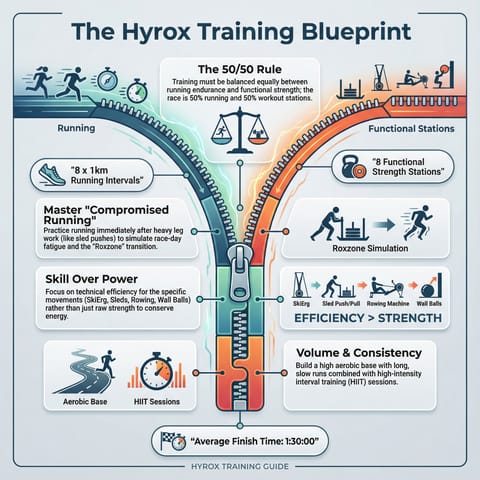
Training plan 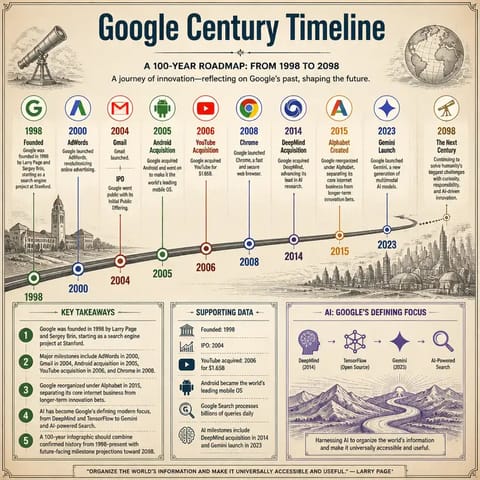
Company timeline
What you get
Paste an article, a link or an idea and get a professionally designed infographic image for your Canva design.
- Infographic images
- Process, comparison and timeline layouts
- Several visual styles
Made for
Each button opens the matching Canva design type with Infographic Maker ready in the side panel.
Pinterest pin
Blog and article summaries
Turn a long read into one shareable graphic.
How to use Infographic Maker in Canva
- 01
Open in Canva
Click “Open in Canva”. A new design opens with Infographic Maker in the side panel — sign in to Canva first if asked and you will land back in the app.
- 02
Generate
Paste text, enter a URL or describe a concept, choose a layout and style, then generate.
- 03
Edit
Results are added to your page as regular Canva elements. Resize, recolor, add text and export the way you always do.
More apps for Canva
All apps →
SlideDeck Creator
Describe a topic or paste source material and get a structured deck with slides you can edit in Canva.

Social Card Maker
Type a topic and get an illustrated social card — quote cards, tips and announcements — placed straight onto your Canva page.

Study Pack
Paste a public video URL or your notes and get a study pack — summaries, key points and practice — laid out in Canva.
Pricing & credits
Start free, pay only for what you generate
Free credits to start
New accounts start with free credits — no card required to try an app.
Cost shown up front
Every app shows the credit cost before you generate, so nothing is charged by surprise.
One shared balance
All 1Bit AI apps for Canva draw on the same credit balance.
Cancel any time
Manage or cancel your plan from your 1Bit AI account. Renewal stops; your current period keeps working.
Frequently asked questions
No. The apps work with a free Canva account. Canva Pro features you already have, such as Brand Kits and premium elements, keep working on whatever the app adds to your design.
Still stuck? Contact support · Privacy policy · Terms of service · Refund policy
1Bit AI apps for Canva are built by 1Bit AI and work in Canva through the Canva Apps platform. They are not made, sponsored or endorsed by Canva. Canva is a trademark of Canva Pty Ltd.