

Works in Canva
Visual Story Maker for Canva
One brief in, a whole visual story out — ordered pages, each with an illustration, a headline and a caption.
Free Canva account is enough · Free credits to start · Cost shown before every generation
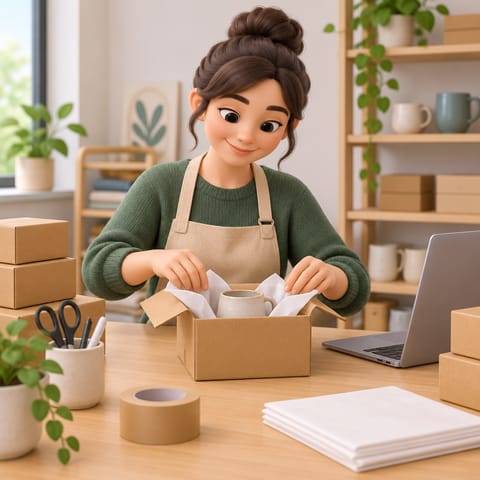
3D style 
Doodle style 
Paper cut style 
Storybook sketch style
What you get
Turn a piece of text into a connected run of pages. Headlines and captions arrive as editable Canva text.
- Ordered story pages
- One illustration per page
- Editable headlines and captions
Made for
Each button opens the matching Canva design type with Visual Story Maker ready in the side panel.
How to use Visual Story Maker in Canva
- 01
Open in Canva
Click “Open in Canva”. A new design opens with Visual Story Maker in the side panel — sign in to Canva first if asked and you will land back in the app.
- 02
Generate
Paste your brief, say what it is for and who is reading, pick how many pages and a style, then generate.
- 03
Edit
Results are added to your page as regular Canva elements. Resize, recolor, add text and export the way you always do.
More apps for Canva
All apps →
Comic Page Maker
Write the story and get a complete comic page with panels, then edit text and layout in Canva.

AI Character Pose
Keep a character consistent across a whole design: generate a pack of poses that share the same face, outfit and rendering style.

SlideDeck Creator
Describe a topic or paste source material and get a structured deck with slides you can edit in Canva.
Pricing & credits
Start free, pay only for what you generate
Free credits to start
New accounts start with free credits — no card required to try an app.
Cost shown up front
Every app shows the credit cost before you generate, so nothing is charged by surprise.
One shared balance
All 1Bit AI apps for Canva draw on the same credit balance.
Cancel any time
Manage or cancel your plan from your 1Bit AI account. Renewal stops; your current period keeps working.
Frequently asked questions
No. The apps work with a free Canva account. Canva Pro features you already have, such as Brand Kits and premium elements, keep working on whatever the app adds to your design.
Still stuck? Contact support · Privacy policy · Terms of service · Refund policy
1Bit AI apps for Canva are built by 1Bit AI and work in Canva through the Canva Apps platform. They are not made, sponsored or endorsed by Canva. Canva is a trademark of Canva Pty Ltd.