
design
Turn a simple product shot into commercial photography
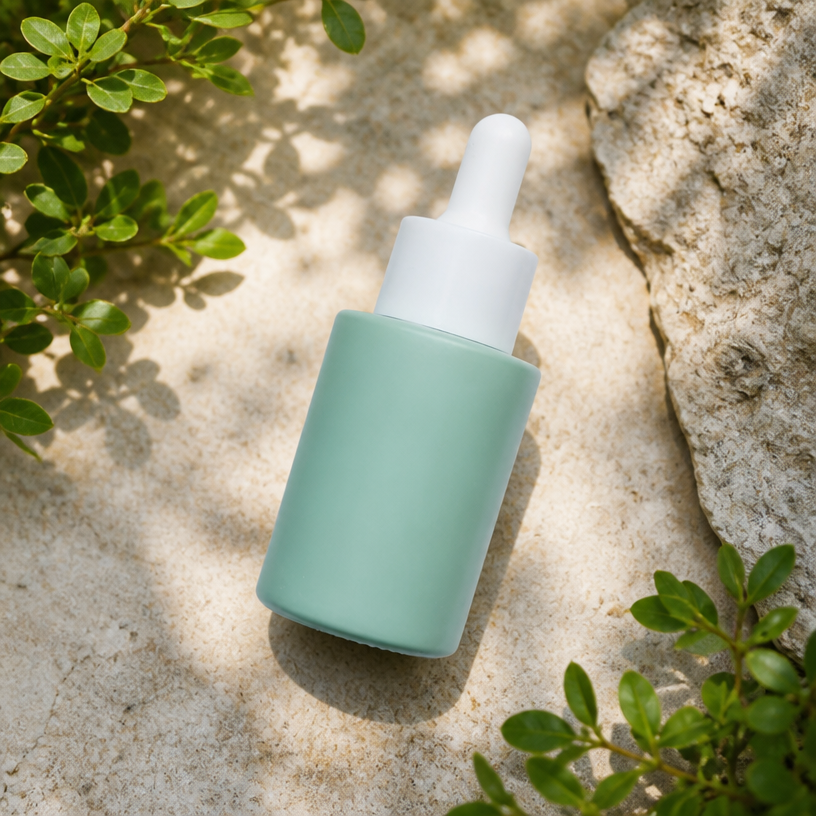
Upload a product photo and AI creates clean commercial product photography without text or ad layouts. Choose a photo type such as studio, pure white, lifestyle, flat lay, hero, or detail shot, set the scene, size, and style, and generate several variations to pick from.
AI Product Photo
Create clean commercial product photography from a simple shot.
Open full workspace10 credits per image.
Highlights
Built for AI Product Photo
Commercial photos without a studio
Get studio, pure white, and lifestyle product shots without renting a space or hiring a photographer.
Style and scene control
Pick a style such as Clean, Minimal, Premium, Natural, Bold, Warm, or Tech, and match the scene to your product.
Multiple variations
Generate several options per product and choose the best for each channel.
How it works
How AI Product Photo works
Upload your product photo
Add a clear photo of your product on any background.
Choose type, scene, and size
Pick a photo type, set the scene and size, and select a style.
Generate and download
AI produces clean commercial variations you can download and use right away.
Capabilities
What it handles well right now
Common jobs
What people use AI Product Photo for
Related workflow
More in Product Photography & Listings
Turn a plain product shot into studio photography, backgrounds, and marketplace-ready listings.
AI Ad Creative Generator
Create high-converting ad visuals for products, services, apps, and campaigns.
Background Removal
Remove backgrounds from images instantly with AI.
AI Product Background
Generate custom backgrounds for product photos with AI.
AI Product Infographic
Turn product features into a shoppable infographic with callouts and labels.
AI Marketplace Listing
Create ready-to-upload product images for online stores.
AI Product Campaign
Create product-focused campaign visuals for ads, social posts, and banners.
FAQ