

Graphic & Poster
Illustration
Airbrush Grain Geometry AI Art Style
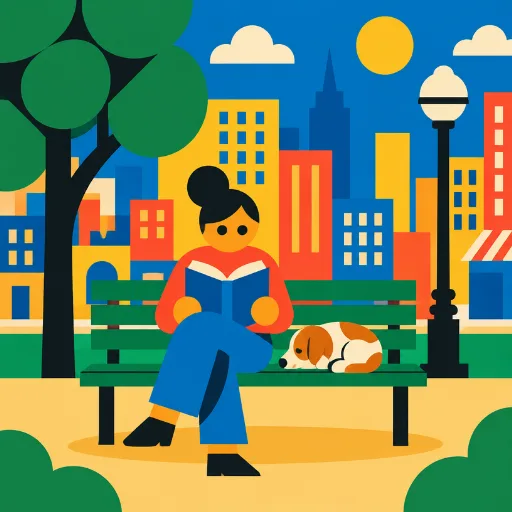
Flat geometric illustration with exaggerated, asymmetric proportions.
50 credits per image, from text or your own photo.
Airbrush Grain Geometry prompt ideas
Describe the subject and the scene; the style is applied for you. Start from one of these.
“A tall thin man walking a tiny dog in the park”
“A woman with long legs riding a bicycle by the sea”
“A barista with giant hands pouring coffee”
Airbrush Grain Geometry in real projects
Reviewed examples of this style doing a specific job.

Great for
How to create Airbrush Grain Geometry images
1
Open the style
Click Create in this style. Style Palette AI opens with Airbrush Grain Geometry already selected.
2
Describe or upload
Write what you want to see, or upload a photo to restyle. Pick an aspect ratio for where the image will go.
3
Generate and reuse
Your image is ready in about a minute. Save the style to get the same look again next time.
Similar Graphic & Poster styles
See all →


Frequently asked questions
Flat geometric illustration with exaggerated, asymmetric proportions.