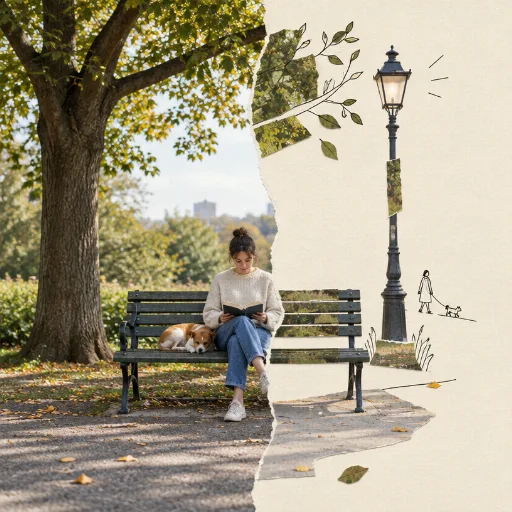
Second World Split AI Art Style
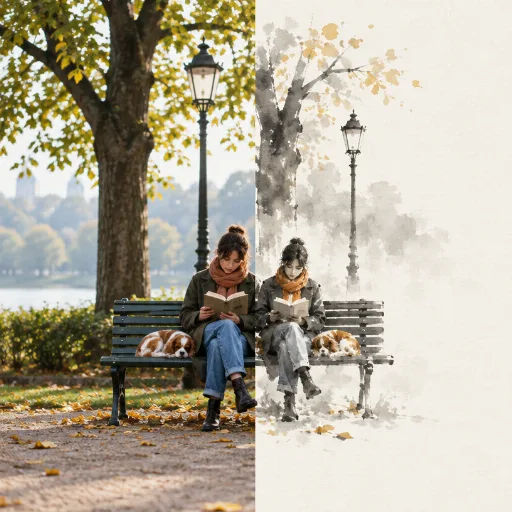
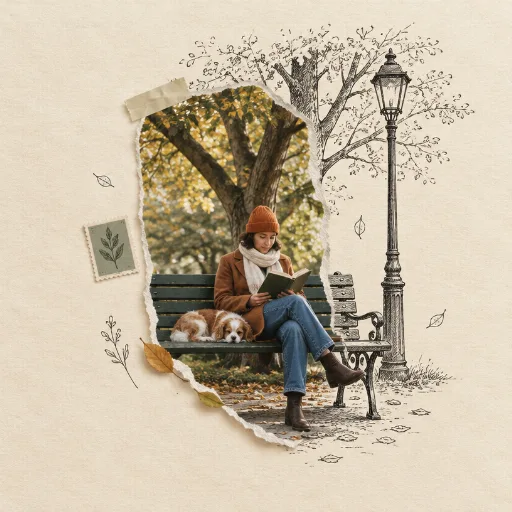
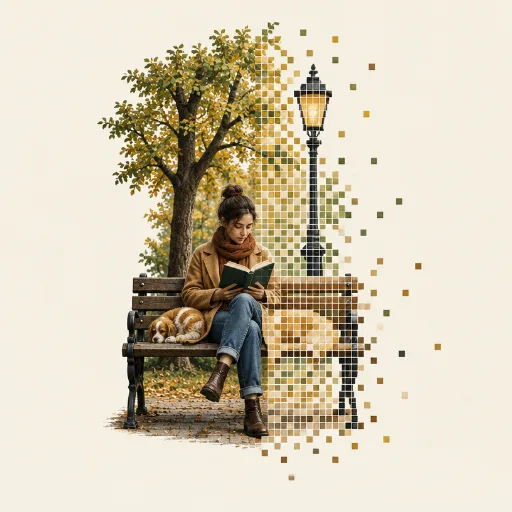
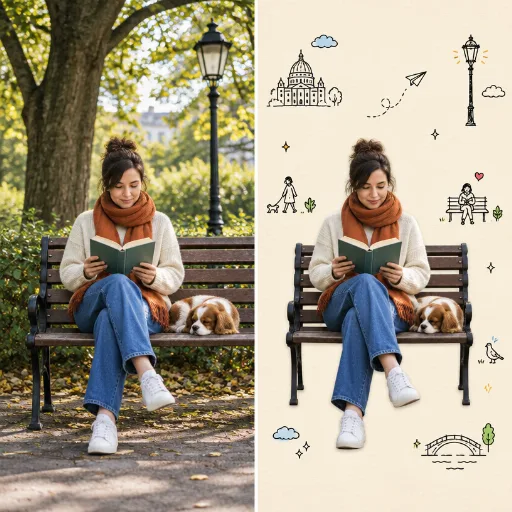
Two-part image that reads as one scene: one half a real, unretouched photograph; the other half warm ivory paper where the scene continues in a few photo fragments, paper cut-outs and minimal black hand-drawn lines.
50 credits per image, from text or your own photo.
Second World Split prompt ideas
Describe the subject and the scene; the style is applied for you. Start from one of these.
“A real city street on one half that turns into a painted fantasy world on the other”
“My cat sitting on a sofa, half photo and half watercolour storybook”
“A busy café counter where the left side is real and the right side is a cartoon”
Great for
How to create Second World Split images
Open the style
Click Create in this style. Style Palette AI opens with Second World Split already selected.
Describe or upload
Write what you want to see, or upload a photo to restyle. Pick an aspect ratio for where the image will go.
Generate and reuse
Your image is ready in about a minute. Save the style to get the same look again next time.