
Free AI Image Translator Guide
Translate text from screenshots, menus, documents, and images with AI OCR tools.
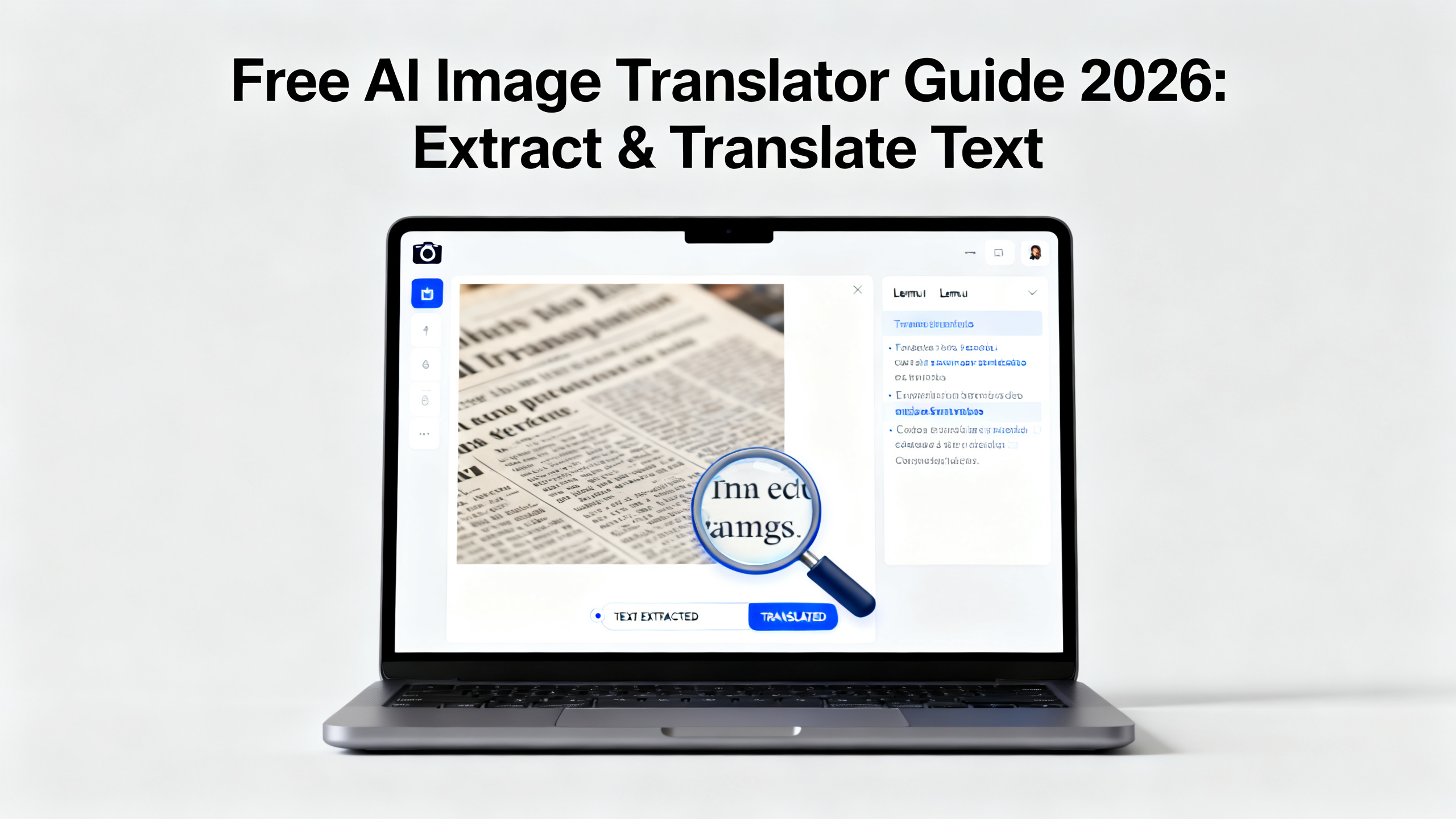
Free AI Image Translator Guide 2026: Extract & Translate Text
Struggling with foreign text in screenshots, documents, or travel photos? This ultimate 2026 guide reveals how to use free AI image translators to instantly extract and translate text without typing. Whether you're a traveler deciphering menus, a support agent handling foreign UI screenshots, or a manga fan translating panels, you'll learn step-by-step methods, compare top tools, and avoid common pitfalls. We'll explore how modern AI combines OCR (Optical Character Recognition) with neural machine translation to deliver accurate results from any image. Discover how platforms like 1bit AI Image Translation offer free credits to get started, making professional-grade translation accessible to everyone.
Translate Images New users get free credits to try it.Quick answer
Yes, you can translate text from images for free in 2026 using AI-powered tools that combine OCR and translation. The best free AI image translators handle screenshots, photos, and documents, extracting text and translating it into your desired language instantly.
- Use specialized AI tools like 1bit AI that offer free tiers or credits for new users.
- Ensure your image is clear, well-lit, and has legible text for optimal OCR accuracy.
- For complex layouts (menus, documents), choose tools with layout-preserving features.
- Always verify translations of critical information (addresses, medical info) manually.
- Batch processing is key for efficiency when translating multiple images or documents.
- Consider language pair support—some free tools excel with common pairs but not rare ones.
- Leverage context hints (e.g., "this is a restaurant menu") to improve translation quality.
Table of contents
- How AI Image Translation Works: OCR & Neural Networks
- Step-by-Step: How to Translate Text from Any Image for Free
- Best Free AI Image Translator Tools for 2026
- Real-World Use Cases: From Travel Signs to Manga Panels
- Common Mistakes & Troubleshooting Guide
- FAQ
How AI Image Translation Works: OCR & Neural Networks
Modern AI image translator free tools are not simple text scanners. They use a sophisticated two-stage pipeline. First, an Optical Character Recognition (OCR) engine detects and extracts text from the image pixel data. In 2026, this isn't just basic character matching; advanced AI models understand context, handwriting styles, distorted text, and complex layouts like multi-column documents or curved text on signs.
The second stage is where the real magic happens. The extracted text is fed into a neural machine translation (NMT) model. Unlike old rule-based systems, NMT uses deep learning to understand entire sentences, preserving meaning, tone, and nuance. For example, when you use a screenshot translator on a Japanese app UI, the AI doesn't translate word-for-word. It understands that "保存" in a button context means "Save," not just "preserve." This context-aware translation is crucial for accurate results in menus, UIs, and informal text.
Use 1bit AI Image Translation when you want a faster workflow
If you're translating multiple product screenshots for a localization report or a series of foreign document scans, manual tools become tedious. 1bit AI Image Translation automates the entire pipeline—upload, OCR, translation, and formatted output—in one step. This is ideal for teams needing consistent, batch-processed translations. New users get free credits to test this seamless workflow without commitment.
Translate ImagesStep-by-Step: How to Translate Text from Any Image for Free
Follow this detailed tutorial to translate text from images accurately. Whether you have a photo of a foreign street sign, a screenshot of an error message, or a scanned document, these steps ensure you get the best possible result from your chosen OCR translation tool.
- Prepare Your Image: Capture or select a high-quality image. Ensure text is in focus, lighting is even to avoid shadows, and the image format is supported (JPG, PNG, WebP). For physical documents, lay them flat and shoot directly overhead. Tip: Use your phone's document-scanning mode for best results.
- Choose Your Tool & Language Pair: Select a free tool that supports your source and target languages. For example, translating a Korean menu to English requires robust Hangul OCR. Tools like 1bit AI support 100+ languages. Always specify the correct source language if the tool allows—auto-detection can fail on similar scripts.
- Upload and Process: Drag and drop your image into the tool's interface. Advanced tools let you adjust the OCR region if you only need part of the image translated. This step extracts the raw text. Wait for processing to complete; complex images may take a few seconds.
- Review and Edit Extracted Text (Critical): Before translation, check the OCR'd text for errors. Misread characters (e.g., '0' vs 'O', '1' vs 'l') will cause translation errors. Good tools provide a side-by-side preview. Correct any mistakes here for a perfect final translation.
- Initiate Translation & Format Output: Click translate. The AI will process the text. Once done, you'll receive the translated text. The best tools offer options: view side-by-side, download as a text file, or even an overlaid image where the original text is replaced. For documents, look for layout-preserving PDF output.
Pro Tip: For translating a series of similar images (e.g., multiple pages of a manga), use a tool with batch processing. Upload all images at once, set the language pair, and let the AI handle the rest. This maintains consistency and saves hours compared to manual, page-by-page translation.
Best Free AI Image Translator Tools for 2026
The landscape of free image to text translator tools is competitive. Your choice depends on your specific need: travel convenience, document accuracy, or batch processing. Below is a comparison of the top free-tier options available in 2026, focusing on key criteria for real users.
Tool / CriteriaBest ForFree Tier LimitsKey StrengthWeakness 1bit AI Image TranslationTeams, Batch Docs, AccuracyFree credits for new usersLayout preservation, 100+ languages, API accessFree credits expire; paid plans for heavy use Google Lens (Mobile)Travel & On-the-Spot TranslationUnlimited, but requires appReal-time camera translation, widely availablePoor with complex documents, requires internet Online-OCR.comSimple Document Extraction15 images/hour, file size limitsGood format output (Word, Excel)Separate translation step needed; clunky UI Microsoft Lens + TranslateBusiness/PDF ScenariosFree with Microsoft accountExcellent PDF & Office integrationWorkflow across multiple apps can be fragmented Yandex Translate (Image)Eastern European & Asian LanguagesUnlimited, but slowerStrong support for Cyrillic & Turkic scriptsWeb interface only; less accurate for Western languagesVerdict: For a dedicated, all-in-one menu translator online and document solution, 1bit AI's free credit offer provides the most professional starting point. For instant, casual translation via smartphone, Google Lens is unbeatable. Always test a tool with your specific image type before committing to a workflow.
Real-World Use Cases: From Travel Signs to Manga Panels
Understanding how to translate foreign language signs from a photo is just one application. Here's how different professionals and enthusiasts use AI image translation daily.
- Travelers: Point your phone at a restaurant menu, street sign, or transit map. The AI acts as a real-time interpreter. Tip: For handwritten specials boards, ensure your tool supports handwriting OCR—not all do.
- Customer Support Teams: A user sends a screenshot of an error message in German. Instead of asking them to type it out, support uses a screenshot translator to instantly understand the issue and provide a solution, drastically reducing resolution time.
- Localization & Manga/Game Communities: Translators extract text directly from game UI screenshots or manga panels. Advanced tools can preserve text bubbles and formatting, allowing for cleaner typesetting of the translated version.
- Researchers & Students: Translate text from historical documents, foreign academic papers, or archival photos where typing is impractical or the script is unfamiliar. Batch processing is essential for translating multi-page PDFs.
Problem: Translation is Gibberish or Wrong
Cause: Usually an OCR error, not a translation error. The AI misread the source text. Solution: Go back and check the extracted text before translation. Correct any misread characters. Also, verify the source language is set correctly.
Problem: Tool Can't Detect Any Text
Cause: Low image quality, overly stylized/font-based text, or text on a complex background. Solution: Increase image resolution and contrast. Use an image editor to crop to the text region and adjust brightness/contrast.
Problem: Layout is Scrambled in Output
Cause: Basic OCR tools read text left-to-right, top-to-bottom, which fails on multi-column layouts, menus, or forms. Solution: Use an advanced tool like 1bit AI with layout analysis that understands content blocks and preserves the original structure.
FAQ
How can I translate text in an image for free?
You can use several free AI-powered tools. Upload your image (JPG, PNG, PDF) to a platform like 1bit AI Image Translation (which offers free starter credits), Google Lens via your phone camera, or a dedicated online OCR translation website. The tool will extract the text using OCR and then translate it to your chosen language.
What is the best free AI tool for translating screenshots?
For one-off screenshots, Google Lens is fast and convenient. For professional or batch screenshot translation—like localizing an app's UI—a dedicated tool like 1bit AI is superior. It handles multiple images, preserves UI element context, and provides formatted output. Its free credit offer lets you test its accuracy on your specific screenshots before any cost.
How does AI image translation work?
It's a two-step AI process. First, a computer vision model (OCR) scans the image, identifies text regions, and converts image pixels into machine-readable characters. Second, a neural machine translation model takes this extracted text, understands its full sentence context and meaning, and generates a fluent translation in the target language.
Can I translate a document photo without typing?
Absolutely. This is the core function of an AI image translator. Take a clear photo of the document, upload it, and the AI extracts all text automatically. You never have to manually type a single character. This is ideal for contracts, letters, books, or forms.
Is there an accurate free image translator for 2026?
Yes, accuracy has improved dramatically. Free tools like 1bit AI (with free credits), Google Lens, and Microsoft Lens offer high accuracy for common languages and clear images. Accuracy depends on image quality, text complexity, and language pair. For niche needs, test a few tools.
Conclusion
Translating text from images is no longer a manual, frustrating task. In 2026, free AI image translator free tools empower travelers, professionals, and communities to break down language barriers instantly. The key is understanding the two-stage process (OCR + NMT), choosing the right tool for your specific need—be it a menu translator online or a batch screenshot translator—and avoiding common input mistakes. With platforms like 1bit AI Image Translation offering free credits to start, there's no reason not to streamline your workflow today.
Translate Images New users get free credits to try it.