
Add Auto Captions to YouTube Videos
Create accurate captions for YouTube and export them as SRT files for accessibility and SEO.
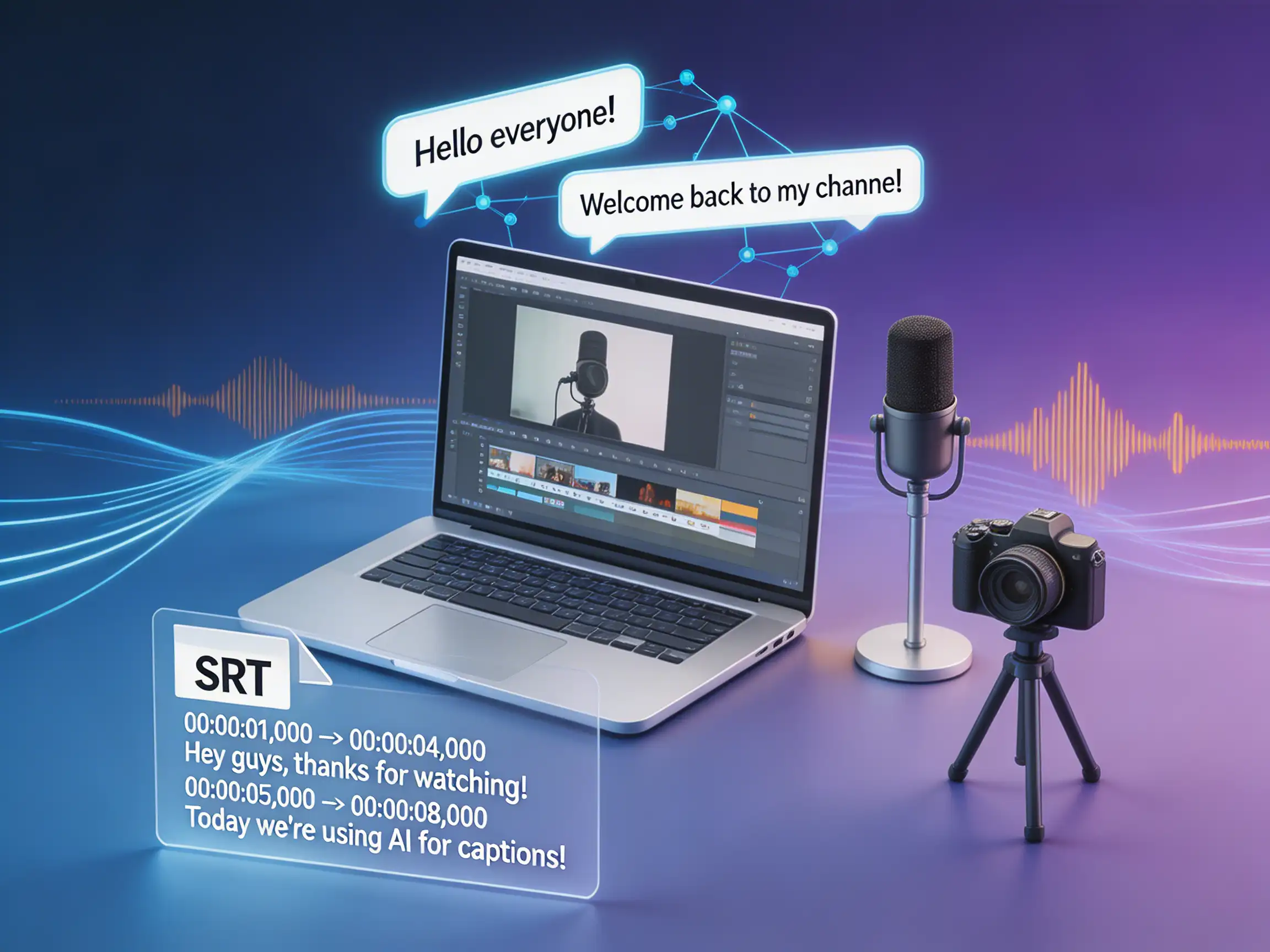
How to Add Auto Captions to YouTube and Export SRT Files in Minutes
Creating great video content is only half the battle. If you want to increase your reach, accessibility, and YouTube SEO, adding accurate captions is a must. But doing it manually? No thanks.
Why You Need an SRT File
While YouTube offers built-in auto-captions, they often struggle with technical terms, accents, or background noise. Generating a highly accurate SRT (SubRip Subtitle) file gives you full control over the text and timing.
- Boost SEO: Search engines crawl your captions.
- Better Engagement: Many viewers watch videos on mute.
- Easy Editing: Fix typos before they go live.
The 3-Step Process
Using AI, you can generate flawless subtitles in a fraction of the time it takes the video to play.
- Upload your audio/video: Simply drag and drop your file into the transcriber.
- Let AI do the heavy lifting: Our advanced speech-to-text engine processes the audio with near-human accuracy.
- Export and Upload: Download the .srt file and attach it directly in YouTube Studio.
Captions make a video accessible; translation makes it findable by a new audience. The AI video translation tool exports translated SRT and VTT alongside a dubbed cut, so one source file covers both.