
Best AI Art Styles for YouTube Thumbnails That Get Clicks
Pop art, anime, 3D, pixel art and more: the AI art styles that stand out as YouTube thumbnails, with real 16:9 examples and tips for every channel.
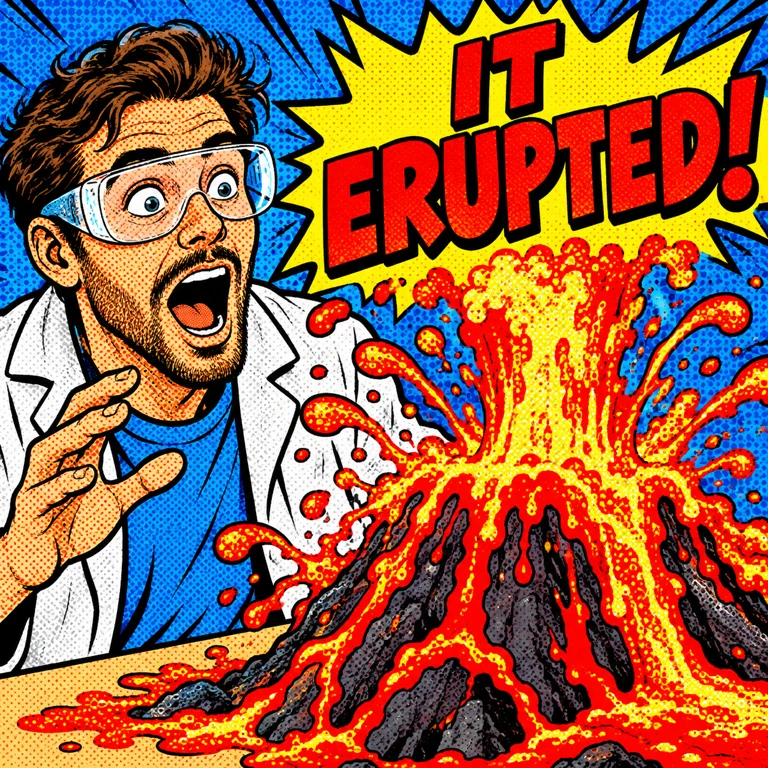
A Thumbnail Has Half a Second
On YouTube, your thumbnail competes with a dozen others in the same glance. People decide in well under a second, often on a small phone screen. That is why the best thumbnails share the same traits: one clear subject, high contrast, a strong emotion and a look that stands out from the rest of the page.
The art style does a lot of that work for you. A bold style makes a simple idea pop; a quiet one disappears. Here are the styles that consistently work for thumbnails, with real examples made in a 16:9 thumbnail format.
Comic Book Energy: Pop Art Halftone
Pop Art Halftone gives you thick outlines, primary colours and halftone dots, the visual language of "something big is happening". It is ideal for reaction videos, surprising results and anything with a big reveal. American Comic Book, Superhero Comic Cover and Explosive Webcomic push the same energy in different directions.
Try it with: "A man shouting KAPOW as he punches through a wall".
Real Action: Dynamic Sports Photography
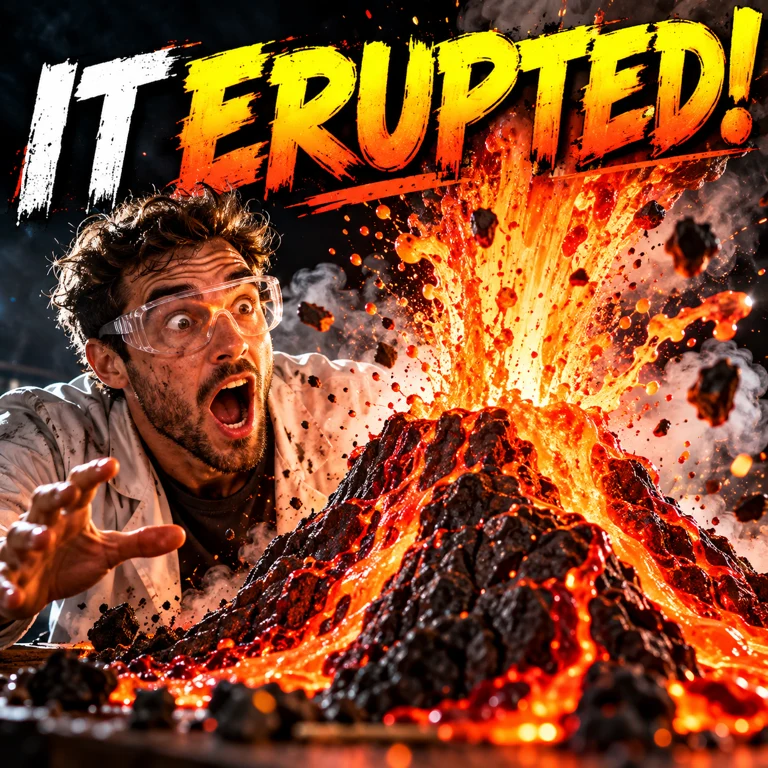
For fitness, sports and challenge videos, a realistic photo look still wins, as long as it is dramatic. Dynamic Sports Action freezes motion with hard light and sweat in the air. Direct-Flash Youth Portrait uses a harsh direct flash for a raw, youth-culture feel.
Anime Key Visual
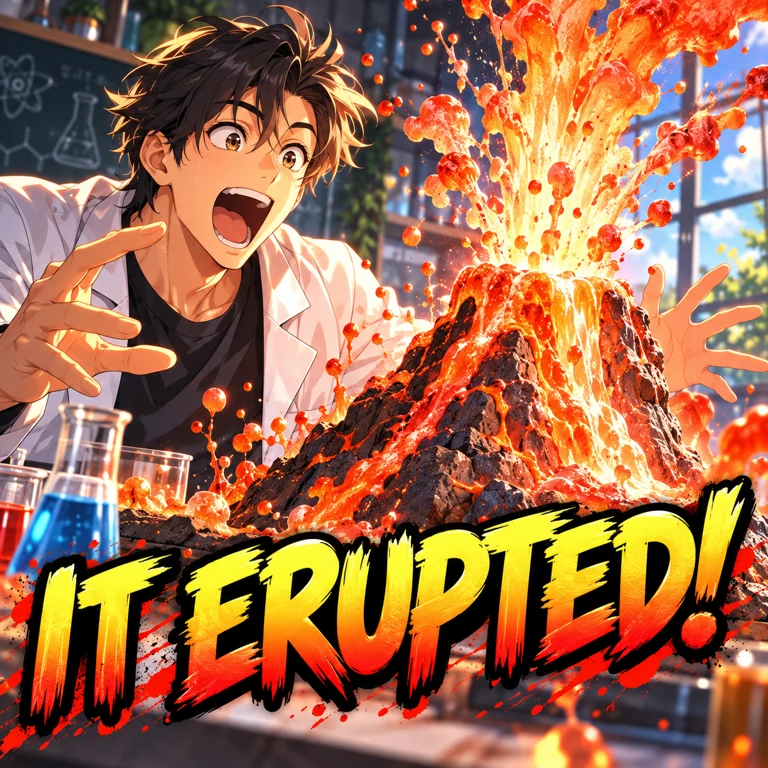
Gaming, story-time and commentary channels use Modern Anime Key Visual to get a polished, character-led thumbnail without a photoshoot. It also helps if you prefer not to show your face.
Glossy 3D Characters
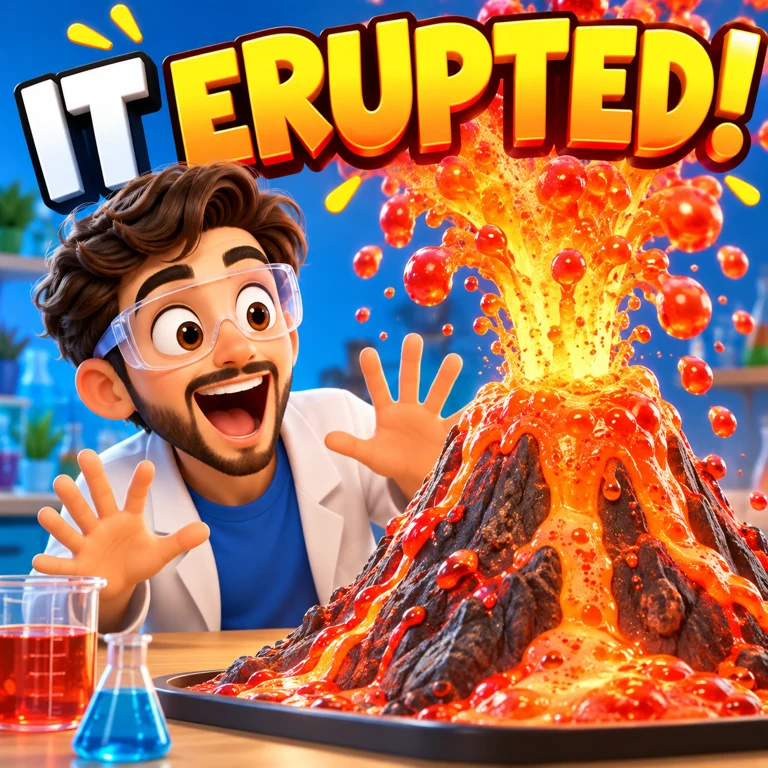
Big, simple 3D faces read even at the smallest size in a sidebar. 3D Emoji Character is great for explainers and tech videos; Glossy 3D Icon and Inflatable Vinyl Toy work for icons and product-style subjects; 3D Animated Feature gives you an animated-film character.
Pixel Art for Gaming
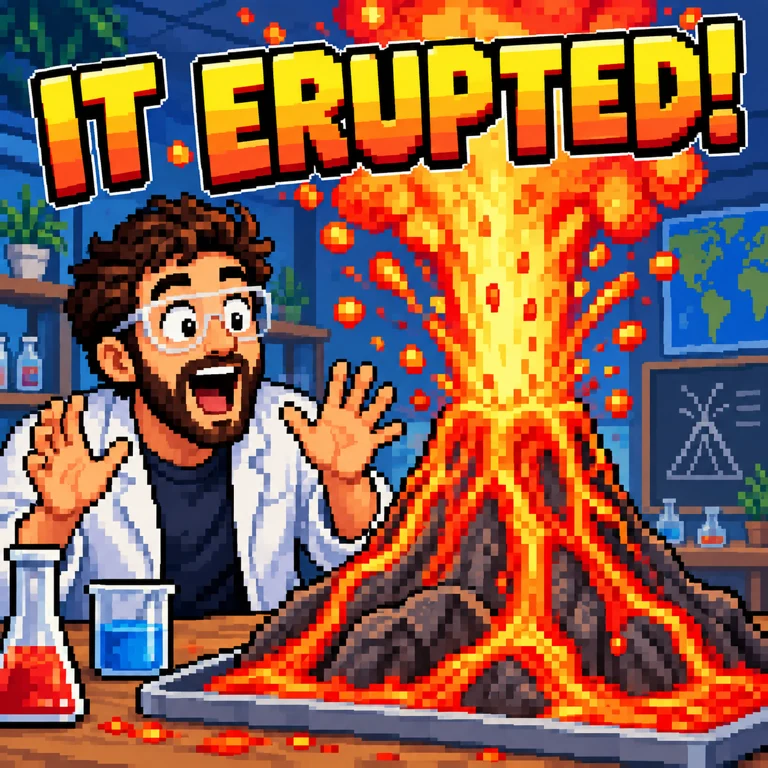
Pixel Art immediately says "games", and its blocky shapes survive heavy compression. For other gaming looks, try Isometric Voxel World, Action Game Cover Art or Synthwave Neon.
Retro Advertising Cartoon
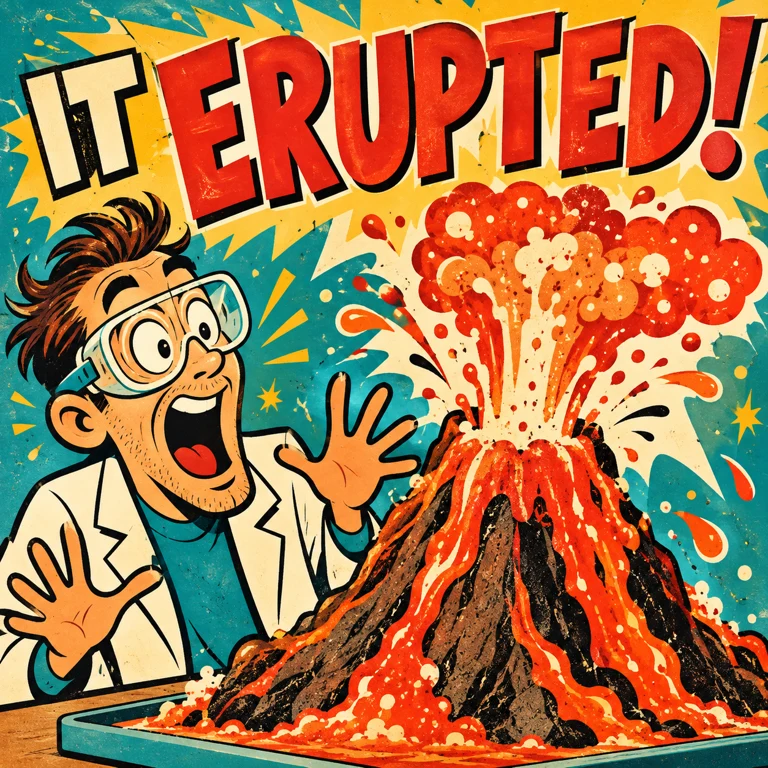
Retro Ad Cartoon and Bold Flat Satire are bold, flat and funny, a good fit for business, finance and commentary channels that want to stand out from the sea of shocked faces.
Which Style for Which Channel
- Gaming: Pixel Art for retro and indie games, Action Game Cover Art for open-world and shooters, Isometric Voxel World for building games.
- Tech and explainers: 3D Emoji Character or Glossy 3D Icon for friendly objects, Cyan Hologram for AI and futuristic topics.
- Story-time and commentary: Modern Anime Key Visual or Friendly Caricature, so you can show a character without a photoshoot.
- Fitness, sports and challenges: Dynamic Sports Action for action, Direct-Flash Youth Portrait for raw, behind-the-scenes energy.
- Business and finance: Retro Ad Cartoon or Bold Flat Satire, which make dry topics feel lively and a little satirical.
- Vlogs and lifestyle: Pop Doodle Overlay draws pop doodles straight over a photo, and Photo + Doodle Background keeps you recognisable with a playful doodle background.
Make a Thumbnail From Your Own Photo
You don't have to start from text. Upload a frame from your video or a photo of yourself, pick a style and Style Palette AI redraws it while keeping your face, pose and composition. This is the quickest way to get a thumbnail that matches the video and still stands out from a plain screenshot.
Thumbnail Tips That Work With Any Style
- One subject, one emotion. Describe a single person or object and how they feel: shocked, proud, terrified, delighted.
- Leave room for text. Ask for the subject on one side, so you can add three or four words on the other.
- Choose 16:9. Set the aspect ratio to widescreen before generating.
- Keep a series consistent. Use the same style for every video in a series so your thumbnails are recognisable on the page.
- Test two styles. Make the same idea in two styles and compare them at phone size before you upload.
See all 33 options on the AI art styles for YouTube thumbnails page. Every style page has prompt ideas you can open in Style Palette AI with one click.