
Style Palette AI: Find the Right AI Art Style for Any Idea
Describe your idea or upload a photo and get 3 AI art style suggestions free. Browse 220 styles, generate, and reuse your favorites.
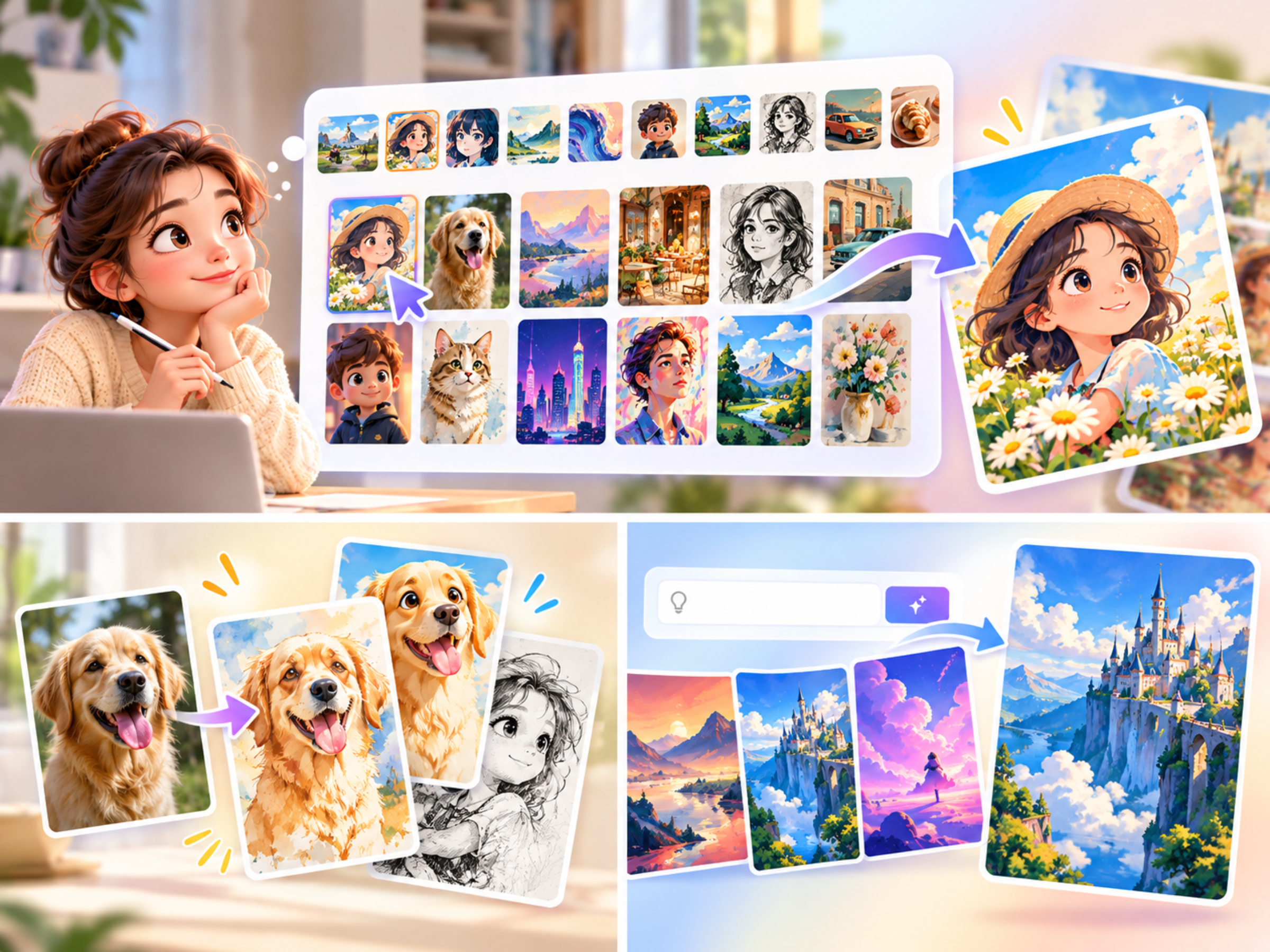
Know What You Want to Make, but Not How It Should Look?
You have the idea: a poster for a weekend café pop-up, a bedtime story for your niece, a set of illustrations for a newsletter. Then you open an AI image generator and hit the real problem. What style should it be? "Watercolor"? "Flat vector"? "90s anime"? "Paper craft"? Most people can recognise the look they want the moment they see it, but they can't name it in a prompt.
Style Palette AI is built for exactly that moment. Instead of guessing style keywords, you describe your idea (or upload a photo) and the AI recommends three clearly different styles that fit it, each with a short reason. You compare them visually, pick one, and generate an image in that exact look.
What Is Style Palette AI?
Style Palette AI is a style-first image tool from 1bit AI. It combines three things in one place:
- Style recommendations: type your idea and get three matching styles, free.
- A visual library of 220 tested styles across 10 categories, each shown with a preview so you compare looks, not names.
- Generation and restyling: create a new image from text, or turn your own photo into the chosen style while keeping faces, pets, poses and composition recognisable.
Every style is a fixed recipe. Use the same style next week and you get the same look, which is what makes it useful for anything that needs to be consistent.
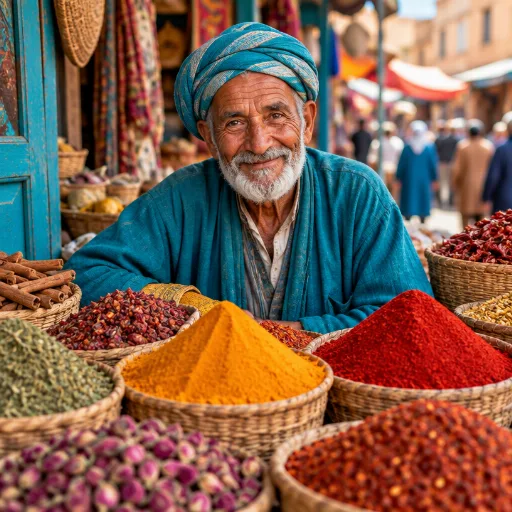
How It Works in 3 Steps
1. Describe or upload
Write what you're making, such as "a cute bear reading a book in a cozy forest". Or switch to From image and upload a photo to restyle. You can add a short note too, like "keep the background simple and bright".
2. Compare recommended styles
Click Find matching styles and the AI suggests three styles that suit your idea, with the best match marked. Not convinced? Open Explore Styles to browse or search the full library, filter by what you're making, or go back to your saved favorites. Prefer not to decide at all? Leave it on Auto Match and the AI picks the best style when you generate.
3. Generate and reuse
Your image arrives in about a minute. From the result you can download it, regenerate, try a different style, or send it to the AI Image Editor for further changes. Tap the heart to save the style. My Styles keeps your favorites and your recently used styles, including the ones Auto Match picked for you.
220 Styles in 10 Categories
The library covers the looks people actually ask for:
- Photography: studio, cinematic, lifestyle and product-style shots
- Photo + Art: real photos mixed with ink, paint or illustration
- Anime & Animation: from classic cel looks to modern anime stills
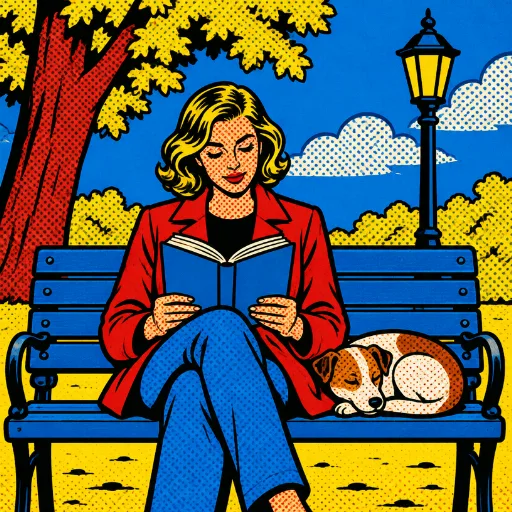
- Comics & Cartoons: bold lines, halftones and cartoon characters
- Storybook & Watercolor: soft, warm picture-book pages
- Fine Art & Painting: oil, gouache, impressionist and more
- Graphic & Poster: flat, vector and print-ready poster styles
- Doodle & Sketch: pencil, ink and hand-drawn doodles
- 3D & Craft: clay, paper craft, toy and 3D render looks
- Retro & Game: pixel art, vintage print and game-inspired styles
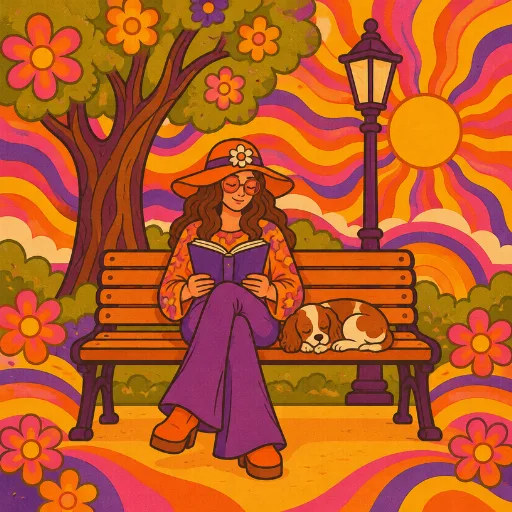
Each style shows the same reference scene, so the difference between a watercolor storybook, a 90s anime frame and a paper-craft diorama is obvious at a glance.
What People Use It For
You can also browse styles by the job you're doing. A few of the most common:
- Social media series: pick one style and reuse it so every post in a campaign looks like it belongs together.
- Blog and newsletter illustrations: get custom header images instead of the same stock photos everyone else uses.
- Children's books and greeting cards: storybook and watercolor styles that feel hand-made.
- Avatars and profile pictures: restyle a selfie into anime, cartoon or comic art.
- Pet, couple and family portraits: turn everyday photos into keepsakes.
- Posters, covers and YouTube thumbnails: graphic and poster styles that read well at small sizes.
- Products, food and packaging: on-brand visuals for e-commerce listings, menus and merch.
Restyle Your Own Photos
Text-to-image is only half of it. Upload a photo and Style Palette AI redraws it in the style you choose while keeping what matters: the people, their faces, the pet, the pose and the composition. A family trip photo becomes a storybook page. A portrait becomes an anime still. A street scene becomes a half-photo, half-ink-wash split. If you only want a new look and no other changes, use Restyle my image.
Why a Style-First Workflow Works Better
You stop writing style prompts. Describing a visual style in words is hard, and small wording changes give very different results. Choosing from previews skips that guesswork.
You compare before you pay. Style recommendations are free. You only spend credits when you generate.
Your results stay consistent. Because each style is a fixed recipe, your tenth image matches your first. That matters for brands, series and anyone building a recognisable look.
Tips for Better Results
- Describe the subject and the purpose. "A café poster for a jazz night" gets better recommendations than "jazz".
- Pick the aspect ratio for where it's going. 9:16 for stories and reels, 16:9 for thumbnails and headers, 3:4 or 2:3 for posters and covers.
- Use the optional note for constraints, such as "plain background" or "warm colors", rather than adding style words to the idea itself.
- Favorite the styles that work. Next time, open My Styles and you're one click from the same look.
- Need to tweak the result? Send it to the AI Image Editor to change details with a text prompt.
Pricing
Style recommendations are free once you sign in. Each generated image costs 50 credits, whether you start from text or from your own photo.
Frequently Asked Questions
Do I need to know art style names?
No. Describe your idea and the AI suggests three styles, or browse the previews and pick what looks right.
What does Auto Match do?
When Auto Match is on, the AI picks the best style for your idea at generation time. The style it picked is saved in your Recent styles so you can reuse it.
Can I use the same style again later?
Yes. Save it as a favorite, or find it under Recent in My Styles. Each style is a fixed recipe, so it looks the same every time.
Will my photo still look like me?
Restyling keeps faces, pets, poses and composition recognisable while changing the visual style.
Find Your Style
If you've ever thought "I'll know it when I see it", this is the tool for you. Open Style Palette AI, describe your idea, and compare three styles in seconds.