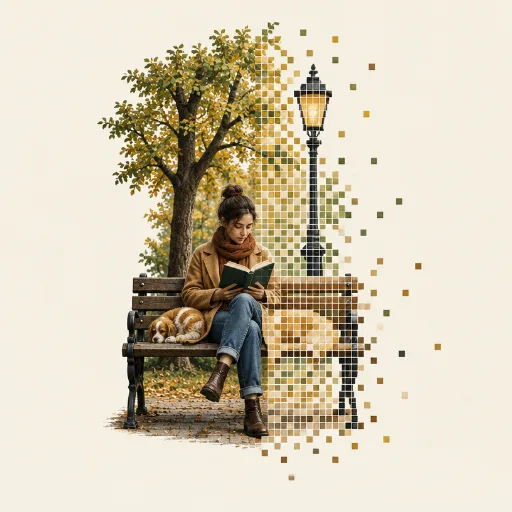
Photo + Pixel Mosaic AI Art Style
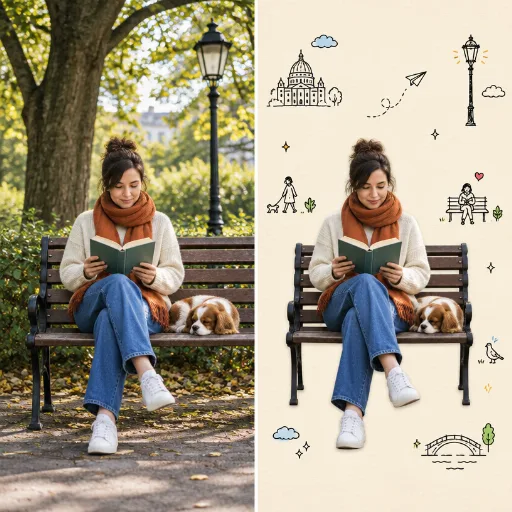
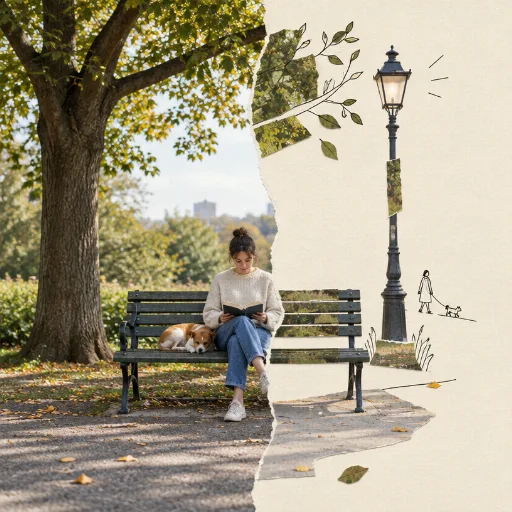
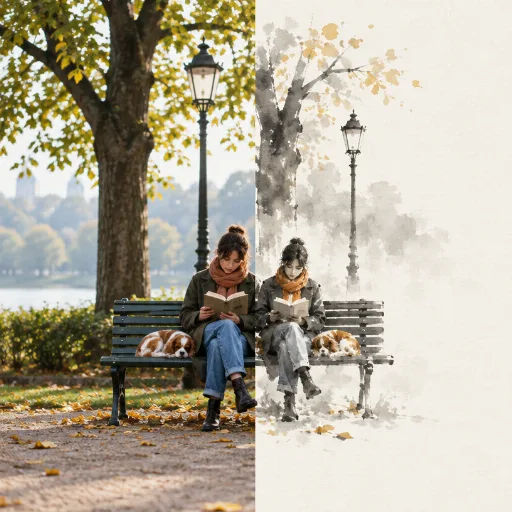
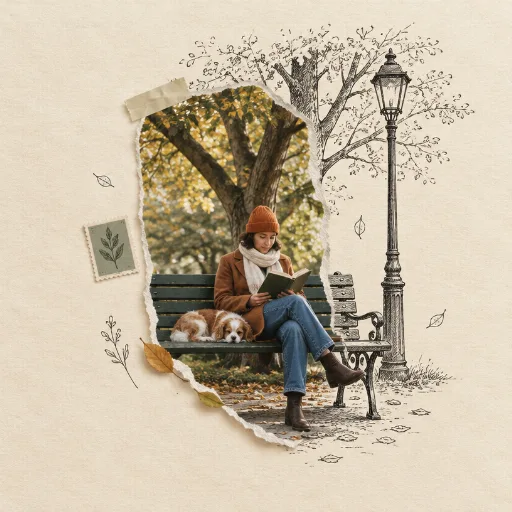
Two-part art poster: one part a realistic photograph; the other part the same subject rebuilt from hundreds of small square tiles on clean warm ivory paper, in a few harmonious shades taken from the photo's palette.
50 credits per image, from text or your own photo.
Photo + Pixel Mosaic prompt ideas
Describe the subject and the scene; the style is applied for you. Start from one of these.
“A portrait of a girl whose face dissolves into colourful pixel squares on one side”
“A sports car, half photo and half 8-bit mosaic”
“A sunflower field rebuilt in large pixel blocks on the right half”
Great for
How to create Photo + Pixel Mosaic images
Open the style
Click Create in this style. Style Palette AI opens with Photo + Pixel Mosaic already selected.
Describe or upload
Write what you want to see, or upload a photo to restyle. Pick an aspect ratio for where the image will go.
Generate and reuse
Your image is ready in about a minute. Save the style to get the same look again next time.