YouTube Transcript Generator — Download Text from Any Video URL

Paste any YouTube link and get a full, accurate transcript in seconds. No video download needed. Works with Shorts, live replays, and unlisted videos. Export as TXT, SRT, VTT, PDF, DOCX, or CSV — 100% free to try.

10+ Formats
100+ Languages
AI-Powered
Live Demo

YouTube Transcription Guide

YouTube hosts over 800 million videos, but extracting the spoken content from any video is still a fragmented experience. YouTube's built-in auto-captions are riddled with errors, lack punctuation, and can't be easily copied or exported. Third-party tools require downloading the entire video file first. 1bit.ai's YouTube transcript generator solves all of this: paste a URL, and our AI independently processes the video's audio stream to deliver a polished, punctuation-correct transcript that is far more accurate than native captions—then export it in any format you need.

Technical Specs

Our YouTube transcript engine fetches the audio stream directly from YouTube's servers, supporting standard videos, YouTube Shorts, live stream replays (post-broadcast), and unlisted content. We provide frame-accurate timestamps that sync perfectly with your video timeline. Unlike tools that rely on YouTube's existing caption data, our AI re-transcribes from scratch using Whisper-based models, achieving 95-99% accuracy compared to YouTube's auto-generated captions.

High Accuracy
Fast Processing
Multi-format

YouTube Transcript Use Cases

1

Content Repurposing: Turn one YouTube video into 10+ pieces of content—blog posts, Twitter threads, LinkedIn articles, email newsletters, and Instagram captions.

2

SEO Optimization: Use the full transcript to identify keywords, write better video descriptions, and improve your video's discoverability in search results.

3

Research & Study: Search through hours of educational content by converting video lectures into searchable text documents.

4

Accessibility Compliance: Generate professional SRT/VTT subtitle files to make your content accessible to deaf and hard-of-hearing viewers.

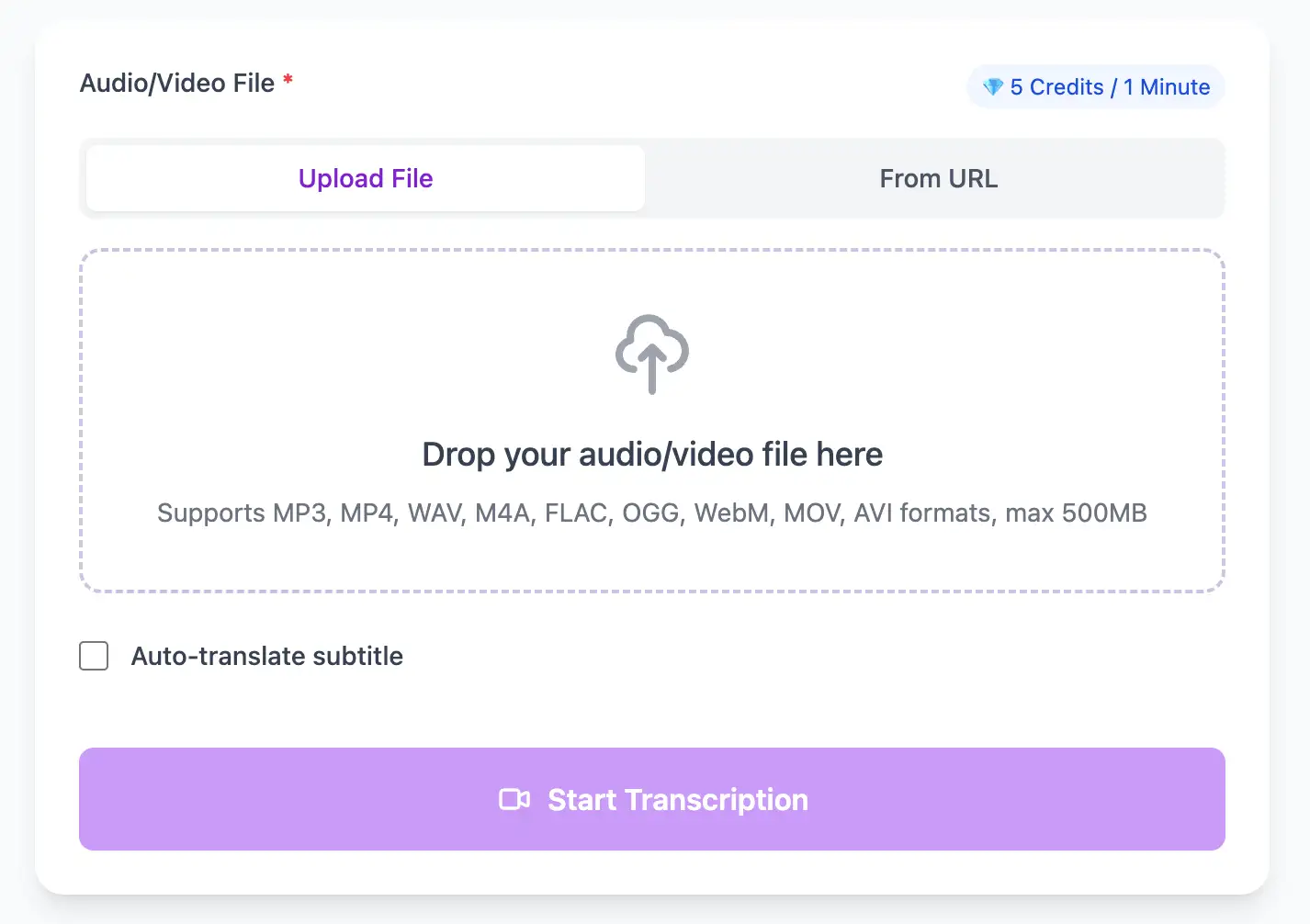
YouTube video transcription tool - paste URL to get transcript
Ultra Fast

Convert YouTube Video to Text & Subtitles Fast

Native support for YouTube web audio/video. Process browser recordings, screen captures, and streaming media with AI that handles web compression artifacts for clean, accurate transcripts.

  • Process 1-hour YouTube files in less than a minute
  • Frame-accurate subtitle generation with SRT and VTT export
  • Native YouTube format support with optimized decoding
Flexible Export

Export YouTube Transcripts in Multiple Formats

Export YouTube video transcripts as professional SRT, VTT subtitle files, or as TXT, PDF, DOCX, CSV (with or without timestamps).

SRT / VTT / TXT / PDF / DOCX / CSV
Export YouTube transcripts - download video text as SRT VTT TXT

YouTube URL to Transcript Workflow

From YouTube link to publishable text, captions, and repurposed content in minutes.

1

Paste the YouTube URL

Copy the link from any YouTube video, Short, or live replay and paste it into the 1bit.ai input field. No sign-up or video download required.

2

AI generates a fresh transcript

Our engine fetches the audio directly from YouTube and re-transcribes it independently for higher accuracy than auto-captions. Enable translation to 100+ languages if needed.

3

Download and repurpose

Export the transcript as TXT for blog posts, SRT/VTT for subtitles, or PDF/DOCX/CSV for documentation. Use AI summaries to extract key takeaways instantly.

YouTube Transcript User Feedback

Creators and researchers who save time with accurate YouTube transcripts.

“We ship a transcript and chapters the same day the video goes live—much better than waiting for YouTube's auto-captions.”

Olivia Park

YouTube Producer

“I paste a URL, get the transcript, and turn it into a newsletter in 5 minutes. Game changer for content repurposing.”

Marco Diaz

Content Strategist

Optimizing YouTube Video Transcription

Expert techniques for generating YouTube video subtitles and transcripts with perfect timing

Use Original Upload Quality

Transcribe videos soon after upload when YouTube still has access to the original audio stream. Older videos may only have compressed audio available, which can slightly reduce accuracy.

Check Auto-Generated Captions First

Review YouTube's auto-generated captions to identify sections with poor audio quality. Consider re-recording or editing those segments before transcribing for professional use.

Transcribe Before Publishing

Use our YouTube transcription service during your editing process—not after publication. Upload as unlisted, get accurate transcripts for your video description and tags, then publish with SEO already optimized.

Include Timestamps in Description

Export chapter markers from your transcript and paste them into your YouTube description. This creates clickable timestamps that improve viewer retention and YouTube SEO.

YouTube Video Transcription for Every Workflow

Transform YouTube files into searchable text, subtitles, and actionable insights for your specific workflow

Convert Speech to Text in Three Easy Steps

Upload your YouTube video or paste a link, then download SRT/VTT subtitles or plain text transcripts

1

Upload Audio File

Upload audio and video files from your local device or simply paste a YouTube link

2

Click Transcribe

Click 'Transcribe' and wait for transcribing. It usually takes less than a minute to transcribe a 1-hour file

3

Export as Text

Export transcribed text as TXT, SRT, VTT, PDF, DOCX, or CSV—with or without timestamps.

Powerful YouTube Transcription Features

Professional YouTube video transcription with subtitle generation, translation, and export options

Universal YouTube Format Support

Works with standard videos, YouTube Shorts, live stream replays, unlisted content, and age-restricted videos (when accessible).

YouTube-Optimized Export Options

Export formats optimized for re-uploading to YouTube Studio: time-synced SRT/VTT, or PDF/DOCX/CSV with or without timestamps for reports and spreadsheets.

Built-in Translation

Transcribe once, then auto-translate the subtitle to 100+ languages—perfect for global audiences.

Free Credits on Sign-Up

Create a free account and receive instant credits to test full transcription + translation—no payment info required.

Accurate Timestamps

Frame-perfect time codes let you upload subtitles straight to YouTube, VLC, Premiere Pro, TikTok.

No Watermark

All exported subtitle files are clean—no branding, no credit line, 100 % usable in professional workflows.

Frequently Asked Questions

Get answers to common questions about YouTube transcription and speech to text conversion

Yes. New users get free credits to transcribe YouTube links and export SRT, VTT, TXT, PDF, DOCX, or CSV (with or without timestamps) without downloading the video.

Yes, significantly. YouTube's auto-captions average 70-80% accuracy, while our AI achieves 95-99% accuracy. We also provide proper punctuation, speaker identification, and formatting that YouTube's system lacks.

We can transcribe unlisted YouTube videos if you have the link. For private or members-only content, you'll need to download the video file and upload it directly, or temporarily change the video to unlisted during transcription.

Yes. Export as SRT, VTT, TXT, PDF, DOCX, or CSV (with or without timestamps) and upload to YouTube Studio or use in any video editor or platform.

Yes, but only after the live stream has ended and been archived. YouTube needs time to process the recording before we can extract audio. For live transcription during streaming, you'll need to capture the audio separately.

Yes, our API and enterprise plans support batch processing. Provide a list of YouTube URLs and we'll process them all automatically, returning organized transcripts ready for content repurposing or archival.

Have more questions? Contact us at

support@1bit.ai

内容透明度与维护信息

最后更新
Mar 24, 2026
维护与审核
由 1bit.ai 团队维护并持续更新。
我们会根据模型更新、格式兼容性变化与用户反馈,持续改进转写准确率、导出格式与工作流体验。

No credit card · 100+ languages · Results in minutes