Boost academic terminology recognition
Add course-specific terms (keywords, researcher names, formulas) before uploading. This gives the transcript a clean baseline for specialized vocabulary.
Upload your class recording or Zoom lecture. Get a searchable transcript, auto-generated study notes, and chapter timestamps — free for students and educators.
Students and educators face a universal challenge: lectures contain valuable information that's difficult to capture in real-time notes. Recording helps, but reviewing hours of audio is time-consuming. 1bit.ai bridges this gap by converting lecture recordings into clean, searchable transcripts. Students can focus on understanding concepts during class while our AI handles the note-taking. Educators can make their content accessible and create study materials automatically.
Our lecture transcription engine handles classroom acoustics, distant microphones, and technical terminology. We support video files from learning management systems (Canvas, Blackboard, Moodle) and can process recordings up to 3 hours long. Multi-language support helps international students review content in their native language.
Student Note-Taking: Record lectures and get complete transcripts to supplement your handwritten notes and fill in gaps.
Accessibility Compliance: Universities can meet ADA requirements by providing transcripts for deaf and hard-of-hearing students.
Study Guide Creation: Use AI summaries to generate key points, definitions, and exam review materials from lecture content.
Content Archiving: Build a searchable library of course content that students can reference throughout their academic career.
With AI technology, you can quickly turn your audio and video files into text in just a few minutes. It supports 98 languages and a range of formats including MP3, MP4, WAV, M4A, and more.
Export transcribed text as TXT, SRT, and VTT.
Explore converters for formats similar to Lecture
Capture technical vocabulary accurately and organize notes into study-ready sections.
Add course-specific terms (keywords, researcher names, formulas) before uploading. This gives the transcript a clean baseline for specialized vocabulary.
Use timestamps and slide-change cues to split the transcript into headings. This makes it easy to scan by chapter when reviewing for exams.
Download as TXT or DOCX, then turn key sections into summaries, flashcards, or reading lists for revision.
Real reactions from classrooms using lecture transcripts.
“The transcript caught every term from our biochem lectures. It made revision week much less stressful.”
Ava Patel
Biology Student
“I can share accessible notes within hours, and students come to class prepared for discussion.”
Dr. Emma Brooks
Lecturer, Education Studies
Explore complementary transcription workflows for academics.
Professional techniques to maximize transcription accuracy and streamline your audio to text workflow
Built-in laptop mics capture too much room noise. Use a lavalier mic for the instructor or a boundary mic on the lectern. For large rooms, consider a ceiling-mounted mic array.
In hybrid settings, record in-room students and Zoom participants on separate audio tracks. This allows better speaker separation and clearer transcripts when students ask questions.
For courses with specialized vocabulary (medical, legal, scientific), keep a glossary. After transcription, use find-replace to correct any technical terms the AI might have missed.
When recording, verbally note "next slide" or "slide 12." This creates natural breakpoints in transcripts that can be synced with presentation decks for enhanced study materials.
Transform Lecture files into searchable text, subtitles, and actionable insights for your specific workflow
Generate VTT or SRT subtitles for YouTube videos, TikTok, Instagram Reels and Facebook videos.
Turn lecture recordings, classes or webinars into searchable notes or bilingual subtitles.
Create multi-language captions for ads, product demos and client deliverables—no watermark.
Convert MP3, WAV, M4A, and OGG into readable text or timestamped subtitles for blogs or show notes.
Upload a file or paste a link, pick your output, then download clean text or subtitles with timestamps
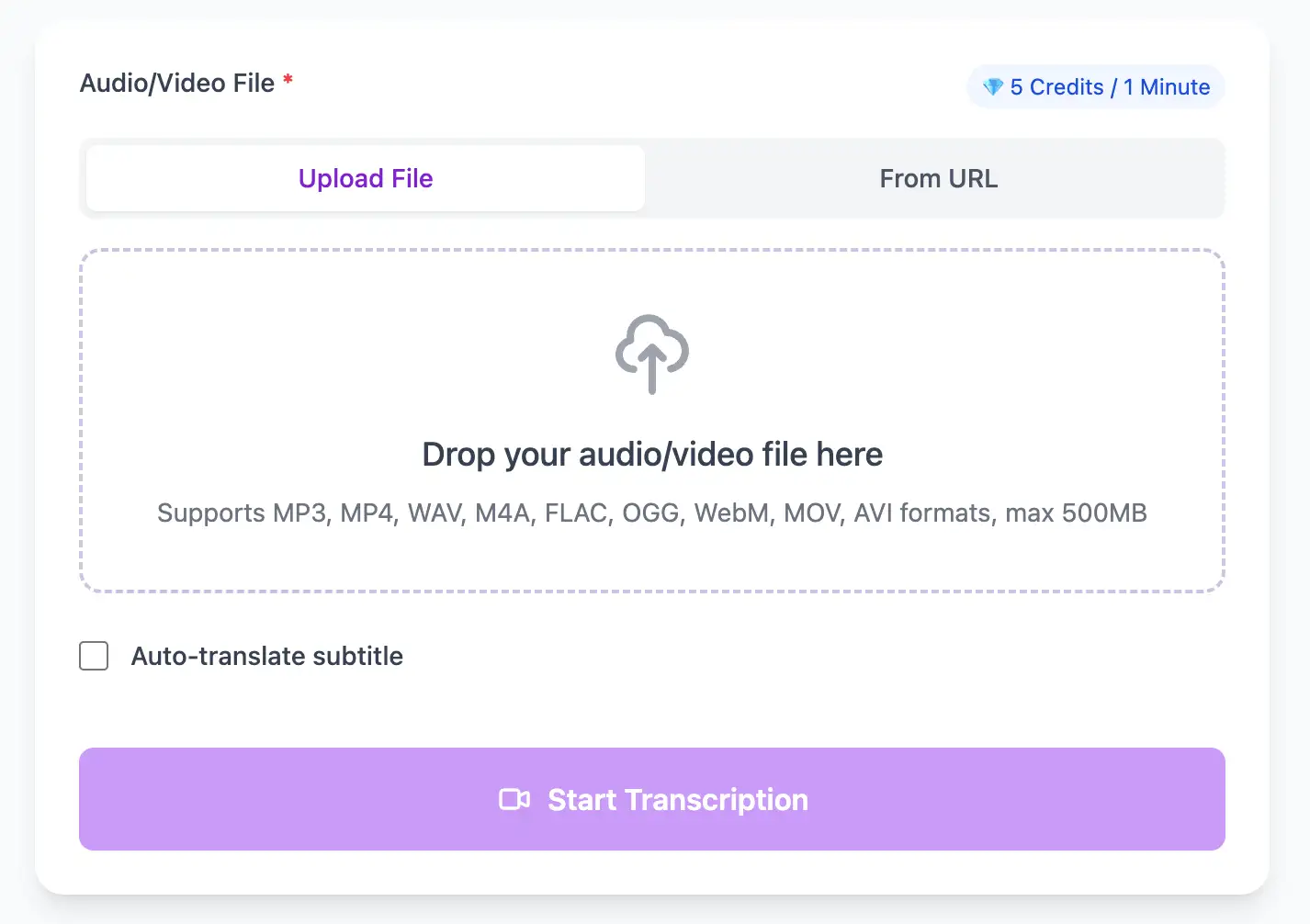
Upload audio and video files from your local device or simply paste a YouTube link
Click 'Transcribe' and wait for transcribing. It usually takes less than a minute to transcribe a 1-hour file
Export transcribed text as TXT, SRT, and VTT.
Academic terminology recognition trained on educational content across all major disciplines.
Compatible with Canvas, Blackboard, Moodle, Google Classroom, and Zoom recordings. Upload files or paste shareable links from your LMS.
Download the same transcript as WebVTT (.vtt), SubRip (.srt) or plain text (.txt)—one click, no re-processing.
Provide multilingual transcripts for international students. Technical terminology is preserved accurately across translations, supporting global education accessibility.
Create a free account and receive instant credits to test full transcription + translation—no payment info required.
Frame-perfect time codes let you upload subtitles straight to YouTube, VLC, Premiere Pro, TikTok.
All exported subtitle files are clean—no branding, no credit line, 100 % usable in professional workflows.
Get answers to common questions about Lecture transcription and speech to text conversion
Our models are trained on STEM, medical, legal, and business vocabulary. For highly specialized terms, you can add a short glossary before upload to further improve recognition.
Use timestamps to split the transcript by topic or slide, then convert each section into headings for fast review and study guides.
Yes. Providing transcripts supports ADA-style accessibility requirements and works well with screen readers and note-taking tools.
Absolutely. Students use transcripts to build summaries, flashcards, and searchable notes, which improves revision efficiency.
No credit card · 100+ languages · Results in minutes
Please sign in with Google Please enter your details to sign up. Enter the code we just sent to to verify your account. Complete your registration with your name and password. Enter your email to receive a reset code. Enter the code we just sent to to reset your password. Create a new password for your account.
Already have an account?