Speech to Text Online — Free AI Transcription in 100+ Languages

Record audio directly in your browser or upload an existing voice file to get accurate text with speaker labels and timestamps. Export as TXT, SRT, VTT, PDF, DOCX, or CSV (with or without timestamps). Supports 100+ languages. Free credits — no credit card needed.

10+ Formats
100+ Languages
AI-Powered
Live Demo

Speech Transcription Guide

Speech is often captured in the moment—during a meeting recap, a field interview, a voice memo, or a study session. The friction is not just transcription accuracy, but getting the audio into a workflow fast enough to stay useful. 1bit.ai solves both problems. You can upload an existing file or record audio directly in your browser, then turn spoken content into structured, searchable text with punctuation, timestamps, and speaker-aware formatting. It is built for people who need a fast path from microphone or recording file to usable written output.

Technical Specs

1bit.ai combines dynamic noise suppression, smart punctuation, and multilingual speech recognition across browser recordings and uploaded media files. Our AI identifies speaker changes, cleans up conversational filler where appropriate, and formats the output into a readable transcript. You can then export as plain text, subtitle files, or document formats, or continue into summaries and mind maps.

High Accuracy
Fast Processing
Multi-format

Use Cases for 1bit AI Speech to Text

1

Executive Meetings: Convert board meetings into concise minutes and action items automatically.

2

Legal and Medical: Get high-precision dictation for case files or patient notes with strict data privacy.

3

Education: Students can record lectures and receive both a full transcript and a bulleted summary for better studying.

4

Voice Notes: Capture ideas in the browser and turn them into clean text before they get lost.

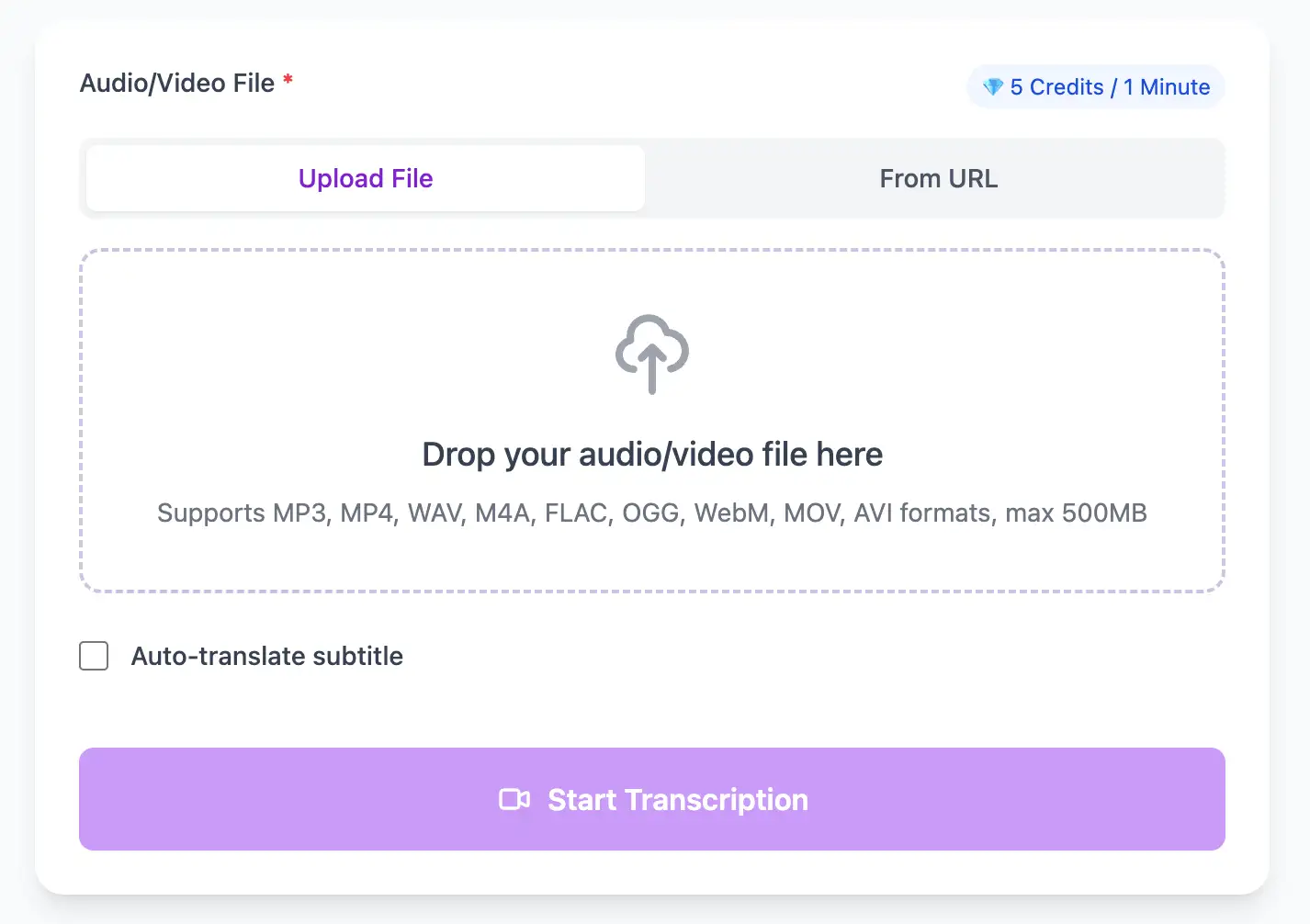
Speech to text AI interface - convert voice recordings to text
Ultra Fast

Convert Speech Audio to Text in Seconds

With AI technology, you can quickly turn your audio and video files into text in just a few minutes. It supports 98 languages and a range of formats including MP3, MP4, WAV, M4A, and more.

  • Process 1-hour Speech files in less than a minute
  • High accuracy speech recognition with automatic speaker identification
  • Native Speech format support with optimized decoding
Flexible Export

Export Speech Transcripts in Multiple Formats

Export Speech audio transcripts as TXT, SRT, VTT, PDF, DOCX, or CSV (with or without timestamps).

SRT / VTT / TXT / PDF / DOCX / CSV
Export transcripts in multiple formats - SRT, VTT, TXT, PDF, DOCX, CSV

Speech to Text Workflow for Recorded Audio

Choose the fastest input method for the moment, then export in the format your workflow needs.

1

Record or upload speech

Use the built-in browser recorder for quick microphone capture, or upload an existing audio or video file when the recording already exists.

2

Transcribe with AI

Our engine processes the recording, adds punctuation, and generates timestamps and speaker-aware structure for spoken content.

3

Export or summarize

Download TXT, SRT, VTT, PDF, DOCX, or CSV (with or without timestamps), or continue into summaries and mind maps for faster review.

Speech-to-Text Accuracy Optimization

Pro tips for converting Speech audio to text with maximum accuracy and efficiency

Speak Clearly and Naturally

Enunciate without over-pronouncing. Modern AI works best with natural speech patterns, not robotic dictation. Pause briefly between sentences for better punctuation detection.

Use a Quality Microphone

Even a $30 USB microphone dramatically outperforms laptop built-in mics. Position it 4-6 inches from your mouth and slightly off-axis to reduce plosives ("P" and "B" sounds).

Control Your Environment

Record in a quiet room away from HVAC vents, refrigerators, and computer fans. Soft furnishings (curtains, rugs, upholstered furniture) reduce echo and improve accuracy significantly.

Add Context for Technical Terms

When using jargon or technical vocabulary, provide brief context in your speech: "using TensorFlow—that's T-E-N-S-O-R-F-L-O-W—for machine learning." This helps AI models correctly identify specialized terms.

Speech to Text Use Cases for Professionals

Transform Speech files into searchable text, subtitles, and actionable insights for your specific workflow

Convert Speech to Text in Three Easy Steps

Upload your Speech audio file, enable speaker detection, then export timestamped transcripts

1

Upload Audio File

Upload audio and video files from your local device or simply paste a YouTube link

2

Click Transcribe

Click 'Transcribe' and wait for transcribing. It usually takes less than a minute to transcribe a 1-hour file

3

Export as Text

Export transcribed text as TXT, SRT, VTT, PDF, DOCX, or CSV—with or without timestamps.

Powerful Speech Transcription Features

AI-powered Speech to text conversion with speaker detection, timestamps, and multi-language support

Multi-Source Audio Input

Accept input from multiple sources: uploaded audio files, direct microphone recording, pasted URLs, and embedded voice messages.

Structured Text Output Options

Choose from structured formats: speaker-labeled dialogue, time-coded paragraphs, plain narrative text, PDF/DOCX/CSV (with or without timestamps), or segmented bullet points for different use cases.

Built-in Translation

Transcribe once, then auto-translate the subtitle to 100+ languages—perfect for global audiences.

Free Credits on Sign-Up

Create a free account and receive instant credits to test full transcription + translation—no payment info required.

Context-Aware Punctuation

Advanced NLP adds intelligent punctuation, paragraph breaks, and sentence structure based on semantic meaning and natural speech patterns.

No Watermark

All exported subtitle files are clean—no branding, no credit line, 100 % usable in professional workflows.

Frequently Asked Questions

Get answers to common questions about Speech transcription and speech to text conversion

Can I try speech-to-text for free?

Yes. We offer free credits when you register so you can test real-time and file-based transcription, speaker labels, and exports before choosing a plan.

How accurate is AI speech-to-text transcription?

Our models achieve up to 99% accuracy for clear audio with standard accents. Accuracy depends on audio quality, speaker accent, background noise, and technical vocabulary. Most professional use cases see 95-98% accuracy without post-editing.

What languages do you support?

We support over 100 languages including English, Spanish, Chinese (Mandarin/Cantonese), French, German, Japanese, Arabic, Hindi, Portuguese, Russian, and many more. Our AI also handles code-switching (mixing languages) in bilingual conversations.

Can your AI identify multiple speakers?

Yes, our speaker diarization (speaker separation) works automatically on multi-speaker recordings. We can distinguish and label up to 10+ speakers in a conversation, though accuracy is highest with 2-4 distinct voices.

Can I export my transcript?

Yes. Export as SRT, VTT, TXT, Word, PDF, DOCX, or CSV (with or without timestamps). Use timestamps for subtitles or structured text for documentation and search.

Does it understand accents and dialects?

Yes, our models are trained on diverse global datasets including various English accents (British, Australian, Indian, African), Spanish dialects (Latin American, Castilian), and regional variations of other major languages.

Have more questions? Contact us at

support@1bit.ai

No credit card · 100+ languages · Results in minutes