Optimize Audio Quality
Clear audio is the foundation of accurate transcription. Use a quality microphone positioned 4-6 inches from the speaker, record in a quiet environment, and keep volume levels consistent throughout.
The ultimate tool for transcribing modern web video. Turn your WebM screen recordings into scripts and captions in seconds.
WebM is the standard for the modern browser, used by most screen recording extensions and web-based video tools. If you've recorded a software demo or a remote session in Chrome, chances are it's a WebM file. WebM also supports features like transparent video layers and stream-friendly compression, which makes it popular for web delivery. 1bit.ai's WebM to text converter is purpose-built to handle these web-native files. We extract the high-quality Opus audio stream from the WebM container to provide transcription that matches the speed and efficiency of the web itself.
We support WebM files with VP8/VP9 and AV1 video codecs, and handle alpha-channel (transparent) video layers without impacting audio processing. The Opus audio track is optimized for streaming and low-latency playback, so our pipeline is tuned for the compression artifacts common in live or streamed WebM recordings.
SaaS Teams: Transcribe product demos and 'Loom-style' recordings to create help center articles and documentation.
Online Educators: Turn browser-based lecture recordings into accessible transcripts and study guides for students.
UX Researchers: Automatically transcribe user testing sessions recorded in WebM format for faster analysis.
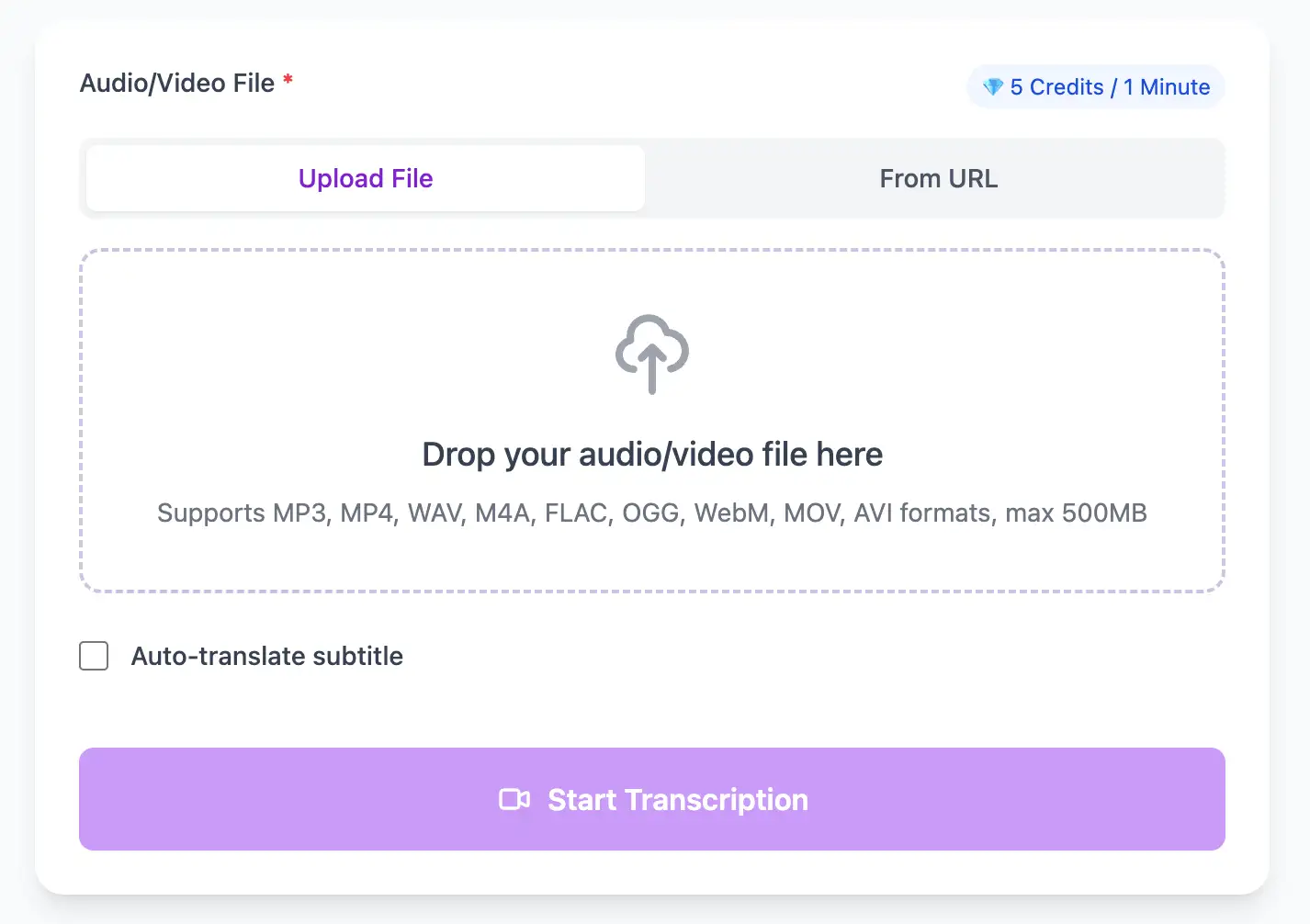
Native support for WebM web audio/video. Process browser recordings, screen captures, and streaming media with AI that handles web compression artifacts for clean, accurate transcripts.
Export WebM video transcripts as professional SRT, VTT subtitle files, or as TXT, PDF, DOCX, CSV (with or without timestamps).
Explore converters for formats similar to WebM
Move between web-native and production-ready formats.
Expert techniques for generating WebM video subtitles and transcripts with perfect timing
Clear audio is the foundation of accurate transcription. Use a quality microphone positioned 4-6 inches from the speaker, record in a quiet environment, and keep volume levels consistent throughout.
When uploading files, include relevant metadata like speaker names, topic, or industry. This context helps our AI better understand technical terminology and specialized vocabulary specific to your field.
While our AI achieves up to 99% accuracy, always review transcripts for critical applications. Use the time-synced playback feature to quickly verify unclear sections by listening to the original audio.
Choose your export format based on end use: SRT/VTT for video subtitles, plain text for documentation, Word/PDF/DOCX for professional reports (with or without timestamps), or CSV for spreadsheets. Using the right format saves time in downstream workflows.
Transform WebM files into searchable text, subtitles, and actionable insights for your specific workflow
Convert WebM videos into SRT/VTT subtitles for YouTube, TikTok, and Instagram.
Turn lecture recordings, classes or webinars into searchable notes or bilingual subtitles.
Create multi-language captions for WebM ads and demos—clean exports, no watermark.
Convert MP3, WAV, M4A, and OGG into readable text or timestamped subtitles for blogs or show notes.
Upload your WebM video or paste a link, then download SRT/VTT subtitles or plain text transcripts
Upload audio and video files from your local device or simply paste a YouTube link
Click 'Transcribe' and wait for transcribing. It usually takes less than a minute to transcribe a 1-hour file
Export transcribed text as TXT, SRT, VTT, PDF, DOCX, or CSV—with or without timestamps.
Professional WebM video transcription with subtitle generation, translation, and export options
Optimized for Chrome/Firefox screen recordings with VP8, VP9, and AV1 video codecs paired with Opus audio streams.
Download the same transcript as WebVTT (.vtt), SubRip (.srt), plain text (.txt), PDF, DOCX, or CSV—with or without timestamps. One click, no re-processing.
Transcribe once, then auto-translate the subtitle to 100+ languages—perfect for global audiences.
Create a free account and receive instant credits to test full transcription + translation—no payment info required.
Frame-perfect time codes let you upload subtitles straight to YouTube, VLC, Premiere Pro, TikTok.
All exported subtitle files are clean—no branding, no credit line, 100 % usable in professional workflows.
Get answers to common questions about WebM transcription and speech to text conversion
Yes. WebM is the default for Loom, Screencastify, and built-in Chrome capture. We are optimized for these browser-native recordings and handle them seamlessly.
Yes. WebM often uses Opus audio optimized for streaming. We extract the audio track and handle the compression artifacts common in live or streamed recordings.
Yes. Alpha-channel (transparent) WebM is common in motion graphics. We process the audio track regardless of visual transparency.
Yes, we support WebM containers with VP8, VP9, and AV1 video codecs. Our focus is on the Opus audio stream, so any video codec combination works.
Save YouTube videos or convert to MP4. Login once, use for free—no ads.
No credit card · 100+ languages · Results in minutes
Complete 7 consecutive days to collect higher rewards. Missing a day resets the streak.
Day 1
Today
Day 2
Upcoming
Day 3
Upcoming
Day 4
Upcoming
Day 5
Upcoming
Day 6
Upcoming
Day 7
Upcoming