1
Upload dailies or selects
Choose the version your editor will cut so dialogue references stay consistent.
Professional-grade transcription for QuickTime MOV files. Optimized for Apple devices and professional video workflows.
MOV is the heartbeat of the Apple creative ecosystem, used for everything from high-end ProRes cinematography to casual 4K iPhone clips. Because MOV files often carry high-bitrate audio and complex metadata, you need a transcription tool that understands the format's depth. 1bit.ai's MOV to text engine is designed for speed and precision, allowing video editors and content creators to skip the manual logging phase. We handle the heavy lifting of processing large MOV files, giving you frame-accurate transcripts that sync perfectly with your timeline.
Our system supports all major MOV codecs, including Apple ProRes, H.264, and HEVC. We feature frame-accurate timecode synchronization, which means the timestamps in your 1bit.ai transcript will match your QuickTime player's clock exactly, saving hours in the editing suite.
Professional Filmmakers: Generate dialogue scripts for dailies and assembly cuts directly from MOV camera files.
Vloggers: Turn iPhone MOV footage into multi-language subtitles and social media captions instantly.
Marketing Agencies: Transcribe ad spots and brand videos to ensure message consistency across all platforms.
Optimized for MOV files from mobile devices. Our voice enhancement technology boosts low-gain speech and filters background noise for clear, accurate transcripts from recordings captured on the go.
Export MOV video transcripts as professional SRT, VTT subtitle files, or as TXT, PDF, DOCX, CSV (with or without timestamps).
Explore converters for formats similar to MOV
Stay in sync with professional video timelines and deliver edit-ready transcripts.
Choose the version your editor will cut so dialogue references stay consistent.
Use frame-accurate timestamps to locate quotes inside QuickTime or your NLE.
Export TXT, DOCX, PDF, or CSV (with or without timestamps) for script reviews, and SRT/VTT for captioning passes.
Editors and producers staying on schedule.
“We used the transcript to build the rough cut faster and keep editors aligned.”
Renee Alvarez
Post Supervisor
“Timecode alignment makes pulling quotes for approvals painless.”
Caleb Wong
Documentary Editor
Bridge QuickTime and delivery formats.
Expert techniques for generating MOV video subtitles and transcripts with perfect timing
Clear audio is the foundation of accurate transcription. Use a quality microphone positioned 4-6 inches from the speaker, record in a quiet environment, and keep volume levels consistent throughout.
When uploading files, include relevant metadata like speaker names, topic, or industry. This context helps our AI better understand technical terminology and specialized vocabulary specific to your field.
While our AI achieves up to 99% accuracy, always review transcripts for critical applications. Use the time-synced playback feature to quickly verify unclear sections by listening to the original audio.
Choose your export format based on end use: SRT/VTT for video subtitles, plain text for documentation, Word/PDF/DOCX for professional reports (with or without timestamps), or CSV for spreadsheets. Using the right format saves time in downstream workflows.
Transform MOV files into searchable text, subtitles, and actionable insights for your specific workflow
Generate VTT or SRT subtitles for YouTube videos, TikTok, Instagram Reels and Facebook videos.
Turn lecture recordings, classes or webinars into searchable notes or bilingual subtitles.
Create multi-language captions for MOV ads and demos—clean exports, no watermark.
Convert MP3, WAV, M4A, and OGG into readable text or timestamped subtitles for blogs or show notes.
Upload your MOV video or paste a link, then download SRT/VTT subtitles or plain text transcripts
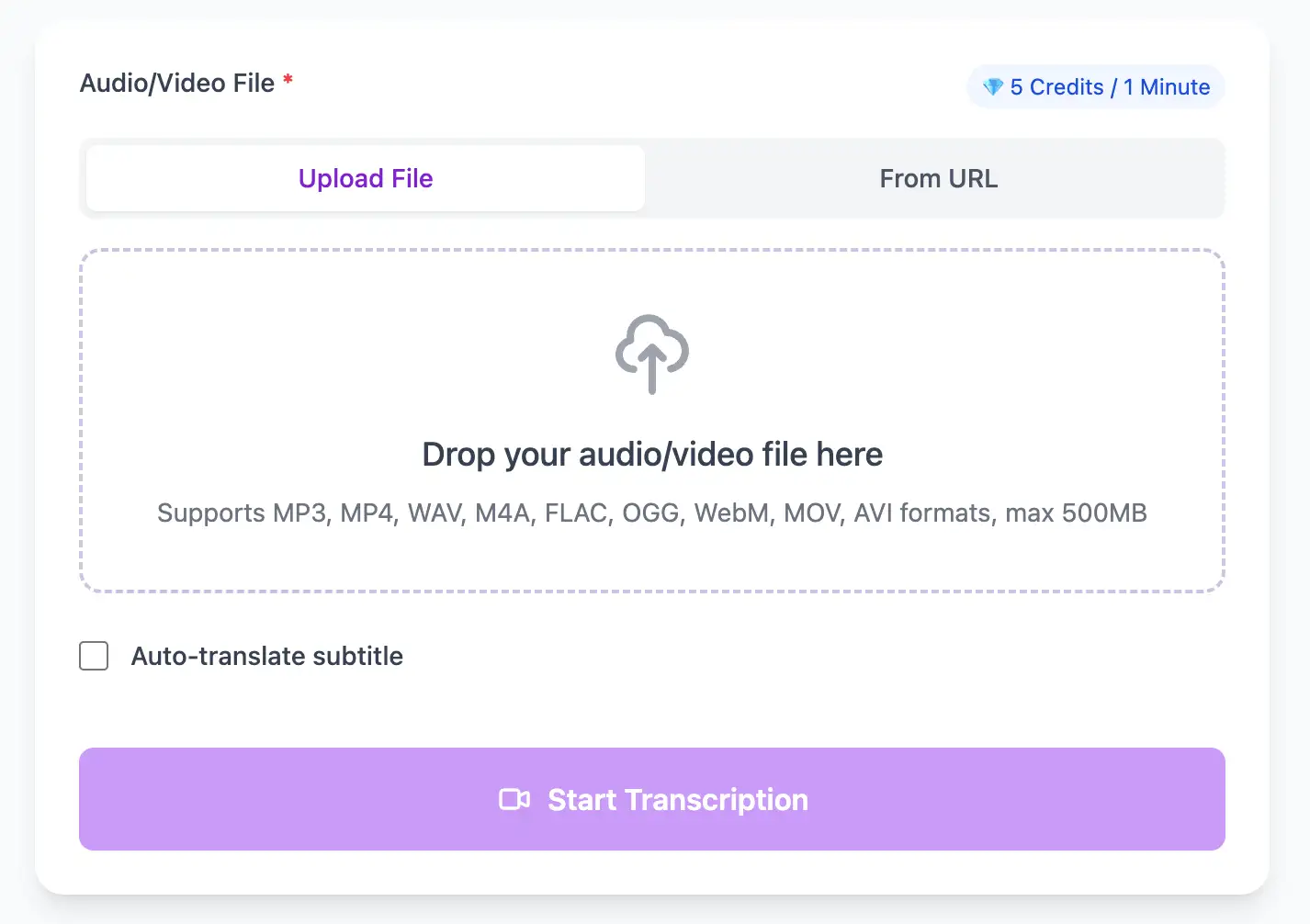
Upload audio and video files from your local device or simply paste a YouTube link
Click 'Transcribe' and wait for transcribing. It usually takes less than a minute to transcribe a 1-hour file
Export transcribed text as TXT, SRT, VTT, PDF, DOCX, or CSV—with or without timestamps.
Professional MOV video transcription with subtitle generation, translation, and export options
Complete QuickTime MOV support including Apple ProRes (all variants), H.264, HEVC, and legacy codecs like Animation and PNG.
Download the same transcript as WebVTT (.vtt), SubRip (.srt), plain text (.txt), PDF, DOCX, or CSV—with or without timestamps. One click, no re-processing.
Transcribe once, then auto-translate the subtitle to 100+ languages—perfect for global audiences.
Create a free account and receive instant credits to test full transcription + translation—no payment info required.
Frame-perfect time codes let you upload subtitles straight to YouTube, VLC, Premiere Pro, TikTok.
All exported subtitle files are clean—no branding, no credit line, 100 % usable in professional workflows.
Get answers to common questions about MOV transcription and speech to text conversion
Yes, we support all ProRes variants including ProRes 422, 422 HQ, 4444, and RAW. However, since we only process audio, consider extracting the audio track first to speed up uploads. ProRes video data isn't needed for transcription.
Yes, we generate frame-accurate timecodes that match QuickTime's native timecode format. Our SRT/VTT files import directly into professional NLEs with perfect sync, no manual offset adjustments required.
Yes, we handle all iPhone video formats including 4K at 60fps, HDR video, and Cinematic Mode recordings. Our system extracts the high-quality AAC audio track for transcription regardless of video resolution or frame rate.
Yes, if your MOV contains multiple audio tracks (common in professional productions), our system automatically selects the primary dialogue track. You can also extract and upload specific tracks separately using professional editing software.
Save YouTube videos or convert to MP4. Login once, use for free—no ads.
No credit card · 100+ languages · Results in minutes
Complete 7 consecutive days to collect higher rewards. Missing a day resets the streak.
Day 1
Today
Day 2
Upcoming
Day 3
Upcoming
Day 4
Upcoming
Day 5
Upcoming
Day 6
Upcoming
Day 7
Upcoming