1
Upload the original AVI
Keep the legacy codec intact so our decoder can recover the best audio signal.
Bring your legacy video archives into the AI age. Fast, modern transcription for even the oldest AVI files.
AVI (Audio Video Interleave) was the standard for Windows video for decades, and much of our digital history is stored in this format. However, AVI files can be tricky; they often use legacy codecs that modern tools struggle to read. 1bit.ai's AVI to text converter features a robust legacy-codec library, ensuring that even your oldest home movies, corporate archives, or legal evidence can be accurately transcribed. Don't let valuable information stay locked in an old format—use 1bit.ai to turn that legacy video into searchable, actionable text.
We support a wide range of legacy AVI codecs, including DivX, Xvid, and MJPEG. Our AI is trained to handle the lower-quality audio often found in older AVI recordings, using advanced reconstruction to improve word recognition in fuzzy or low-gain audio streams.
Archivists: Transcribe and index legacy video libraries to make them searchable for the first time.
Legal Professionals: Extract accurate text from older security or deposition footage stored in AVI format.
Family Historians: Turn old family videos into written stories and searchable memories.
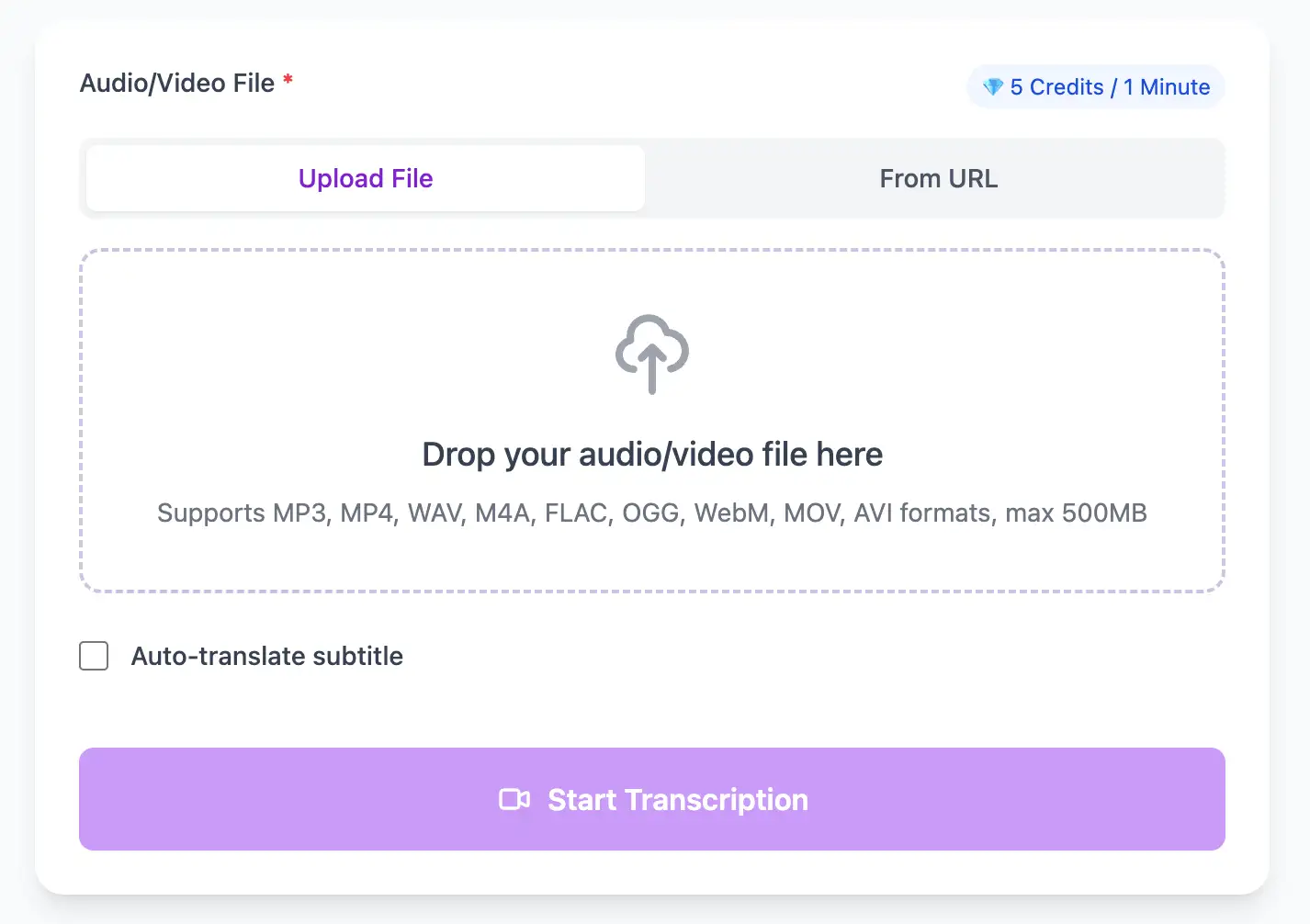
Extract perfect transcripts from AVI video files. Generate frame-accurate subtitles in SRT/VTT format, ready for video editing software and social media platforms.
Export AVI video transcripts as professional SRT, VTT subtitle files, or as TXT, PDF, DOCX, CSV (with or without timestamps).
Explore converters for formats similar to AVI
Bring older formats into modern searchable archives without losing context.
Keep the legacy codec intact so our decoder can recover the best audio signal.
Apply noise reduction and speech enhancement to improve intelligibility.
Download the transcript as TXT, PDF, DOCX, or CSV (with or without timestamps) for cataloging or evidence review.
Modern transcripts for legacy recordings.
“We finally indexed decades of AVI footage without manual transcribing.”
Megan Cole
Archive Manager
“The audio cleanup made older surveillance files usable for case review.”
Victor Shaw
Legal Analyst
Connect old footage with modern delivery formats.
Expert techniques for generating AVI video subtitles and transcripts with perfect timing
Clear audio is the foundation of accurate transcription. Use a quality microphone positioned 4-6 inches from the speaker, record in a quiet environment, and keep volume levels consistent throughout.
When uploading files, include relevant metadata like speaker names, topic, or industry. This context helps our AI better understand technical terminology and specialized vocabulary specific to your field.
While our AI achieves up to 99% accuracy, always review transcripts for critical applications. Use the time-synced playback feature to quickly verify unclear sections by listening to the original audio.
Choose your export format based on end use: SRT/VTT for video subtitles, plain text for documentation, Word/PDF/DOCX for professional reports (with or without timestamps), or CSV for spreadsheets. Using the right format saves time in downstream workflows.
Transform AVI files into searchable text, subtitles, and actionable insights for your specific workflow
Generate VTT or SRT subtitles for YouTube videos, TikTok, Instagram Reels and Facebook videos.
Turn lecture recordings, classes or webinars into searchable notes or bilingual subtitles.
Create multi-language captions for AVI ads and demos—clean exports, no watermark.
Convert MP3, WAV, M4A, and OGG into readable text or timestamped subtitles for blogs or show notes.
Upload your AVI video or paste a link, then download SRT/VTT subtitles or plain text transcripts
Upload audio and video files from your local device or simply paste a YouTube link
Click 'Transcribe' and wait for transcribing. It usually takes less than a minute to transcribe a 1-hour file
Export transcribed text as TXT, SRT, VTT, PDF, DOCX, or CSV—with or without timestamps.
Professional AVI video transcription with subtitle generation, translation, and export options
Comprehensive legacy codec library supporting DivX, Xvid, MJPEG, Cinepak, and other historical Windows video formats.
Download the same transcript as WebVTT (.vtt), SubRip (.srt), plain text (.txt), PDF, DOCX, or CSV—with or without timestamps. One click, no re-processing.
Transcribe once, then auto-translate the subtitle to 100+ languages—perfect for global audiences.
Create a free account and receive instant credits to test full transcription + translation—no payment info required.
Frame-perfect time codes let you upload subtitles straight to YouTube, VLC, Premiere Pro, TikTok.
All exported subtitle files are clean—no branding, no credit line, 100 % usable in professional workflows.
Get answers to common questions about AVI transcription and speech to text conversion
Yes, our system includes codec support for DivX, Xvid, MJPEG, Cinepak, and other legacy formats common in AVI containers. We can transcribe AVI files from the 1990s and early 2000s that modern tools often can't read.
Yes, but we compensate with audio restoration algorithms. Our AI includes noise reduction, hiss removal, and frequency enhancement specifically designed for degraded recordings common in old AVI archives.
Yes, this is a common use case for family archives and historical footage. While VHS capture quality is limited, our AI is trained on analog transfer characteristics and can produce surprisingly accurate transcripts from these sources.
No need—we handle AVI natively. In fact, converting might degrade audio quality further. Upload the original AVI file and let our system extract the audio directly without additional re-encoding.
Save YouTube videos or convert to MP4. Login once, use for free—no ads.
No credit card · 100+ languages · Results in minutes
Complete 7 consecutive days to collect higher rewards. Missing a day resets the streak.
Day 1
Today
Day 2
Upcoming
Day 3
Upcoming
Day 4
Upcoming
Day 5
Upcoming
Day 6
Upcoming
Day 7
Upcoming