Enable Original Sound in Zoom
In Zoom audio settings, enable "Original Sound" and "High fidelity music mode." This disables aggressive noise suppression that can remove important speech information.
Upload Zoom, Teams, or Google Meet recordings. Get a speaker-labeled transcript, AI meeting minutes, and action items. Export as TXT, SRT, VTT, PDF, DOCX, or CSV (with or without timestamps) — free to try.
Meetings are where decisions happen, but capturing everything discussed is nearly impossible while actively participating. Recording helps, but nobody has time to re-watch hour-long meetings. 1bit.ai solves this by converting your meeting recordings into organized transcripts with speaker labels, timestamps, and AI-generated summaries. Never miss an action item or important decision again—our AI highlights key points so you can quickly review what matters.
Our meeting transcription engine is optimized for multi-speaker conversations with varying audio quality. We support recordings from Zoom, Microsoft Teams, Google Meet, Webex, and any other platform that exports MP4, M4A, or MP3 files. Speaker diarization identifies who said what, even with 10+ participants.
Meeting Minutes: Automatically generate professional meeting minutes with attendees, topics discussed, and decisions made.
Action Item Extraction: AI identifies and highlights action items, deadlines, and assigned responsibilities from the conversation.
Searchable Archives: Build a knowledge base of all team meetings that anyone can search to find past discussions and decisions.
Async Communication: Share accurate transcripts with team members who couldn't attend, ensuring everyone stays aligned.
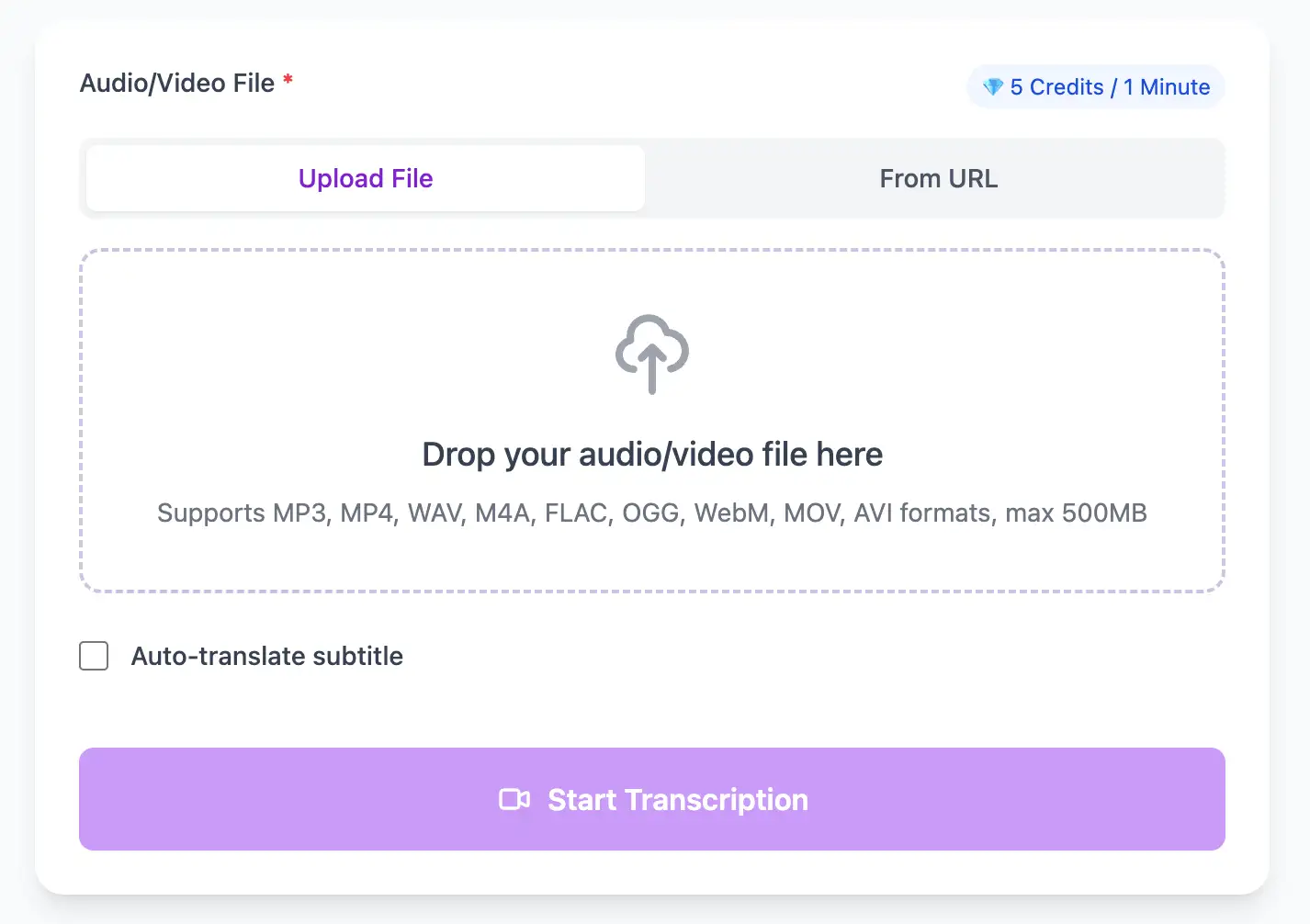
With AI technology, you can quickly turn your audio and video files into text in just a few minutes. It supports 98 languages and a range of formats including MP3, MP4, WAV, M4A, and more.
Export transcribed text as TXT, SRT, VTT, PDF, DOCX, or CSV (with or without timestamps).
Explore converters for formats similar to Meeting
Move from browser capture and call recordings to summaries, minutes, and searchable transcripts.
Professional techniques to maximize transcription accuracy and streamline your audio to text workflow
In Zoom audio settings, enable "Original Sound" and "High fidelity music mode." This disables aggressive noise suppression that can remove important speech information.
Encourage participants to mute when not talking. Background noise from multiple unmuted participants significantly reduces transcription accuracy and makes speaker identification harder.
Local recordings maintain higher audio quality than cloud recordings. Upload the local file to 1bit.ai for transcription instead of downloading from Zoom/Teams cloud storage.
Have participants introduce themselves at the start, or use a round-robin check-in. This helps AI map voices to names and improves speaker label accuracy throughout the meeting.
Transform Meeting files into searchable text, subtitles, and actionable insights for your specific workflow
Generate VTT or SRT subtitles for YouTube videos, TikTok, Instagram Reels and Facebook videos.
Turn lecture recordings, classes or webinars into searchable notes or bilingual subtitles.
Create multi-language captions for ads, product demos and client deliverables—no watermark.
Convert MP3, WAV, M4A, and OGG into readable text or timestamped subtitles for blogs or show notes.
Upload a file or paste a link, pick your output, then download clean text or subtitles with timestamps
Upload audio and video files from your local device or simply paste a YouTube link
Click 'Transcribe' and wait for transcribing. It usually takes less than a minute to transcribe a 1-hour file
Export transcribed text as TXT, SRT, VTT, PDF, DOCX, or CSV—with or without timestamps.
Multi-speaker conversation analysis with automatic action item and decision extraction.
Process recordings from Zoom, Microsoft Teams, Google Meet, Webex, GoToMeeting, and any platform that exports MP4/M4A/MP3 files.
Download the same transcript as WebVTT (.vtt), SubRip (.srt), plain text (.txt), PDF, DOCX, or CSV—with or without timestamps. One click, no re-processing.
Transcribe once, then auto-translate the subtitle to 100+ languages—perfect for global audiences.
Create a free account and receive instant credits to test full transcription + translation—no payment info required.
Frame-perfect time codes let you upload subtitles straight to YouTube, VLC, Premiere Pro, TikTok.
All exported subtitle files are clean—no branding, no credit line, 100 % usable in professional workflows.
Get answers to common questions about Meeting transcription and speech to text conversion
Yes, you can upload Zoom recordings directly or paste the shared link. However, local recordings typically have higher audio quality than cloud recordings, so we recommend recording locally when possible for best transcription accuracy.
Yes, our AI analyzes meeting conversations to identify action items, decisions, and assigned tasks. It highlights these in the transcript and can generate a summary of key takeaways and next steps.
Our speaker diarization works best with 2-8 participants. For larger meetings (10+ people), accuracy remains high for primary speakers who talk frequently, but occasional contributors may be harder to distinguish consistently.
Yes, we use enterprise-grade AES-256 encryption for uploads and processing. Files are automatically deleted after 7 days, and we offer immediate manual deletion. Our infrastructure is SOC 2 Type II compliant for enterprise customers.
Save YouTube videos or convert to MP4. Login once, use for free—no ads.
No credit card · 100+ languages · Results in minutes
Complete 7 consecutive days to collect higher rewards. Missing a day resets the streak.
Day 1
Today
Day 2
Upcoming
Day 3
Upcoming
Day 4
Upcoming
Day 5
Upcoming
Day 6
Upcoming
Day 7
Upcoming