Test Recording Equipment First
Always do a 30-second test recording before the actual interview. Check that both parties are audible and at similar volume levels. This prevents the disaster of unusable interview audio.
Upload your interview recording and get a speaker-labeled transcript with clickable timestamps. Export as TXT, SRT, VTT, PDF, DOCX, or CSV (with or without timestamps). Free for journalists, researchers, and HR teams.
Interviews are the foundation of journalism, research, and hiring decisions—but transcribing them manually takes 4-6 hours per hour of audio. This bottleneck slows down article deadlines, research analysis, and hiring processes. 1bit.ai eliminates this friction by delivering accurate transcripts with automatic speaker labels in minutes. Journalists can find quotes instantly, researchers can code qualitative data efficiently, and HR teams can review candidate responses without re-watching entire interviews.
Our interview transcription engine excels at two-party conversations with clear speaker separation. We support phone recordings, in-person interviews with varying microphone distances, and video call recordings. Timestamps are linked to the original audio, allowing you to click any quote and hear the exact moment it was spoken.
Journalism: Transcribe source interviews quickly to meet tight deadlines. Search transcripts to find the perfect quote for your story.
UX Research: Convert user interviews into analyzable text for affinity mapping, theme identification, and insight extraction.
Academic Research: Transcribe qualitative research interviews for coding, analysis, and inclusion in dissertations and papers.
HR & Recruiting: Review candidate interview responses efficiently without rewatching hours of video recordings.
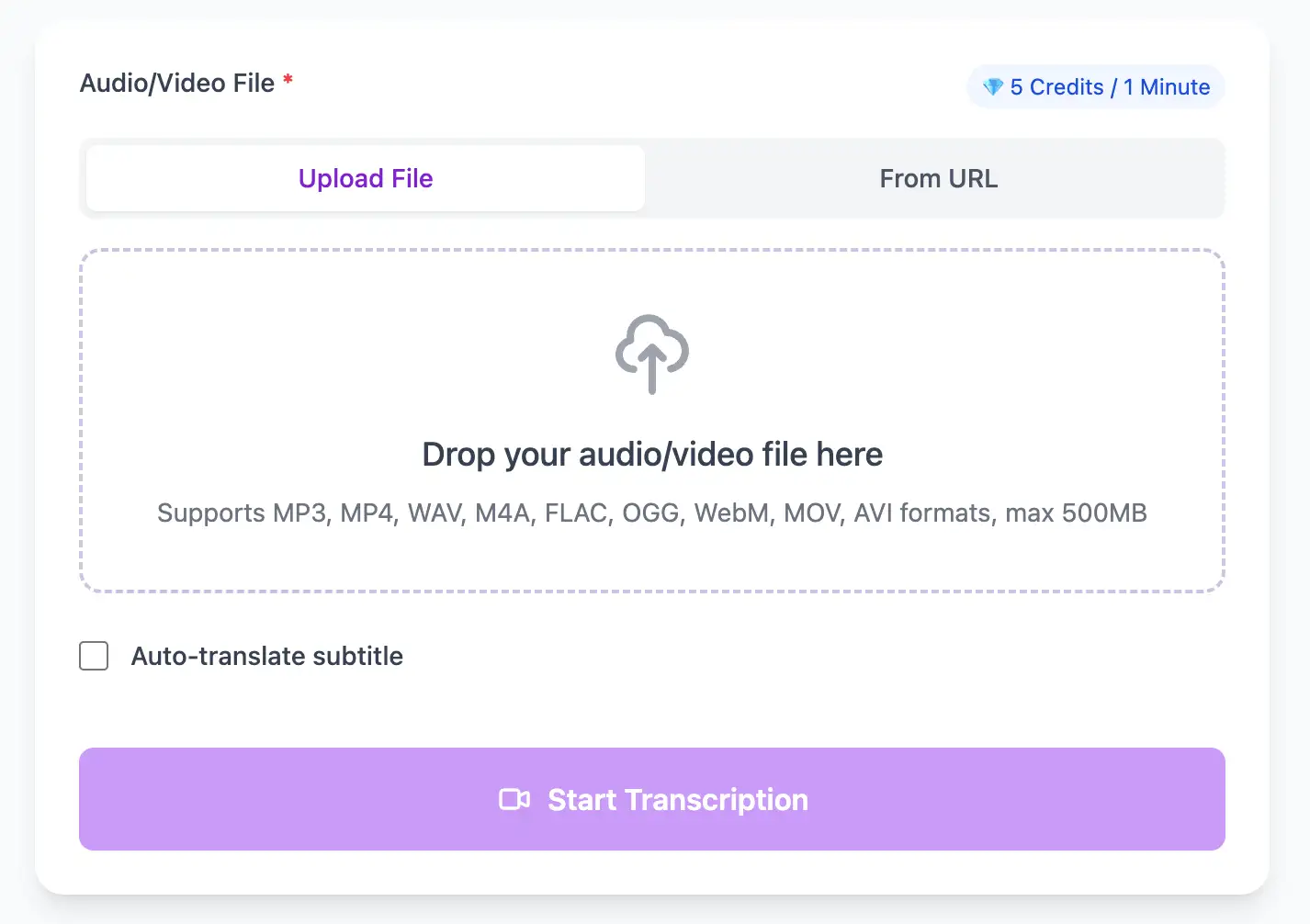
With AI technology, you can quickly turn your audio and video files into text in just a few minutes. It supports 98 languages and a range of formats including MP3, MP4, WAV, M4A, and more.
Export Interview audio transcripts as TXT, SRT, VTT, PDF, DOCX, or CSV (with or without timestamps).
Explore converters for formats similar to Interview
Move between browser capture, mobile recordings, and longer interview workflows.
Pro tips for converting Interview audio to text with maximum accuracy and efficiency
Always do a 30-second test recording before the actual interview. Check that both parties are audible and at similar volume levels. This prevents the disaster of unusable interview audio.
Record on two devices simultaneously (phone + laptop, or two phones). If one fails, you have a backup. For critical interviews, redundancy is non-negotiable.
Let the interviewee finish their thoughts before asking follow-ups. Overlapping speech reduces transcription accuracy and makes it harder to attribute quotes correctly.
When you hear a perfect quote during the interview, jot down the timestamp. After transcription, you can jump directly to those moments instead of searching through the entire text.
Transform Interview files into searchable text, subtitles, and actionable insights for your specific workflow
Generate VTT or SRT subtitles for YouTube videos, TikTok, Instagram Reels and Facebook videos.
Record lectures in Interview format and convert to searchable study notes with auto-translation.
Create multi-language captions for ads, product demos and client deliverables—no watermark.
Convert MP3, WAV, M4A, and OGG into readable text or timestamped subtitles for blogs or show notes.
Upload your Interview audio file, enable speaker detection, then export timestamped transcripts
Upload audio and video files from your local device or simply paste a YouTube link
Click 'Transcribe' and wait for transcribing. It usually takes less than a minute to transcribe a 1-hour file
Export transcribed text as TXT, SRT, VTT, PDF, DOCX, or CSV—with or without timestamps.
AI-powered Interview to text conversion with speaker detection, timestamps, and multi-language support
Handle professional microphone recordings, phone call audio (VoIP or cellular), voice memos, and field recordings with varying quality levels.
Download the same transcript as WebVTT (.vtt), SubRip (.srt), plain text (.txt), PDF, DOCX, or CSV—with or without timestamps. One click, no re-processing.
Transcribe once, then auto-translate the subtitle to 100+ languages—perfect for global audiences.
Create a free account and receive instant credits to test full transcription + translation—no payment info required.
Frame-perfect time codes let you upload subtitles straight to YouTube, VLC, Premiere Pro, TikTok.
All exported subtitle files are clean—no branding, no credit line, 100 % usable in professional workflows.
Get answers to common questions about Interview transcription and speech to text conversion
Yes, our interface allows you to rename generic speaker labels (Speaker 1, Speaker 2) to actual names (Journalist, John Smith). These custom labels are preserved when exporting transcripts to any format.
Yes, we're trained on various audio qualities including phone recordings (both VoIP and cellular). While audio quality affects accuracy, our AI includes enhancement algorithms specifically for telephone conversations.
Yes, use our search feature to find keywords or phrases across the entire transcript. Each result is clickable and links directly to that moment in the audio, allowing you to verify context immediately.
Yes, our timestamps are accurate to within 1-2 seconds, which is precise enough for professional journalism. You can click any quote in the transcript to hear the original audio and verify exact wording for publication.
Save YouTube videos or convert to MP4. Login once, use for free—no ads.
No credit card · 100+ languages · Results in minutes
Complete 7 consecutive days to collect higher rewards. Missing a day resets the streak.
Day 1
Today
Day 2
Upcoming
Day 3
Upcoming
Day 4
Upcoming
Day 5
Upcoming
Day 6
Upcoming
Day 7
Upcoming