1
Export clean OGG assets
Use consistent sample rates to keep transcription accuracy stable across files.
Fast, reliable AI transcription for OGG audio files. Optimized for web developers, gamers, and modern podcasters.
The OGG format, often using the Vorbis or Opus codecs, is the backbone of modern web audio and gaming due to its incredible efficiency. However, because it's an open-source container, many traditional transcription tools fail to support it properly. 1bit.ai provides full native support for OGG and Opus bitstreams. Whether you are transcribing in-game dialogue or web-based voice messages, our AI cuts through the compression to deliver a script that is both accurate and perfectly timed. It’s the essential tool for the open-web ecosystem.
1bit.ai's OGG engine is optimized for both high-bitrate Vorbis and low-latency Opus files. We handle variable bitrate (VBR) streams flawlessly, ensuring that even recordings with shifting quality levels remain consistently transcribed throughout the file.
Game Developers: Transcribe OGG game assets for localization or creating in-game subtitles.
Web Developers: Automatically generate text versions of OGG audio messages for accessibility compliance.
Podcasters: Convert Opus-encoded podcast streams into SEO-rich blog content and show notes.
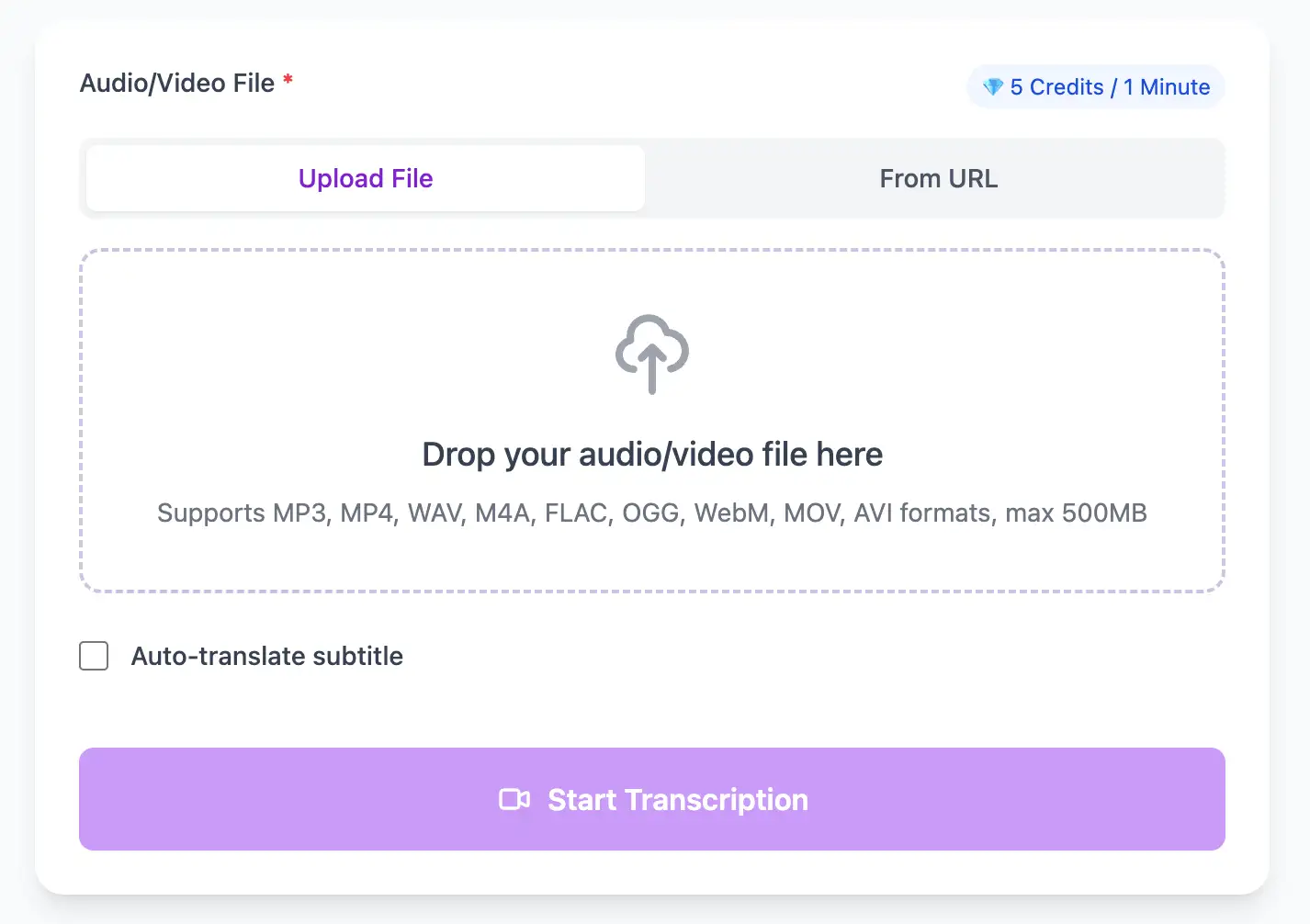
Native support for OGG web audio/video. Process browser recordings, screen captures, and streaming media with AI that handles web compression artifacts for clean, accurate transcripts.
Export OGG audio transcripts as TXT, SRT, VTT, PDF, DOCX, or CSV (with or without timestamps).
Explore converters for formats similar to OGG
Convert Opus or Vorbis audio into readable transcripts and web-friendly captions.
Use consistent sample rates to keep transcription accuracy stable across files.
Generate text versions of audio prompts and in-app voice messages.
Use VTT, SRT, TXT, PDF, DOCX, or CSV (with or without timestamps) for web players and in-game subtitle systems.
Teams shipping web audio with accurate captions.
“Our localization team now has scripts for every OGG asset in hours.”
Keiko Tanaka
Game Localization Manager
“We used the transcripts to meet accessibility requirements across our web app.”
Jared Holt
Web Platform Lead
Connect browser-native audio and video workflows.
Pro tips for converting OGG audio to text with maximum accuracy and efficiency
Clear audio is the foundation of accurate transcription. Use a quality microphone positioned 4-6 inches from the speaker, record in a quiet environment, and keep volume levels consistent throughout.
When uploading files, include relevant metadata like speaker names, topic, or industry. This context helps our AI better understand technical terminology and specialized vocabulary specific to your field.
While our AI achieves up to 99% accuracy, always review transcripts for critical applications. Use the time-synced playback feature to quickly verify unclear sections by listening to the original audio.
Choose your export format based on end use: SRT/VTT for video subtitles, plain text for documentation, Word/PDF/DOCX for professional reports (with or without timestamps), or CSV for spreadsheets. Using the right format saves time in downstream workflows.
Transform OGG files into searchable text, subtitles, and actionable insights for your specific workflow
Generate VTT or SRT subtitles for YouTube videos, TikTok, Instagram Reels and Facebook videos.
Record lectures in OGG format and convert to searchable study notes with auto-translation.
Create multi-language captions for ads, product demos and client deliverables—no watermark.
Convert OGG podcast files into readable text with speaker labels and timestamps for show notes.
Upload your OGG audio file, enable speaker detection, then export timestamped transcripts
Upload audio and video files from your local device or simply paste a YouTube link
Click 'Transcribe' and wait for transcribing. It usually takes less than a minute to transcribe a 1-hour file
Export transcribed text as TXT, SRT, VTT, PDF, DOCX, or CSV—with or without timestamps.
AI-powered OGG to text conversion with speaker detection, timestamps, and multi-language support
Full native support for both Vorbis and Opus codecs inside OGG containers, including variable bitrate streams and streaming formats.
Download the same transcript as WebVTT (.vtt), SubRip (.srt), plain text (.txt), PDF, DOCX, or CSV—with or without timestamps. One click, no re-processing.
Transcribe once, then auto-translate the subtitle to 100+ languages—perfect for global audiences.
Create a free account and receive instant credits to test full transcription + translation—no payment info required.
Frame-perfect time codes let you upload subtitles straight to YouTube, VLC, Premiere Pro, TikTok.
All exported subtitle files are clean—no branding, no credit line, 100 % usable in professional workflows.
Get answers to common questions about OGG transcription and speech to text conversion
Yes, we have full native support for both Vorbis and Opus audio inside OGG containers. Our system automatically detects which codec was used and applies the appropriate decoding and transcription pipeline.
From a transcription perspective, both are excellent when encoded at similar bitrates. Opus has advantages for low-bitrate speech (like voice calls at 32kbps), while Vorbis excels at higher bitrates typical in music and podcasts.
Yes, this is a common use case. Many game engines use OGG Vorbis for dialogue and voiceovers. We can transcribe these files for localization, subtitle creation, or documentation purposes in game development workflows.
Yes, we support OGG files from streaming sources including Icecast and live radio broadcasts. If you can download or capture the OGG stream to a file, we can transcribe it. Live streaming during broadcast requires separate capture solutions.
Save YouTube videos or convert to MP4. Login once, use for free—no ads.
No credit card · 100+ languages · Results in minutes
Complete 7 consecutive days to collect higher rewards. Missing a day resets the streak.
Day 1
Today
Day 2
Upcoming
Day 3
Upcoming
Day 4
Upcoming
Day 5
Upcoming
Day 6
Upcoming
Day 7
Upcoming