1
Keep original metadata
Upload the raw FLAC so titles, dates, and cue points stay aligned with the transcript.
Lossless audio deserves the highest AI accuracy. Upload your FLAC file and get a pristine transcript with speaker labels and timestamps. Free credits included.
FLAC (Free Lossless Audio Codec) is preferred by audiophiles and archivists because it preserves every bit of data from the original recording. When transcribing FLAC files, you need a tool that can handle this richness without downsampling. 1bit.ai respects the integrity of your FLAC files, using the uncompromised audio data to drive our AI models to their maximum performance. This results in transcription that captures subtle vocal nuances and technical terminology that compressed formats might lose, making it the ultimate choice for high-stakes archival projects.
Our engine supports 24-bit and 32-bit FLAC files with sample rates up to 192kHz. We maintain the original metadata during the process and utilize full-spectrum analysis to ensure that background noise in high-fidelity recordings is properly identified and ignored.
Music Historians: Transcribe liner notes, interviews, and studio sessions with 100% verbal accuracy.
Scientific Research: Convert high-fidelity field recordings and experimental audio into precise datasets.
Audio Engineers: Create searchable text logs for massive FLAC audio libraries without sacrificing quality.
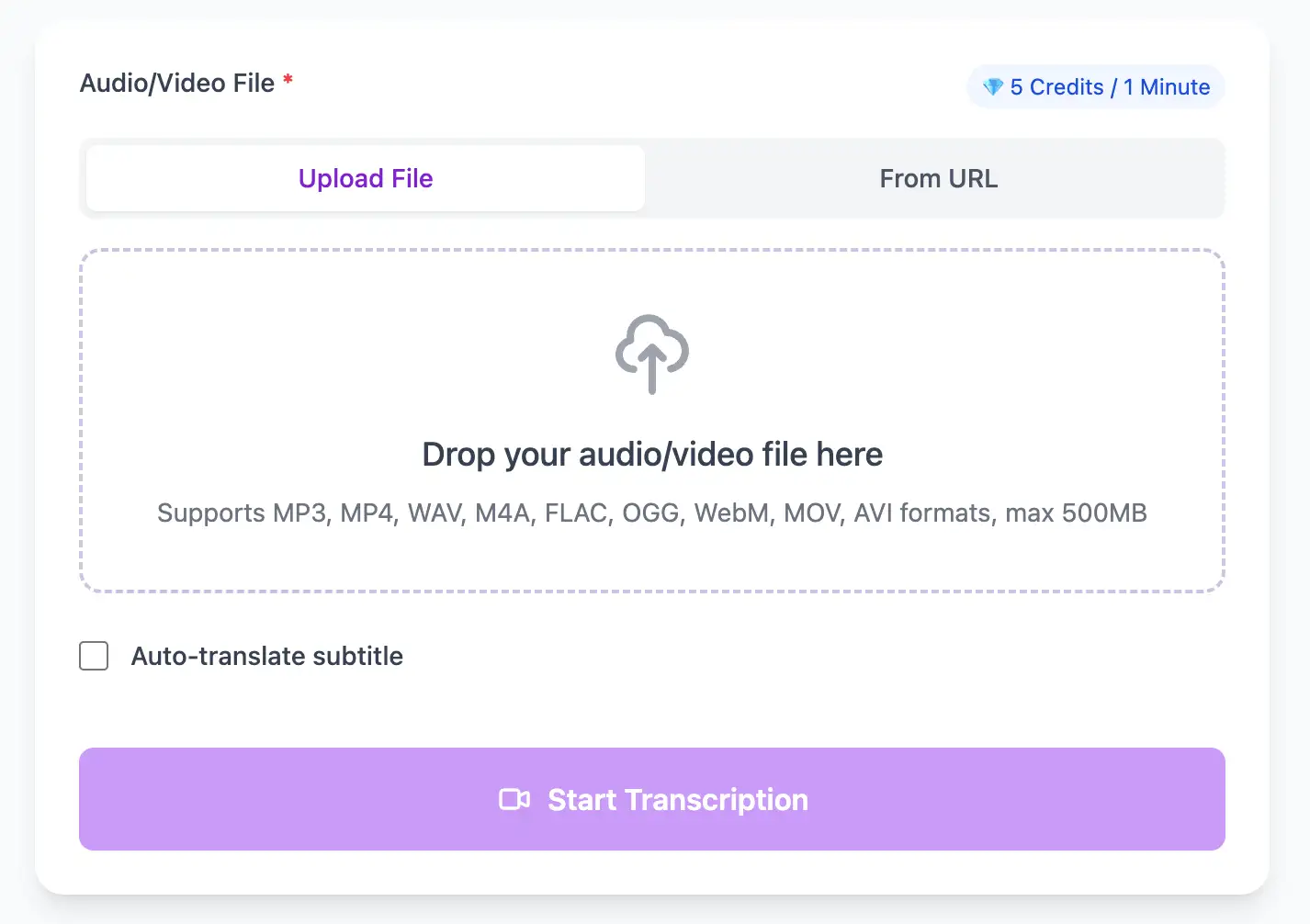
Leverage the full fidelity of FLAC files for maximum transcription accuracy. Our AI processes uncompressed audio to capture every nuance, delivering studio-grade transcripts with precise timestamps.
Export FLAC audio transcripts as TXT, SRT, VTT, PDF, DOCX, or CSV (with or without timestamps).
Explore converters for formats similar to FLAC
Keep archival metadata intact while turning high-fidelity recordings into text.
Upload the raw FLAC so titles, dates, and cue points stay aligned with the transcript.
Process multiple FLAC sessions together to maintain consistency across a collection.
Download structured TXT, DOCX, PDF, or CSV (with or without timestamps) for indexing, research, or archival catalogs.
Lossless audio translated into searchable records.
“We finally have searchable archives without compromising the original audio quality.”
Isabel Grant
Digital Archivist
“The transcripts captured technical terminology that other tools missed.”
Dr. Noah Lang
Field Researcher
Compare lossless and compressed workflows.
Pro tips for converting FLAC audio to text with maximum accuracy and efficiency
Clear audio is the foundation of accurate transcription. Use a quality microphone positioned 4-6 inches from the speaker, record in a quiet environment, and keep volume levels consistent throughout.
When uploading files, include relevant metadata like speaker names, topic, or industry. This context helps our AI better understand technical terminology and specialized vocabulary specific to your field.
While our AI achieves up to 99% accuracy, always review transcripts for critical applications. Use the time-synced playback feature to quickly verify unclear sections by listening to the original audio.
Choose your export format based on end use: SRT/VTT for video subtitles, plain text for documentation, Word/PDF/DOCX for professional reports (with or without timestamps), or CSV for spreadsheets. Using the right format saves time in downstream workflows.
Transform FLAC files into searchable text, subtitles, and actionable insights for your specific workflow
Generate VTT or SRT subtitles for YouTube videos, TikTok, Instagram Reels and Facebook videos.
Record lectures in FLAC format and convert to searchable study notes with auto-translation.
Create multi-language captions for ads, product demos and client deliverables—no watermark.
Convert FLAC podcast files into readable text with speaker labels and timestamps for show notes.
Upload your FLAC audio file, enable speaker detection, then export timestamped transcripts
Upload audio and video files from your local device or simply paste a YouTube link
Click 'Transcribe' and wait for transcribing. It usually takes less than a minute to transcribe a 1-hour file
Export transcribed text as TXT, SRT, VTT, PDF, DOCX, or CSV—with or without timestamps.
AI-powered FLAC to text conversion with speaker detection, timestamps, and multi-language support
Process high-resolution FLAC files up to 32-bit depth and 384kHz sample rate while preserving all metadata and embedded cue points.
Download the same transcript as WebVTT (.vtt), SubRip (.srt), plain text (.txt), PDF, DOCX, or CSV—with or without timestamps. One click, no re-processing.
Transcribe once, then auto-translate the subtitle to 100+ languages—perfect for global audiences.
Create a free account and receive instant credits to test full transcription + translation—no payment info required.
Frame-perfect time codes let you upload subtitles straight to YouTube, VLC, Premiere Pro, TikTok.
All exported subtitle files are clean—no branding, no credit line, 100 % usable in professional workflows.
Get answers to common questions about FLAC transcription and speech to text conversion
Yes, FLAC's lossless encoding preserves all audio information, typically resulting in 1-3% higher accuracy than 128kbps MP3. However, when compared to high-bitrate MP3 (320kbps), the difference narrows to less than 1%.
Yes, we support FLAC up to 32-bit depth and 384kHz sample rate. While extreme high-resolution doesn't significantly improve speech recognition, it ensures zero quality loss for archival projects and detailed acoustic analysis.
Yes, we extract CUE sheet data from FLAC files and can use it to create chapter markers in your transcript. This is particularly useful for transcribing classical music with movements or live concerts with multiple songs.
Processing time is based on audio duration, not file format. However, FLAC files are larger, so upload time may be longer on slower connections. Once uploaded, a 60-minute FLAC file processes in about 6-7 minutes regardless of resolution.
Save YouTube videos or convert to MP4. Login once, use for free—no ads.
No credit card · 100+ languages · Results in minutes
Complete 7 consecutive days to collect higher rewards. Missing a day resets the streak.
Day 1
Today
Day 2
Upcoming
Day 3
Upcoming
Day 4
Upcoming
Day 5
Upcoming
Day 6
Upcoming
Day 7
Upcoming