
image
Bulk upscale and enhance images with AI
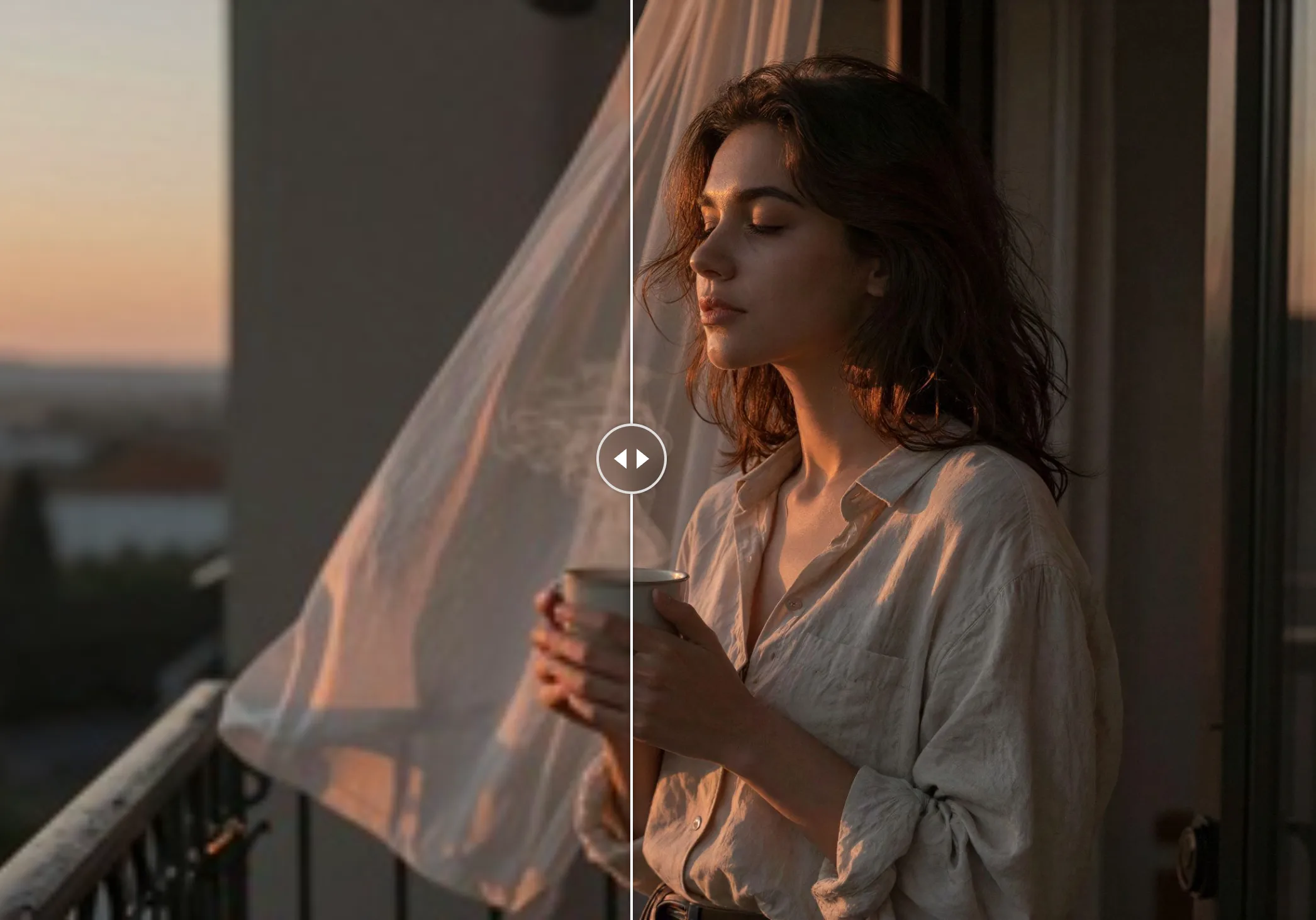
Enhance images in bulk instead of processing them one at a time. Upload up to 6 low-resolution photos, screenshots, or illustrations, choose 720p, 1080p, 1440p (2K), or 2160p (4K), and download sharper, higher-resolution results.
Bulk Image Upscale
Bulk upscale and enhance images to a sharper resolution up to 4K with AI.
Open full workspace10 credits per image.
Highlights
Built for Bulk Image Upscale
Process images in bulk
Upload up to 6 images at once and let one upscale run enhance every image in the batch.
AI detail enhancement
Recover texture, edges, and clarity while enlarging, giving sharper results than plain resizing.
Choose 720p to 4K
Pick the target resolution that fits your workflow, from HD social assets to 4K display-ready images.
How it works
How Bulk Image Upscale works
Upload images in bulk
Drop up to 6 JPG, PNG, or WebP files, up to 20 MB each.
Choose a target resolution
Select 720p, 1080p, 1440p, or 2160p. Higher resolutions cost more credits per image.
Review and download
See each enhanced result as soon as it is ready, then download images individually.
Capabilities
What it handles well right now
Common jobs
What people use Bulk Image Upscale for
Related workflow
More in Image Creation & Editing
Generate, edit, restore, and upscale images — the general-purpose image pipeline.
AI Image Generator
Create images and art from text prompts with AI.
AI Image Editor
Edit photos with simple text prompts, powered by Nano Banana.
AI Image Combine
Merge up to 6 photos into one seamless AI composition.
AI Sketch Maker
Turn any photo into a pencil sketch, ink drawing, line art, charcoal portrait, or one of 13 hand-drawn styles.
AI Emoji Sticker Pack
Turn one subject into a coordinated emoji sticker set across expressions, reactions, occasions, and costumes.
AI Character Pose Pack
Turn one character photo into a whole pack of poses — same face, same outfit, new gestures.
FAQ