
image
Create perfect couple photos from two separate images
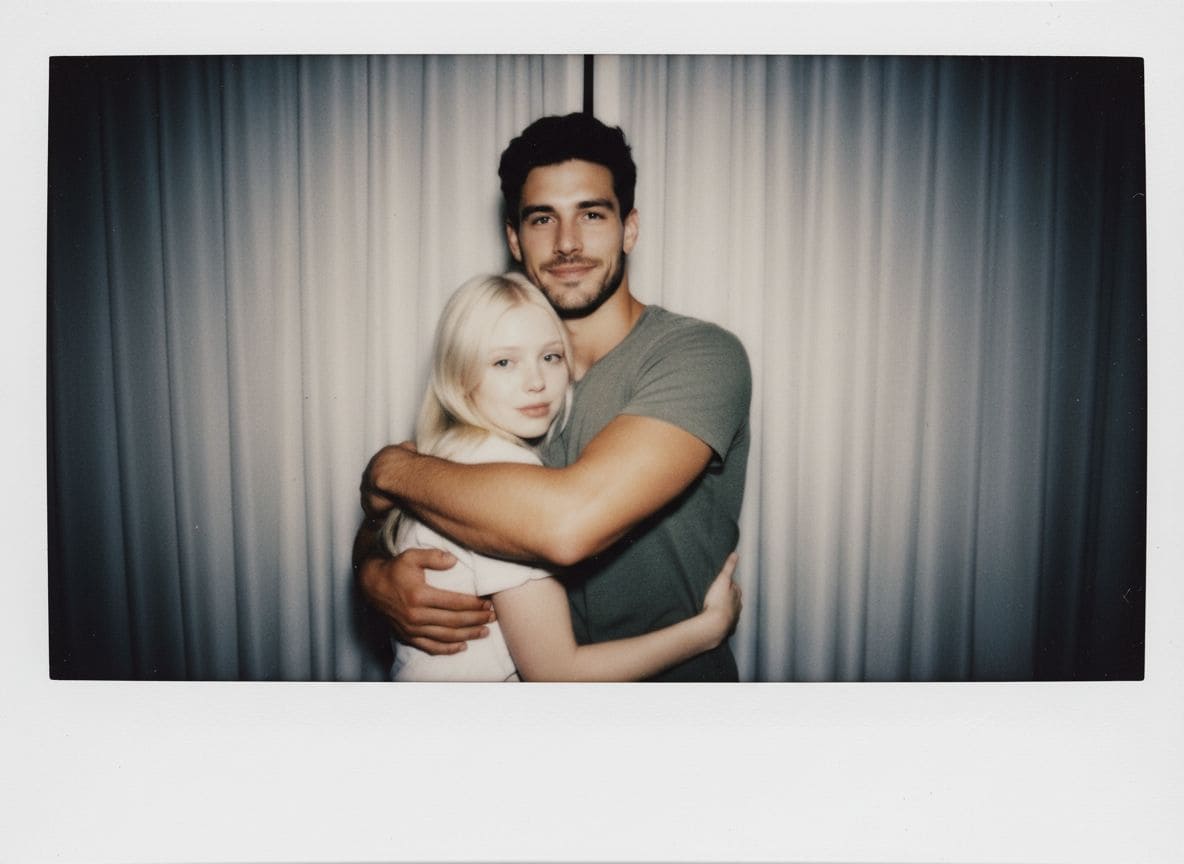
Upload an individual photo of each person and AI blends them into one shared romantic moment, with matched lighting and a unified background. Pick a scene like a romantic hug, beach date, or daily portrait, or describe your own. Perfect for long-distance couples, memorial tributes, and wedding-style memories without a photoshoot.
Couple Photo Mixer
Merge two separate photos into one romantic couple portrait.
Open full workspace10 credits per image.
Highlights
Built for Couple Photo Mixer
Natural blending
AI matches lighting and shadows so both people look photographed together in one scene.
Scene presets or custom
Choose Romantic Hug, Beach Date, Daily Portrait, Lovely Couple, or Fashion Swap, or describe your own.
Great for memories and gifts
Create keepsake portraits for long-distance couples or memorial tributes.
How it works
How Couple Photo Mixer works
Upload two individual photos
Add a clear photo of each person. Full-body or half-body shots with good lighting work best.
Choose a romantic scene
Select a preset like Romantic Hug or Beach Date, or describe a custom scene.
Download your couple photo
AI blends the two into a natural couple portrait ready to share or print.
Capabilities
What it handles well right now
Common jobs
What people use Couple Photo Mixer for
Related workflow
More in Image Creation & Editing
Generate, edit, restore, and upscale images — the general-purpose image pipeline.
AI Image Generator
Create images and art from text prompts with AI.
AI Image Editor
Edit photos with simple text prompts, powered by Nano Banana.
AI Image Combine
Merge up to 6 photos into one seamless AI composition.
AI Sketch Maker
Turn any photo into a pencil sketch, ink drawing, line art, charcoal portrait, or one of 13 hand-drawn styles.
AI Emoji Sticker Pack
Turn one subject into a coordinated emoji sticker set across expressions, reactions, occasions, and costumes.
AI Character Pose Pack
Turn one character photo into a whole pack of poses — same face, same outfit, new gestures.
FAQ