
image
The professional AI Portrait Studio in your pocket
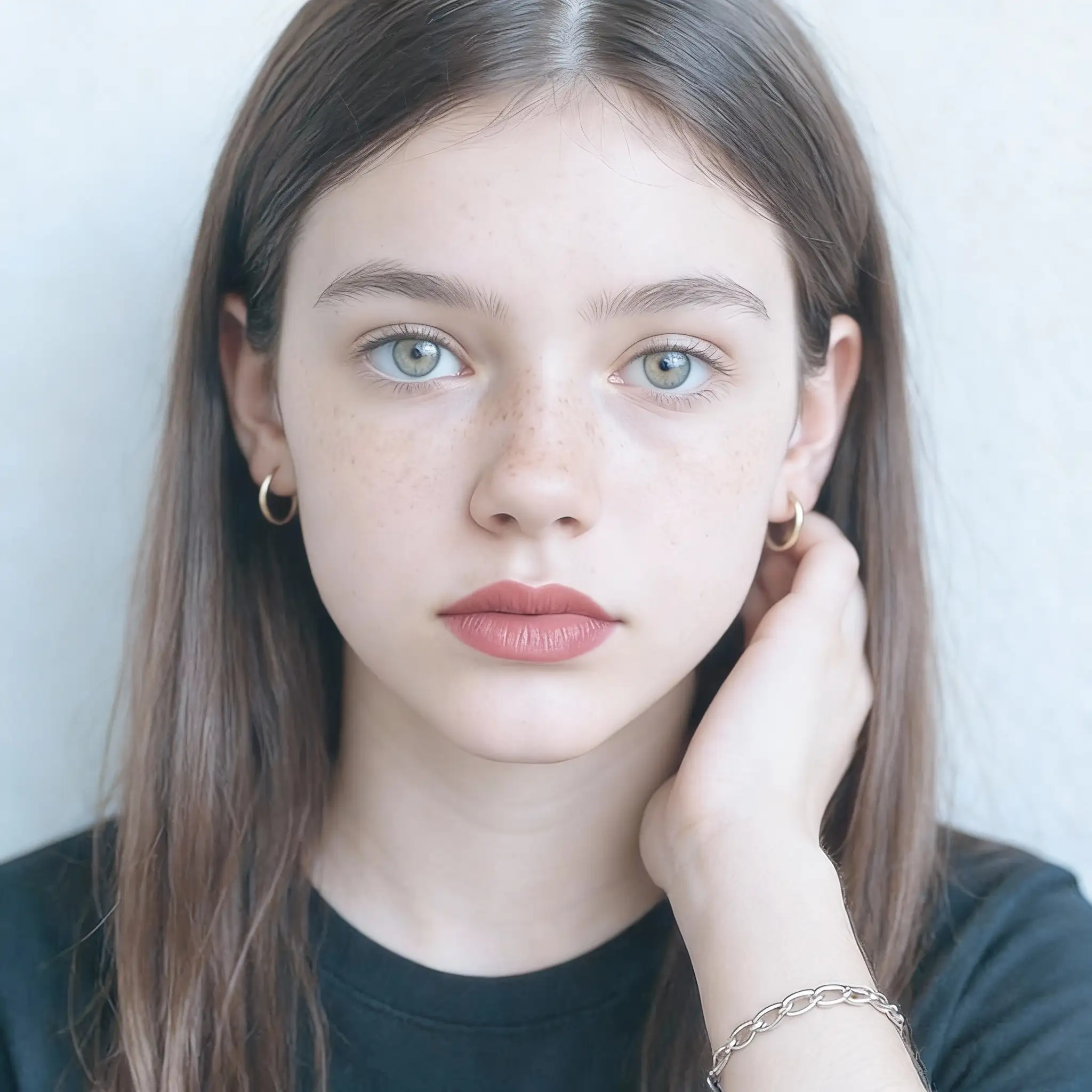
Upload a selfie or casual photo and turn it into a masterpiece using legendary camera simulations, cinematic lighting, and timeless cultural aesthetics. Choose from professional ID photos, fashion editorials, Fujifilm and Kodak film looks, golden-hour glow, or classic Chinese dynasty styles. Perfect for social media, LinkedIn, or personal keepsakes.
AI Portrait Generator
Turn selfies into studio-quality portraits with camera and film styles.
Open full workspace5 credits per image.
Highlights
Built for AI Portrait Generator
15 photography styles
Japanese Fresh, Urban Street, Professional ID, Golden Hour, Fujifilm, Sony Alpha, Kodak Portra 400, 90s Magazine Flash, Vogue editorial, Classic Studio, Home Boudoir, Business Executive, Wei-Jin, Tang Dynasty, and Wuxia.
Authentic camera simulation
The AI replicates the color science, texture, grain, and skin-tone rendering of brands like Fujifilm, Sony, and Canon, and classic film stocks like Kodak Portra 400.
No expensive gear needed
Start with a phone selfie and get professional lighting, depth of field, and color grading in seconds.
How it works
How AI Portrait Generator works
- 1
Upload your portrait
Use a clear photo with your face well-lit and facing the camera; batch upload up to 10 photos at once.
- 2
Choose a photography style
Select from professional ID, editorial, Fujifilm, Kodak Portra, golden hour, or a dynasty look, and set the aspect ratio.
- 3
Enhance your portrait
The AI develops your photo with professional lighting and camera-grade rendering.
- 4
Download the high-definition result
Get a high-resolution portrait ready for LinkedIn, applications, or printing.
Capabilities
What it handles well right now
Common jobs
What people use AI Portrait Generator for
Related workflow
More in Image Creation & Editing
Generate, edit, restore, and upscale images — the general-purpose image pipeline.
AI Image Generator
Create images and art from text prompts with AI.
AI Image Editor
Edit photos with simple text prompts, powered by Nano Banana.
AI Image Combine
Merge up to 6 photos into one seamless AI composition.
AI Sketch Maker
Turn any photo into a pencil sketch, ink drawing, line art, charcoal portrait, or one of 13 hand-drawn styles.
AI Emoji Sticker Pack
Turn one subject into a coordinated emoji sticker set across expressions, reactions, occasions, and costumes.
AI Character Pose Pack
Turn one character photo into a whole pack of poses — same face, same outfit, new gestures.
FAQ