
image
Restore old photos online with AI
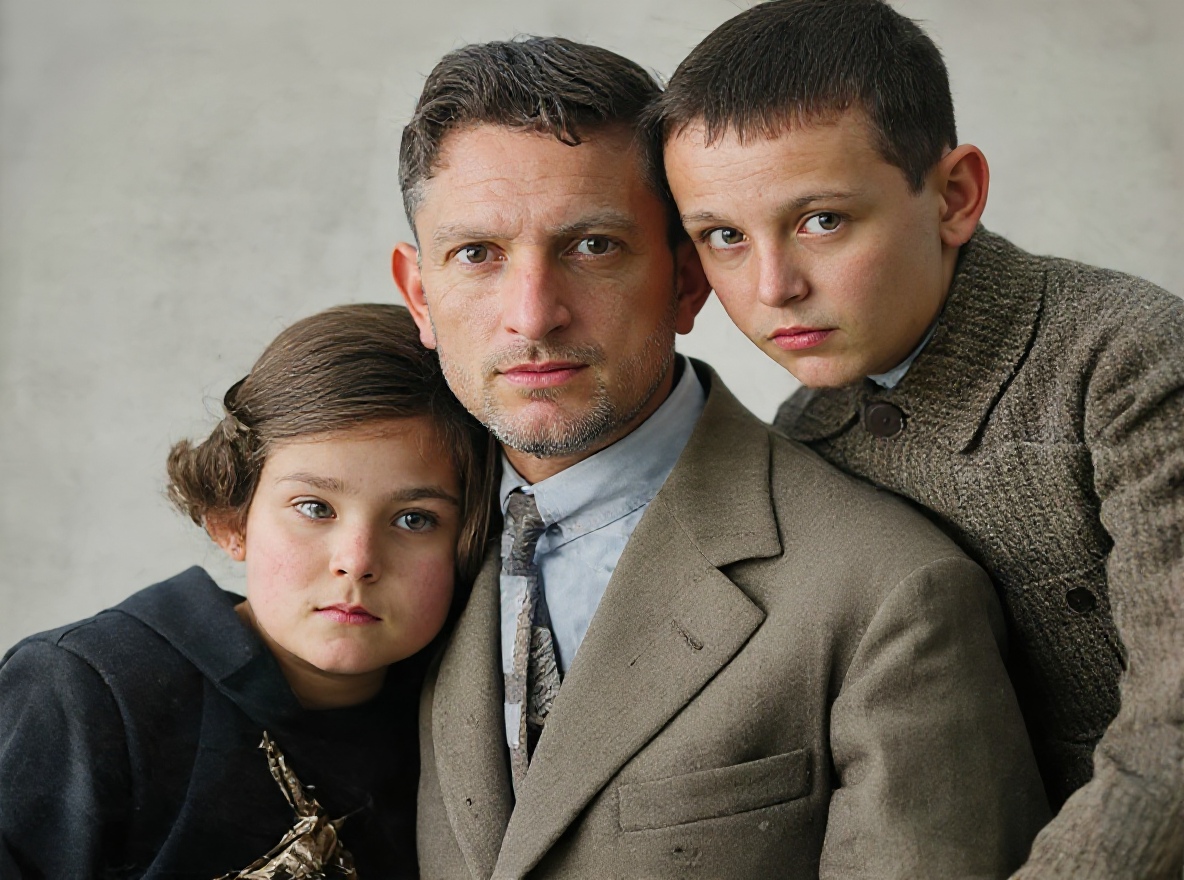
Upload a faded, scratched, or damaged photograph and the AI repairs and enhances it automatically — mending scratches, tears, creases, and stains while restoring faded colours and reconstructing lost detail. Bring precious family memories back to life and preserve them for future generations.
Old Photo Restoration
Restore old, scratched, and faded photos to like-new condition with AI.
Open full workspace5 credits per image.
Highlights
Built for Old Photo Restoration
Physical damage repair
The AI analyses surrounding pixels and textures to fill in scratches, tears, creases, and missing areas while preserving the original character of the photo.
Color restoration and colorization
Restores faded and discolored prints to authentic tones, or brings lifelike color to black-and-white and sepia photos.
High-resolution output
Deliver a like-new, high-resolution image ready for printing, sharing, or digital archiving.
How it works
How Old Photo Restoration works
- 1
Upload your damaged photo
Upload any old, scratched, or faded photograph in JPEG, PNG, or WebP; high-resolution scans give the best results.
- 2
AI analyzes and restores
The AI automatically detects and repairs damage, removes scratches, and restores colors in one pass.
- 3
Download the restored photo
Save the high-resolution restored version, ready for printing, sharing, or archiving.
Capabilities
What it handles well right now
Common jobs
What people use Old Photo Restoration for
Related workflow
More in Image Creation & Editing
Generate, edit, restore, and upscale images — the general-purpose image pipeline.
AI Image Generator
Create images and art from text prompts with AI.
AI Image Editor
Edit photos with simple text prompts, powered by Nano Banana.
AI Image Combine
Merge up to 6 photos into one seamless AI composition.
AI Sketch Maker
Turn any photo into a pencil sketch, ink drawing, line art, charcoal portrait, or one of 13 hand-drawn styles.
AI Emoji Sticker Pack
Turn one subject into a coordinated emoji sticker set across expressions, reactions, occasions, and costumes.
AI Character Pose Pack
Turn one character photo into a whole pack of poses — same face, same outfit, new gestures.
FAQ